
Blog
Slide library
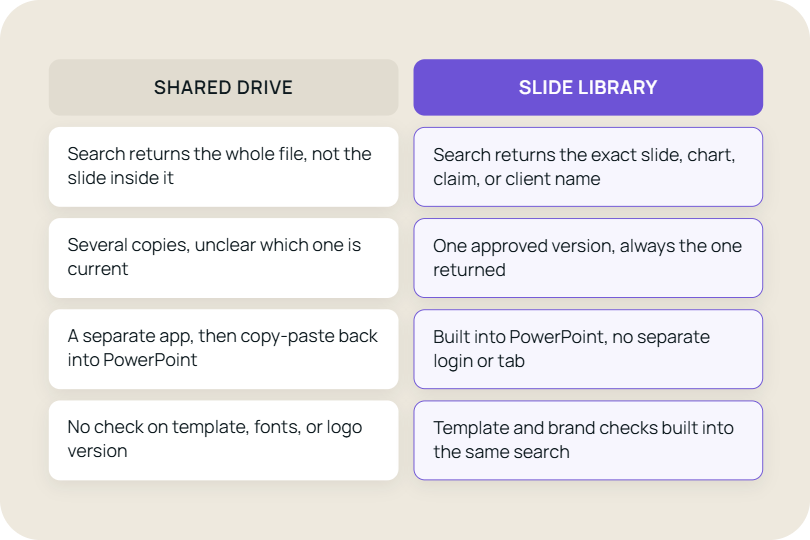

How searchable PowerPoint slides, version control, and content access can solve the problems that shared drives leave behind.
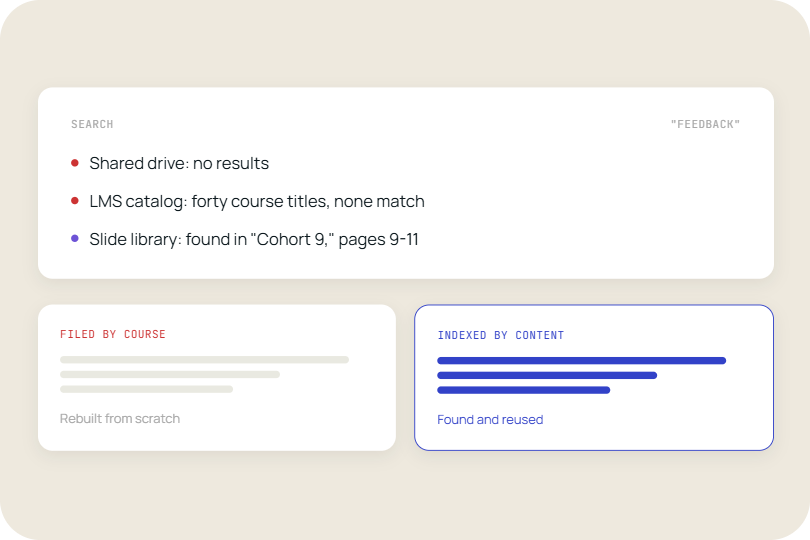
How searchable training libraries help instructional designers find, reuse, and update content instead of rebuilding modules that already exist.
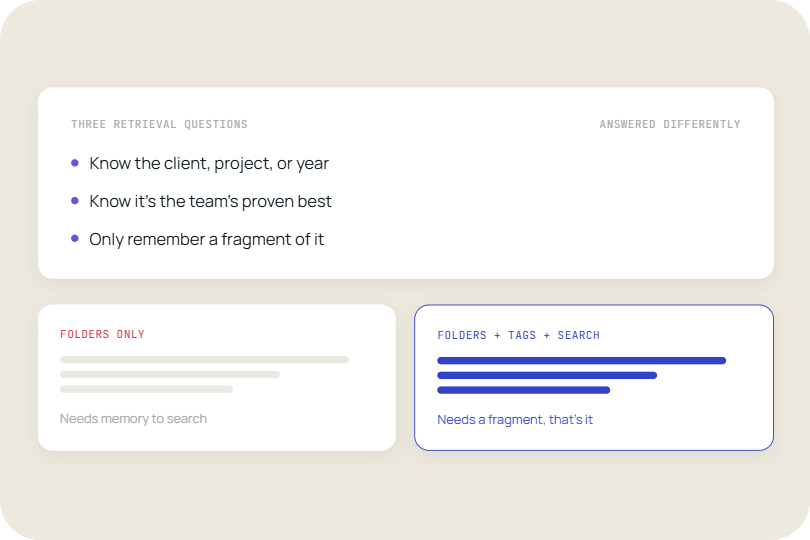
Most teams get good at one of these and treat the other two as a filing problem. People actually come at this with three different questions when they're trying to find a slide.
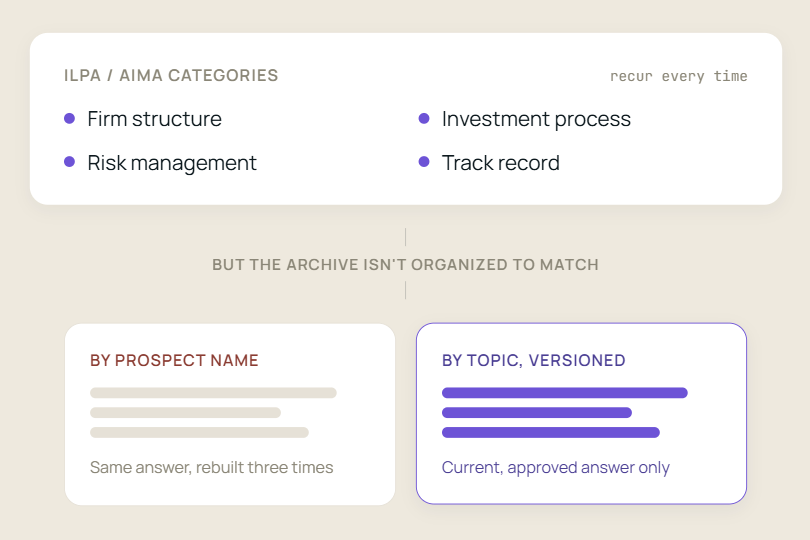
Why boutique investment managers struggle to retrieve past DDQ answers, and how a searchable content library can make the process faster and more consistent.
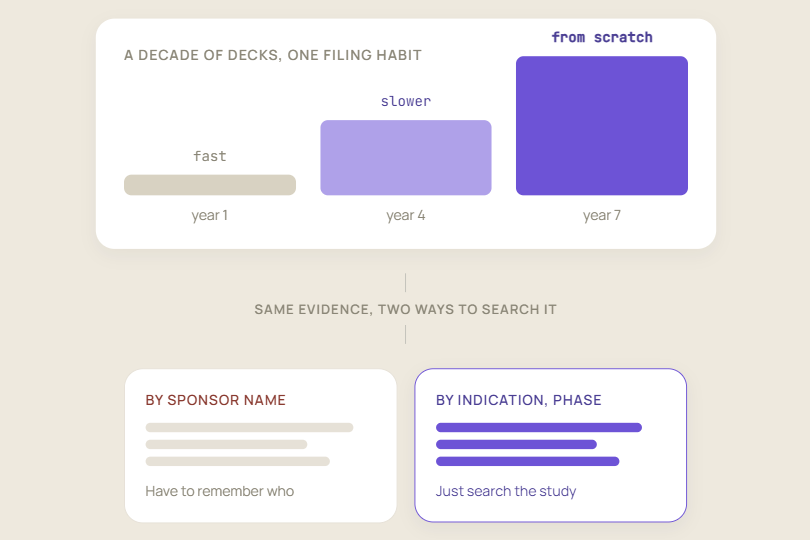
The best proof for a sponsor-specific bid defense may already exist in your past decks. The challenge is finding the right slides quickly when they’re buried in client-specific repositories.
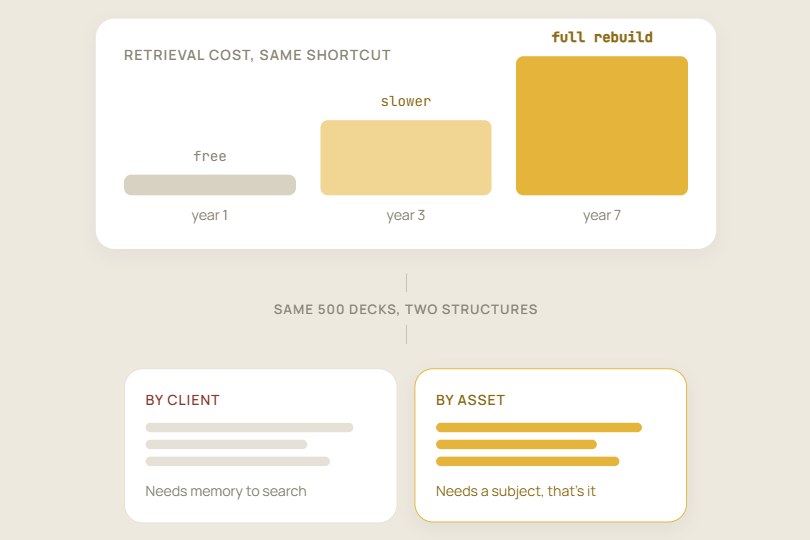
Why organizing content by client instead of by asset turns every future proposal into a retrieval problem.
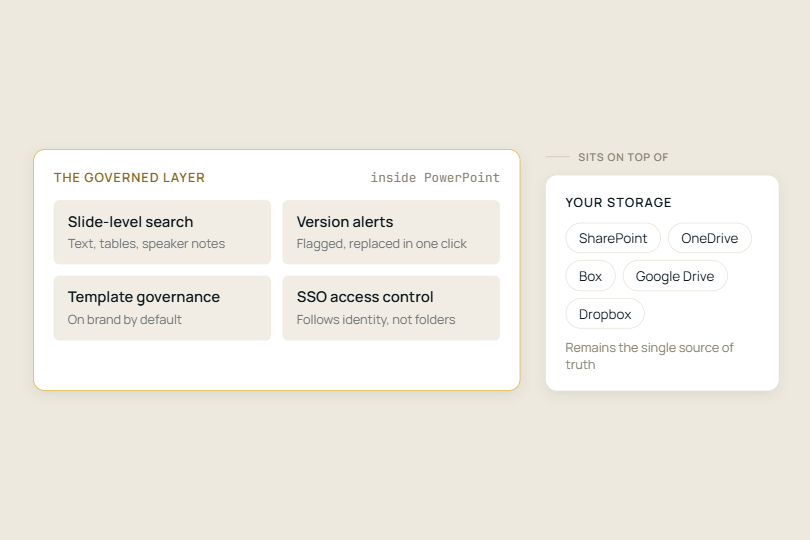
Managing slide content goes beyond storing files: it requires control over what people find, use, share, and update.
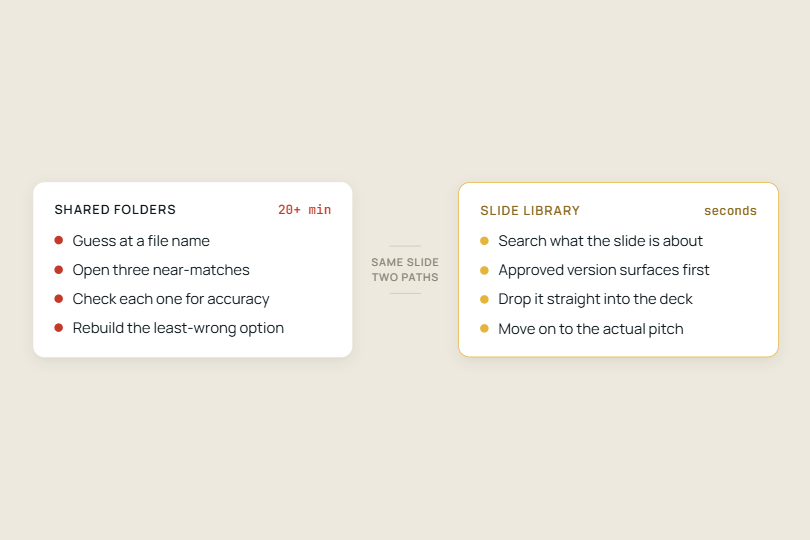
Sales reps lose hours per pitch hunting for slides. See how a searchable slide library and AI slide generation cut build time to minutes.
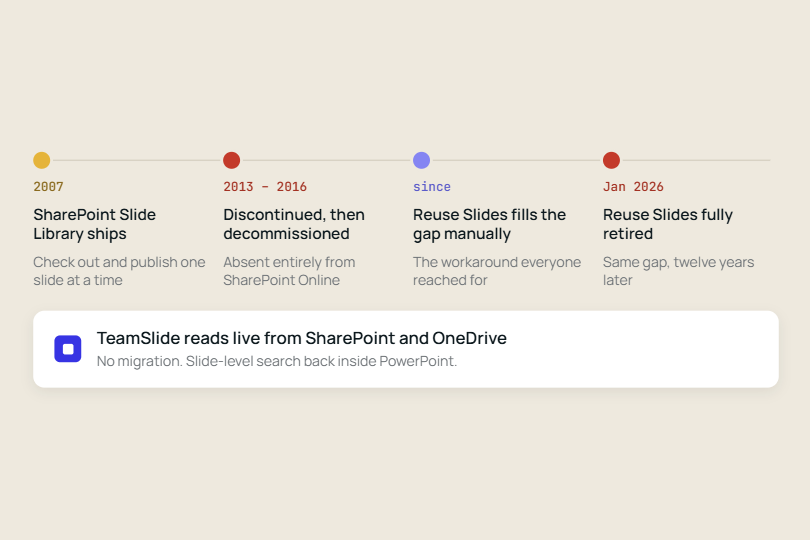
Two Microsoft features meant to solve the same problem have now both been discontinued, a decade apart, and neither absence was ever really filled by Microsoft.

Learn how a centralised slide library keeps sales, marketing, and consulting teams on-brand, reduces rework, and replaces the chaos of shared folders.

Construction firms rebuild the same proposal slides on every RFP because content sits in scattered folders, not a searchable library.

Most companies treat slide libraries as storage, but the best use them as design assets enabling faster presentation creation, stronger brand consistency, reusable frameworks, and more effective communication.