
Slide search that transforms team productivity
Find the right content instantly without wasting hours hunting through folders. Access approved slides directly in PowerPoint with precision and speed.

.png)
.png)



Trusted by global leaders who demand precision



.png)
See how TeamSlide works
Help your team build on-brand slides with a slide library solution


"TeamSlide is an intuitive, user-friendly platform that will change how your business uses PowerPoint. It is supported by an excellent team who will help solve any issues. They are problem-solvers, they are on your side, and they care that you build the right system for your business."
Finding slides shouldn't slow you down
When your team spends more time looking for slides than building presentations, productivity and consistency suffer. Marketing may create great content, but version chaos and folder sprawl make it hard to find the latest, approved material.
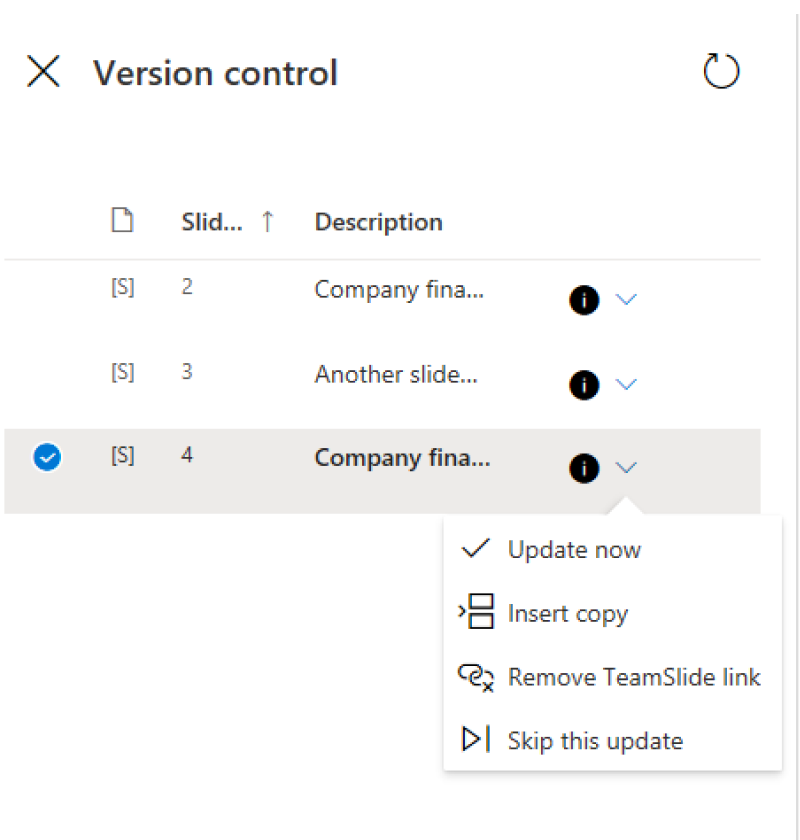
That’s where TeamSlide comes in. PowerPoint search works together with the slide library to keep every team on the same approved content.

Save critical time
Manual slide hunting drains your team's creative energy. Reclaim hours of productivity by centralizing your most powerful content.

Ensure brand consistency
Misaligned presentations damage your professional image. Maintain sharp, uniform messaging across every deck your team creates.

Collaborate with confidence
Fragmented workflows create communication barriers. Build seamless teamwork by giving everyone instant access to your organization's best content.
Measurable impact on presentation performance
Faster content discovery
Say it's intuitive & easy
Saved per week
Search that lives where you work
With TeamSlide, your company’s entire slide library is searchable directly inside PowerPoint.
The result: no switching between tools, no hunting through folders, and no more outdated decks.

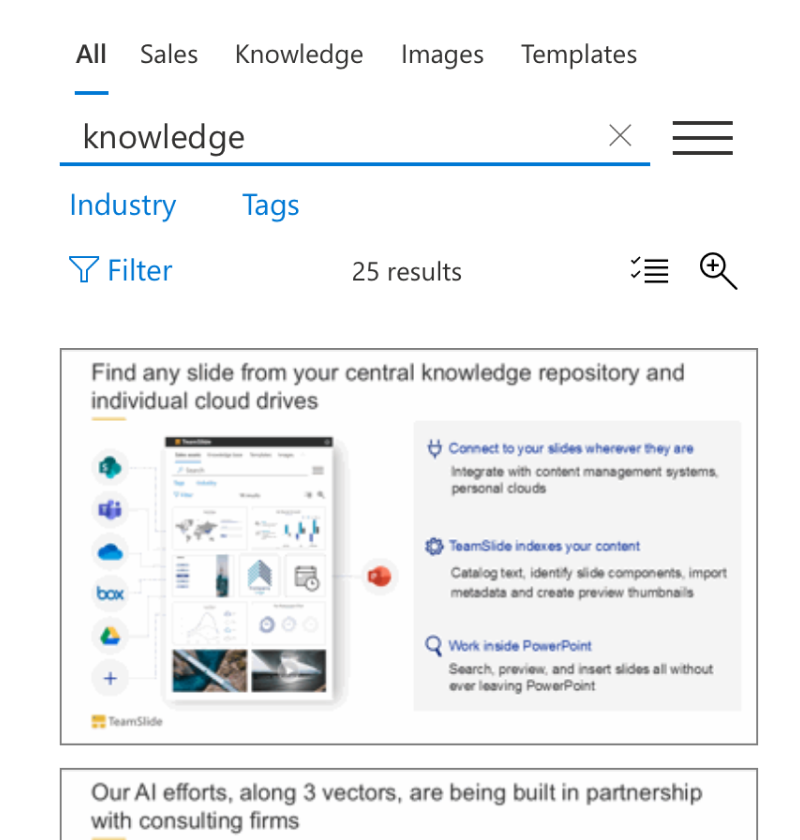
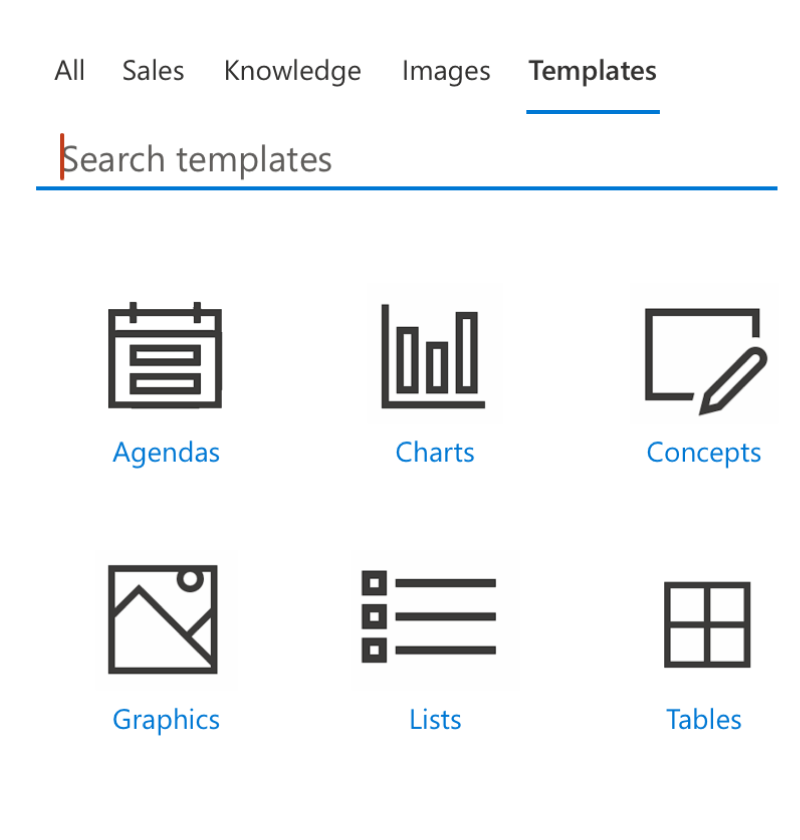
Search by keywords
Quickly find the slides you need by typing keywords or phrases, without leaving PowerPoint.

Preview & insert slides instantly
See adjustable thumbnails and insert the right slide into your deck in just one click.

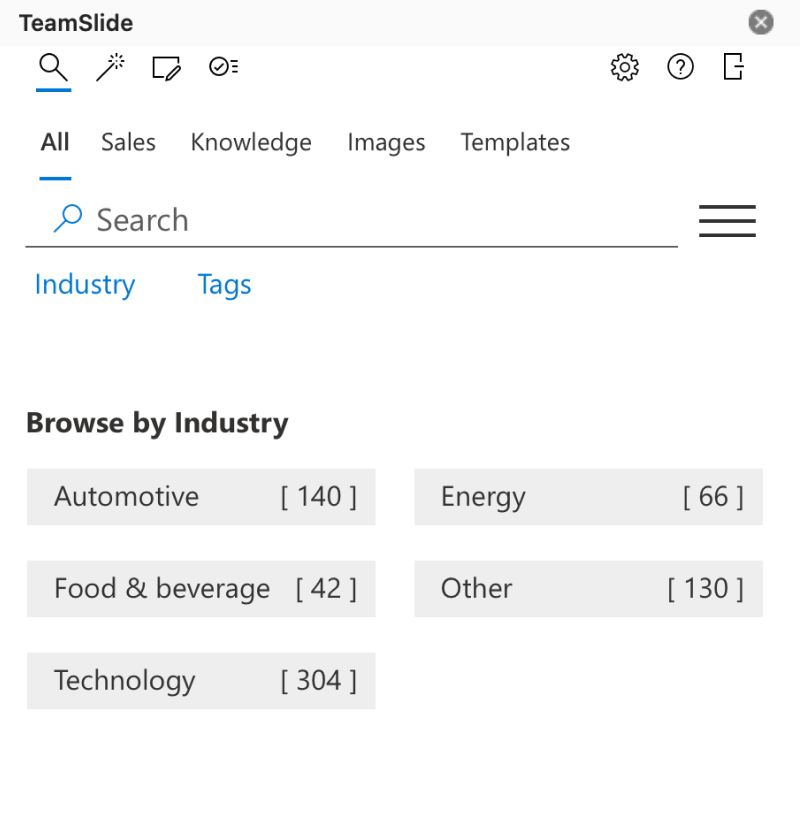
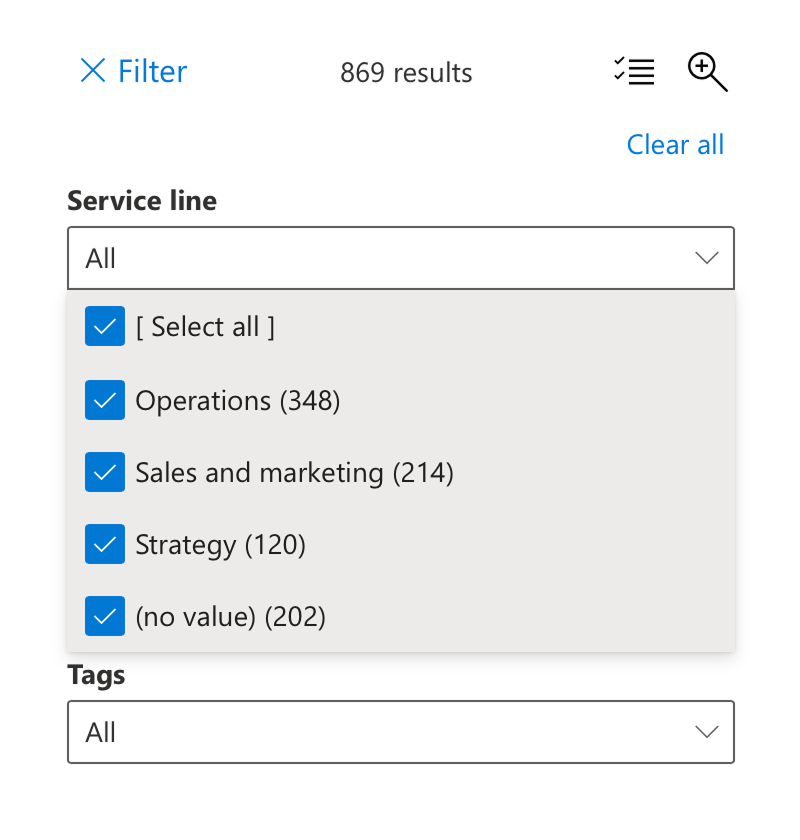
Filter by tags & metadata
Narrow results using tags, categories, or metadata to locate the most relevant content fast.

Connect to your content
Access slides stored in SharePoint, OneDrive, Box, or other repositories directly from the search panel.

Security designed for peace of mind
TeamSlide takes a security-first approach, applying strict privacy standards and robust protocols throughout every part of our platform. Link to your content management systems seamlessly and securely.

Integrations
Securely integrates with systems that store your content: SharePoint, OneDrive, Box, Google Drive, and others

Microsoft Entra ID
TeamSlide is a cloud-based SaaS solution hosted on Microsoft Entra ID and is trusted by global enterprises for its unmatched reliability, compliance, and security.
Trusted by teams worldwide
Real results from teams that transformed their presentations




FAQ
Everything you may be wondering about PowerPoint search with TeamSlide
TeamSlide lets you search your entire slide library on a slide-by-slide basis directly from PowerPoint using keywords, tags, and metadata. No switching apps or folders required.
Yes. TeamSlide connects with many content management systems and digital asset management systems, including SharePoint, OneDrive, Box, Google Drive, Dropbox, and Widen. Pick specific sites and folders and even pull in any metadata to include in TeamSlide. No migration needed.
TeamSlide ensures your content management system (CMS) remains your single source of truth. Rather than replacing your CMS, TeamSlide augments its capabilities, giving users incredibly easy access to all your assets.
Yes. TeamSlide shows a thumbnail preview of every slide (and other assets) so you can see exactly what you’re inserting before adding it to your presentation. Because TeamSlide surfaces the specific slide you're looking for, you won't need to dig through presentations.
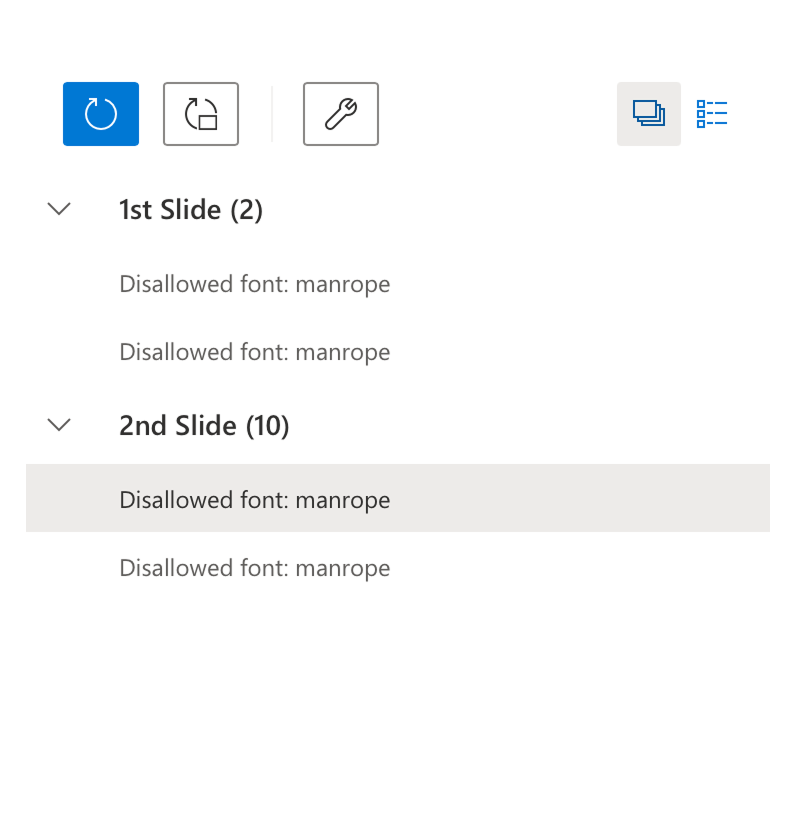
Yes, because all content is centrally managed and approved, TeamSlide ensures your team only inserts up-to-date, brand-compliant slides. In addition, our slide checker scans for brand compliance and flags any issues.
Absolutely. TeamSlide supports enterprise-scale libraries, allowing multiple users to search and insert slides simultaneously without conflicts. You can also apply permissions to manage access to libraries.
Transform how you build presentations
Stop wasting time on slide searches. Take control of your presentation workflow with a single, powerful solution that empowers every team member.