
Client presentations that win
Transform your consulting workflow with powerful slide management and AI-driven content creation
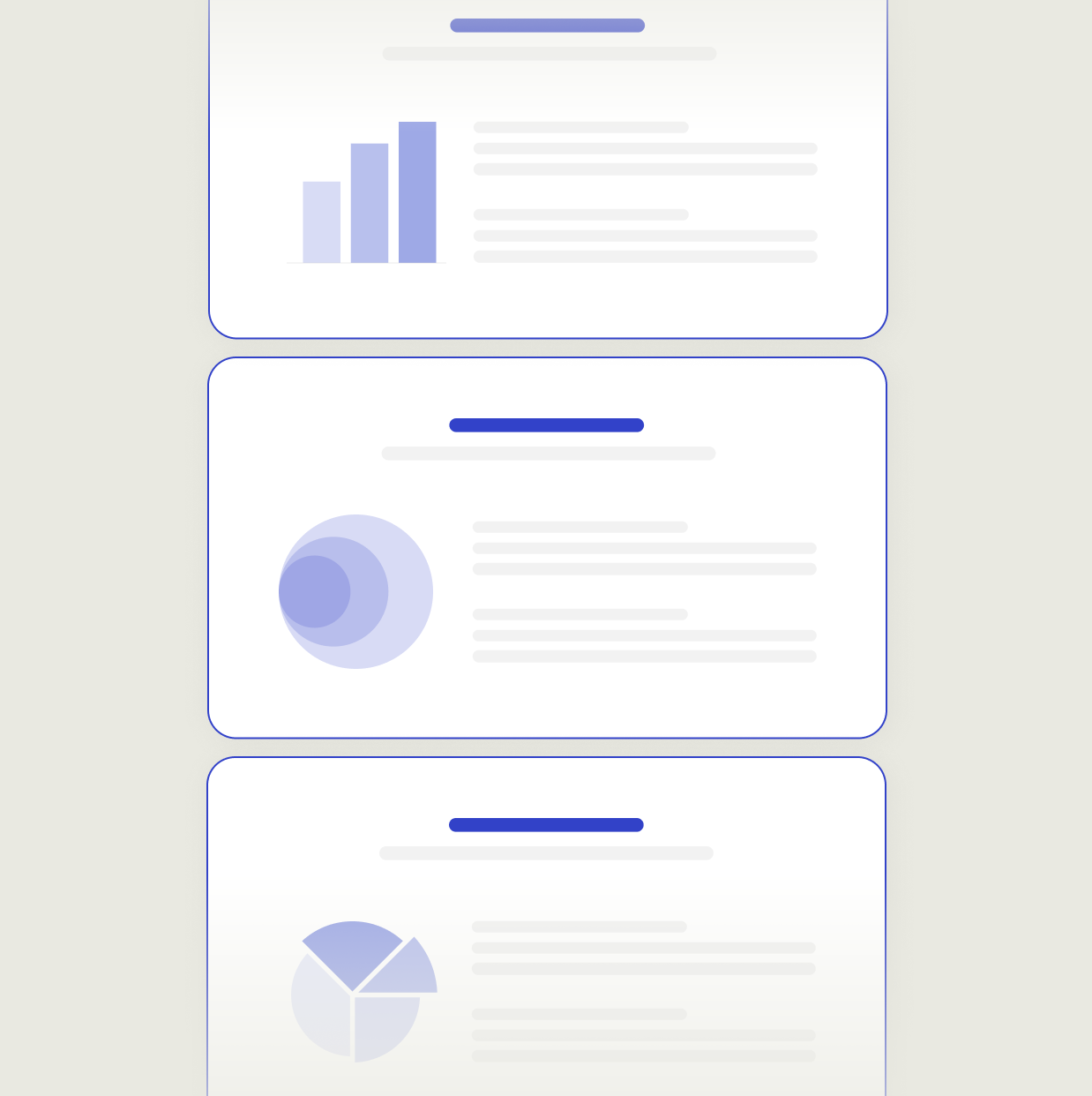
Find the right slides in seconds
Instantly locate approved slides across your organization. No more endless searching or recreating content.
.png)


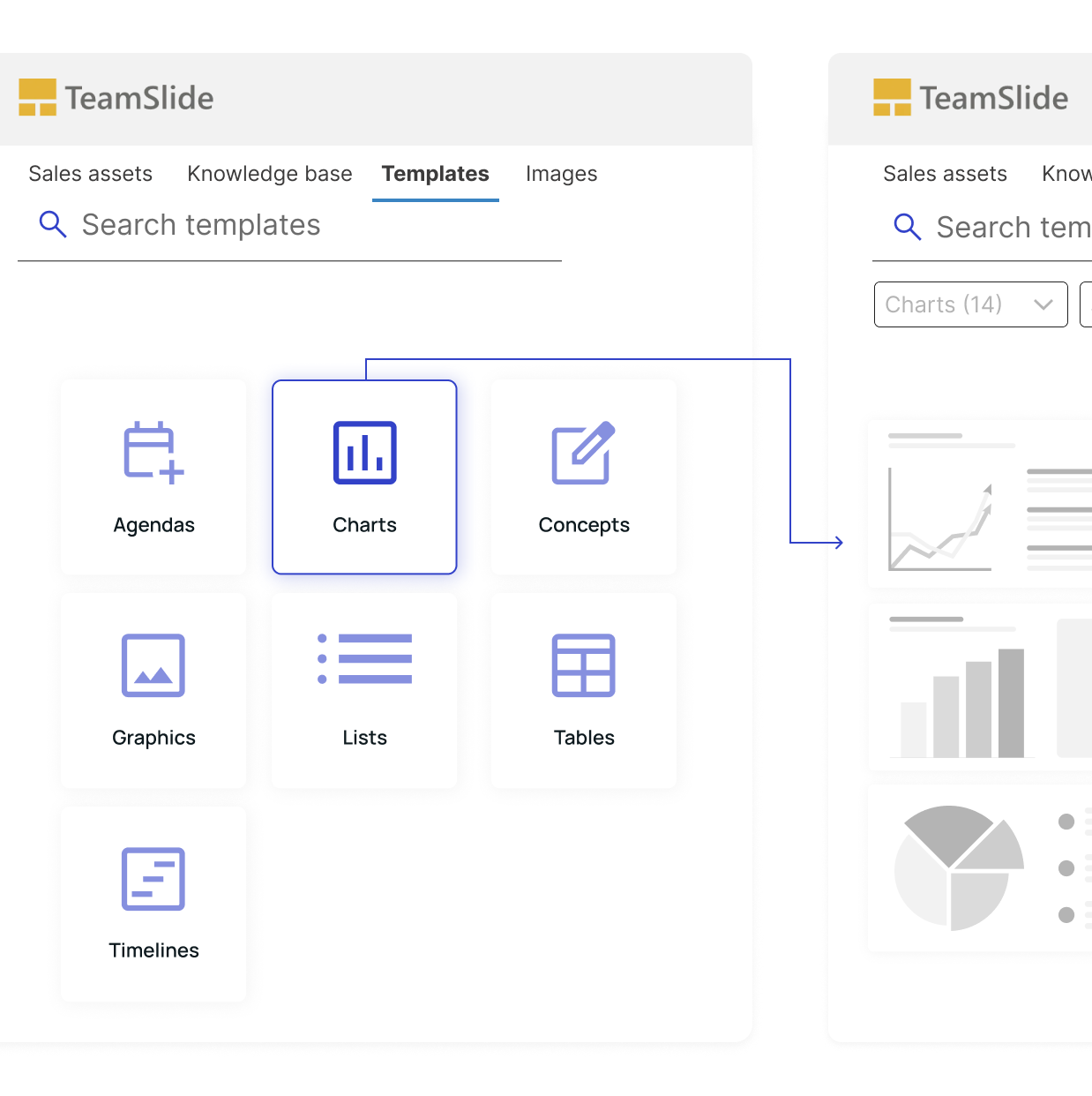
A smarter way to manage templates
Centralize your most powerful PowerPoint presentation assets
Created for teams who need consistency
TeamSlide keeps your templates organized and instantly accessible directly inside PowerPoint.
Turn content usage into smarter decisions
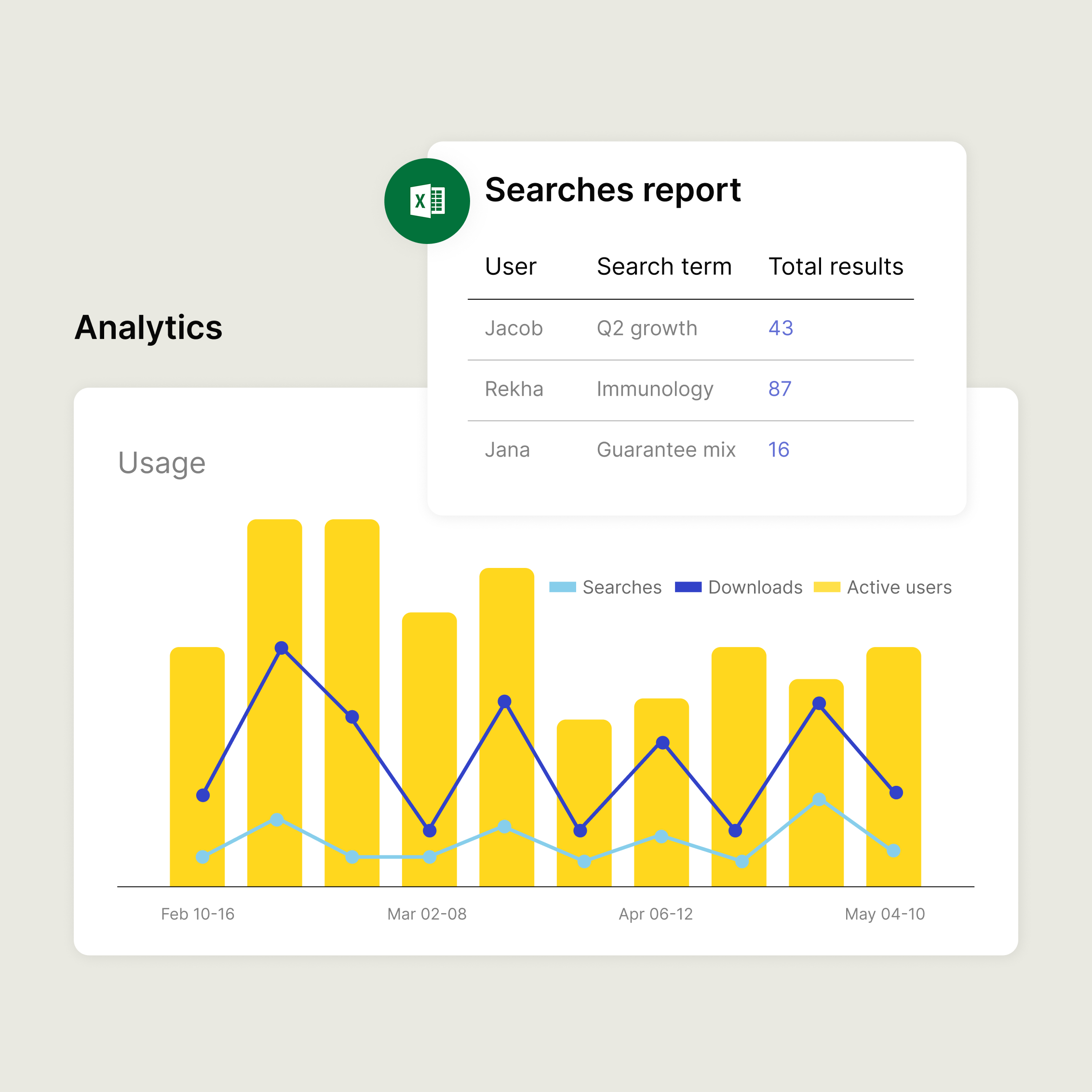
Stop guessing what your team needs. TeamSlide's reporting shows you exactly which assets are being used, who's using them, and what people can't find.

Search term reports reveal what teams are looking for

Download and usage data shows which slides are doing the heavy lifting across client presentations

User-level reports give managers and leaders the visibility to measure adoption
Built-in brand checks for every slide

Brand & style compliance
Allowed fonts
Number of fonts per slide
Avoided or forbidden terms

Layout & design quality
Images overlapping text
Text frame placement
Shapes outside of slide area

Text & content accuracy
Double spaces
Missing brackets or quotations
Repeated words
AI slide generation
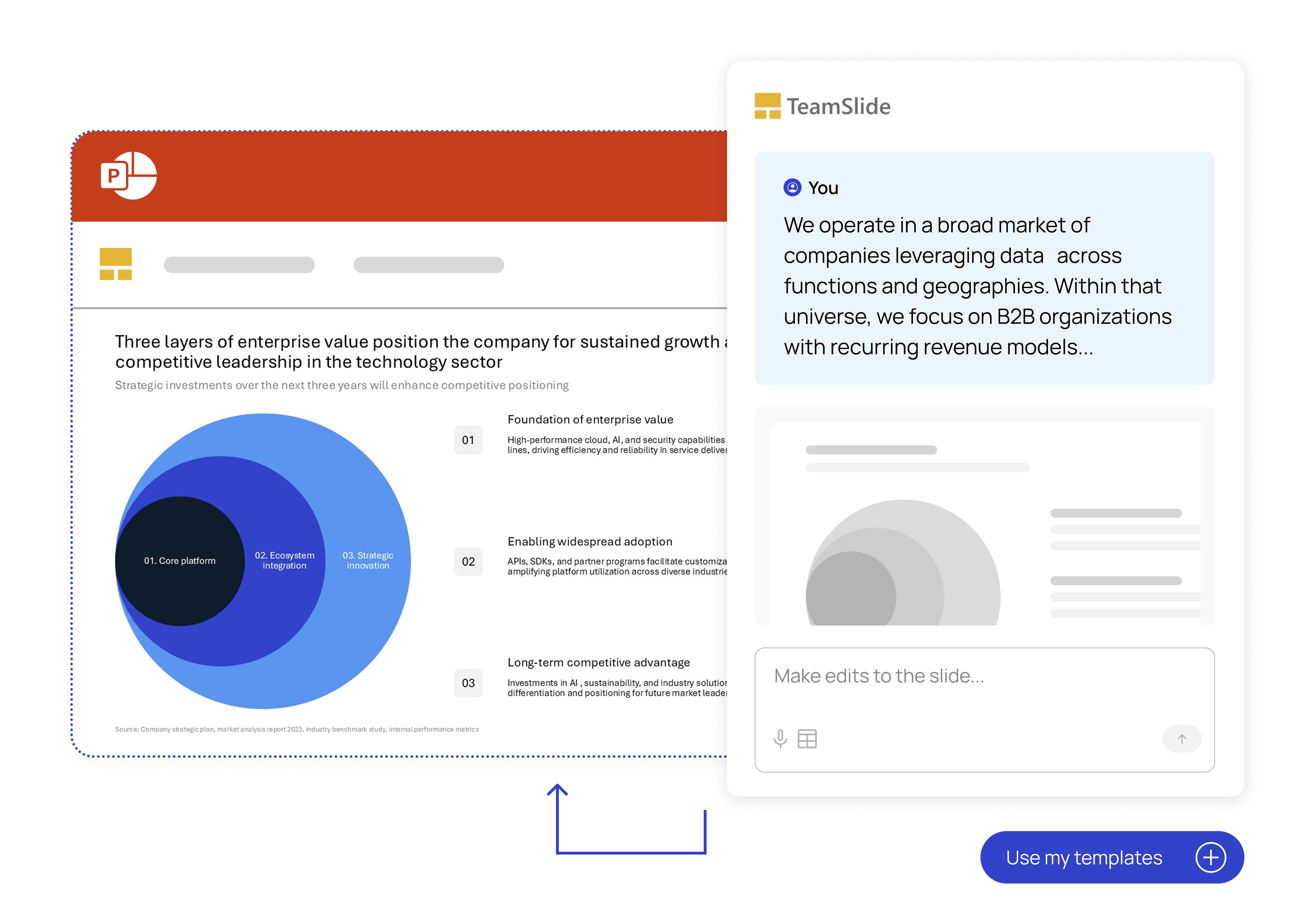
Turn rough notes into polished slides in seconds. TeamSlide combines rich AI prompts with your brand templates to create consulting-grade content that speaks in your voice.
Generate fully designed slides from text
Choose from leadership-style PowerPoint templates
Edit the slide in PowerPoint to add finishing touches
Measurable impact on presentation performance
Faster content discovery
Say it's intuitive & easy
Saved per week
Trusted by teams worldwide
Real results from teams that transformed their presentations




Streamline your presentation process
Powerful tools for modern consulting teams
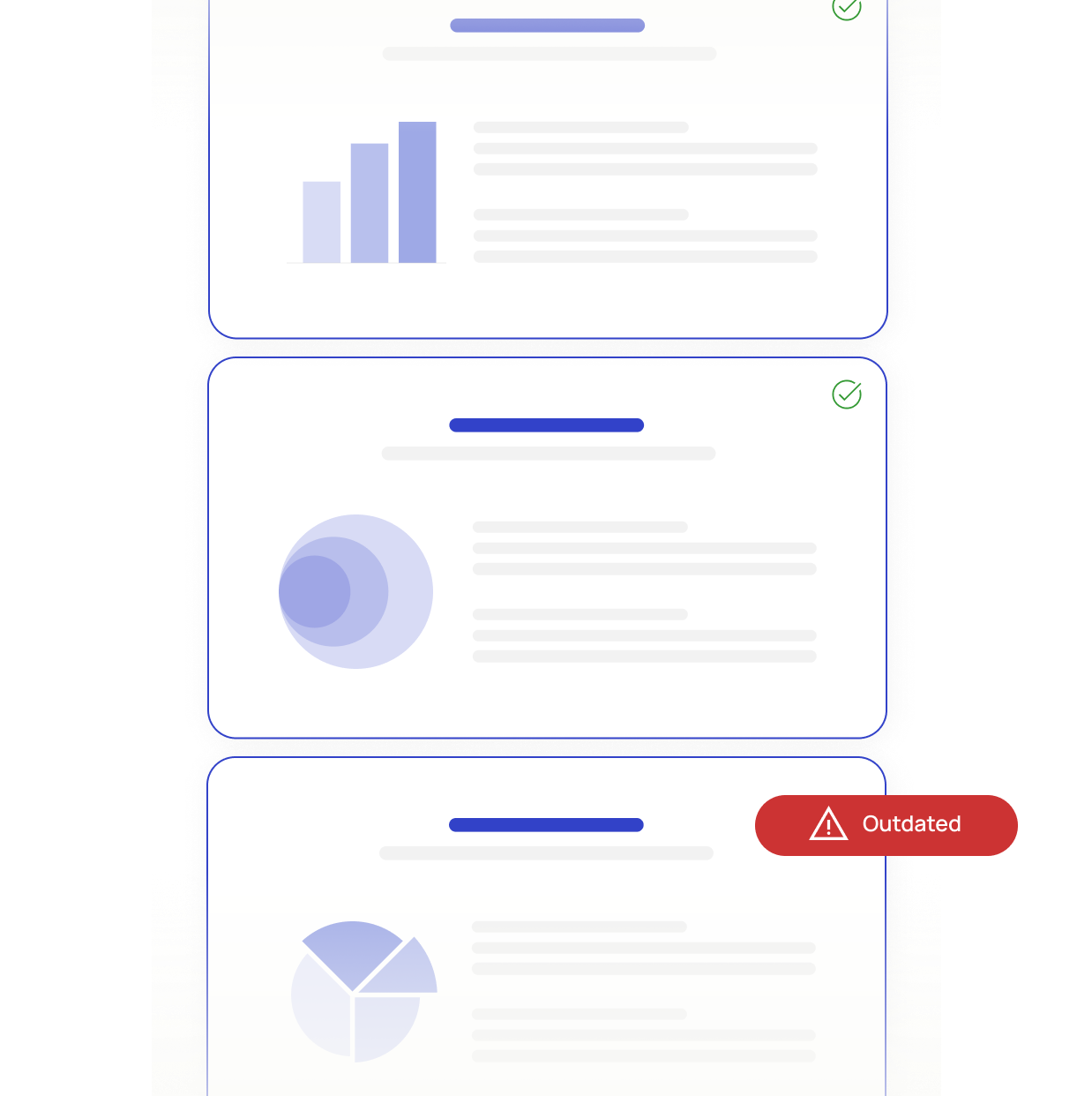
Find approved content fast
Access vetted slides in moments
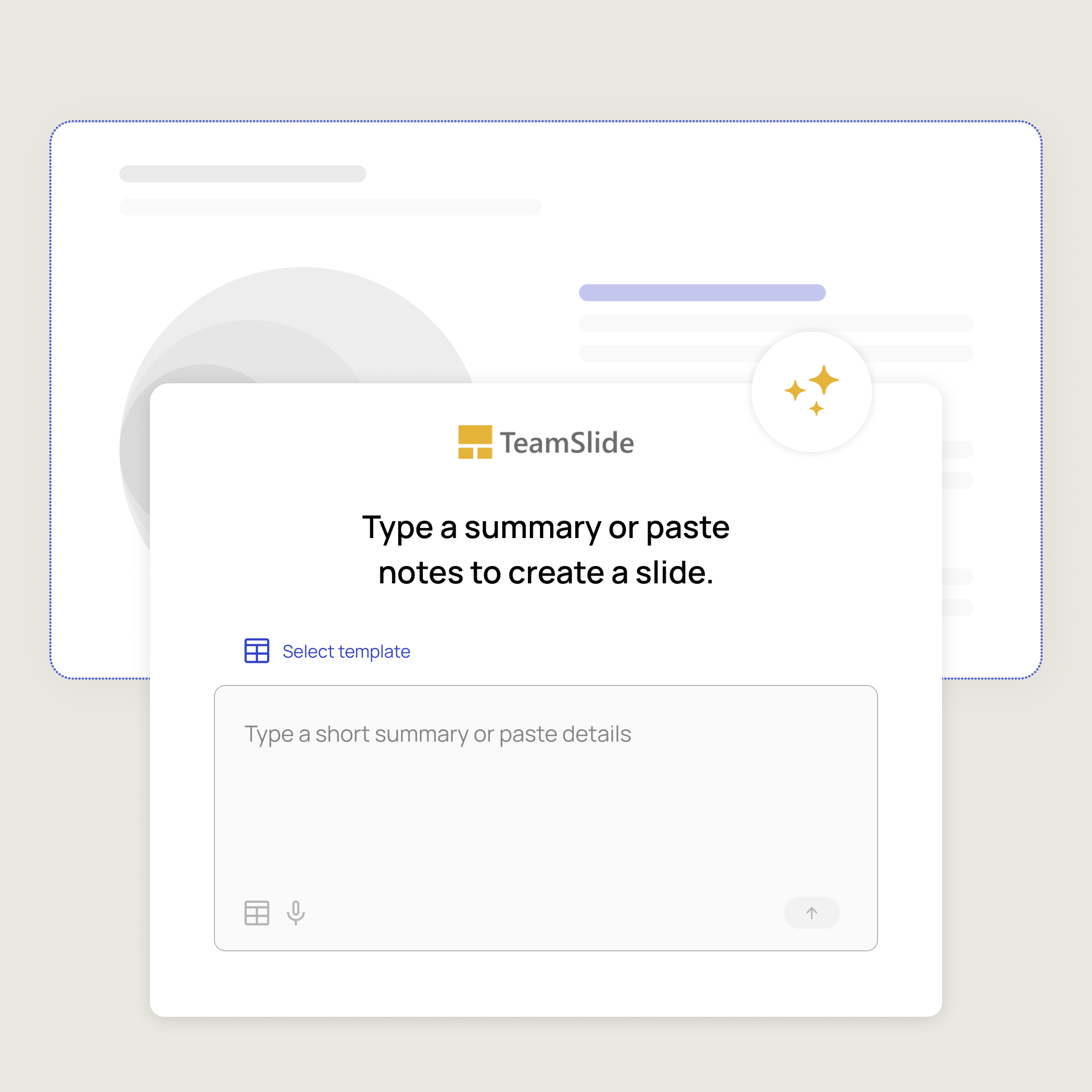
Build slides with optional AI
Create slides in your brand & voice
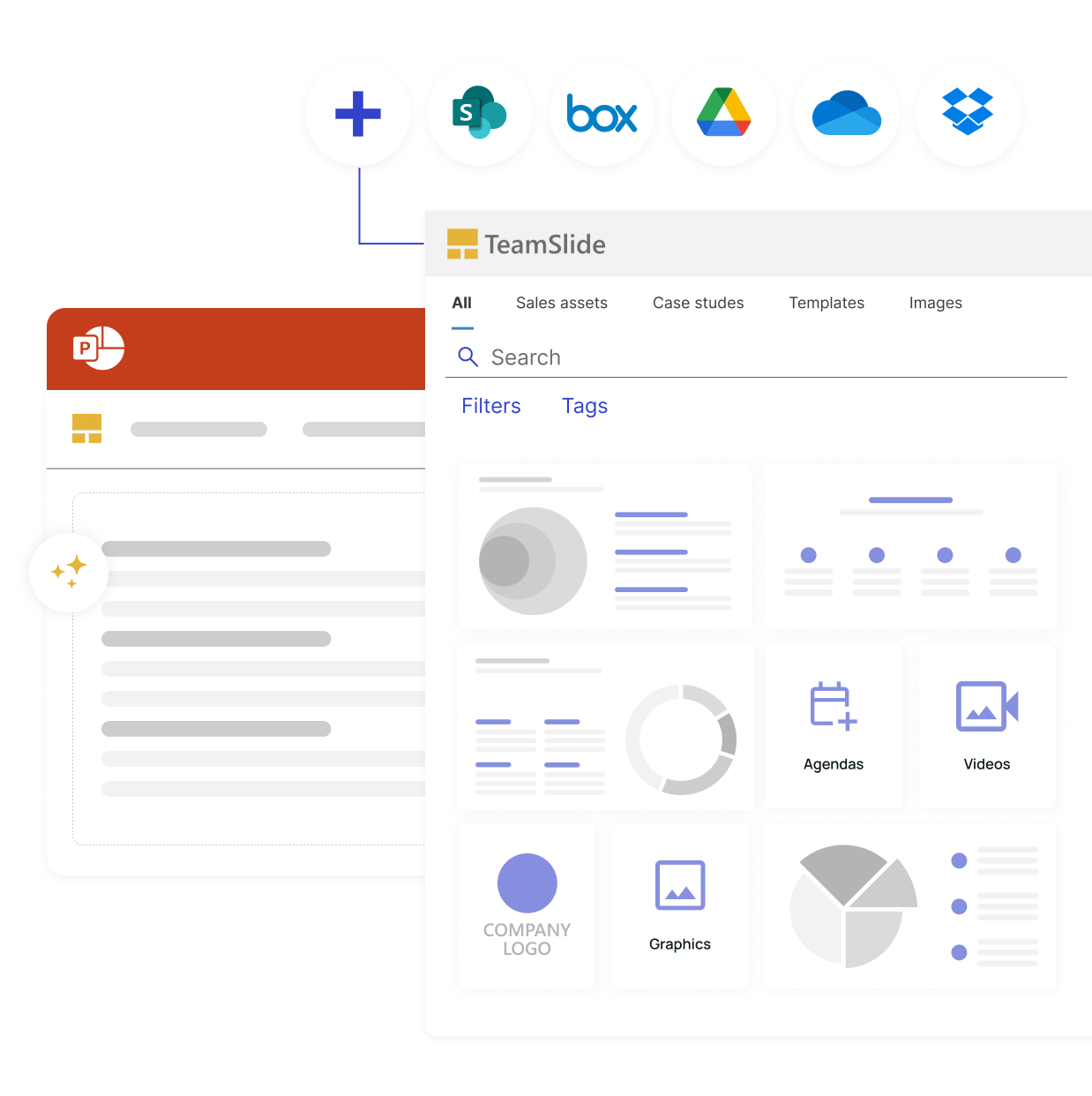
Simple content integration
Distraction-free access to files
FAQ
Everything you may be wondering about TeamSlide
TeamSlide helps consultants quickly find and reuse approved slides, images, templates and other presentation assets directly inside PowerPoint. Instead of recreating slides or searching through old decks, teams can start from proven client-ready materials and adapt them as needed.
Our optional AI slide generation tools convert your text into crisp slides optimized for business communication. They use a combination of AI, traditional algorithms, and templates to generate high-quality PowerPoint slides. Instead of starting from scratch, you begin with proven layouts and adapt them to your message in minutes.
Yes. TeamSlide connects with many content management systems, including SharePoint, OneDrive, Box, Google Drive, and Dropbox. Pick specific sites and folders and even pull in any metadata to include in TeamSlide. No migration needed.
TeamSlide ensures your content management system (CMS) remains your single source of truth. Rather than replacing your CMS, TeamSlide augments its capabilities, giving users incredibly easy access to all your assets.
By making it easy to find and reuse existing PowerPoint slides and assets, TeamSlide eliminates repetitive work. Consultants spend less time searching, recreating, and cleaning up slides and more time refining the story and insights for the client.
If a slide is updated in your repository, TeamSlide flags older versions and lets your team replace them with a click. Everyone stays aligned without hunting for the “latest” slide.
AI slide generation is an optional add-on for teams that want to accelerate slide writing and structure. It helps generate and iterate on slides within your approved templates, but it doesn’t replace your existing content library. Teams can choose when it makes sense to reuse existing slides and when to generate new ones.
Discover why the top
firms use TeamSlide
See how TeamSlide can revolutionize your slide management with a personalized demo