Brand compliance made simple
Ensure every presentation reflects your company's standards with intelligent slide management and validation tools.
Your content, now in PowerPoint
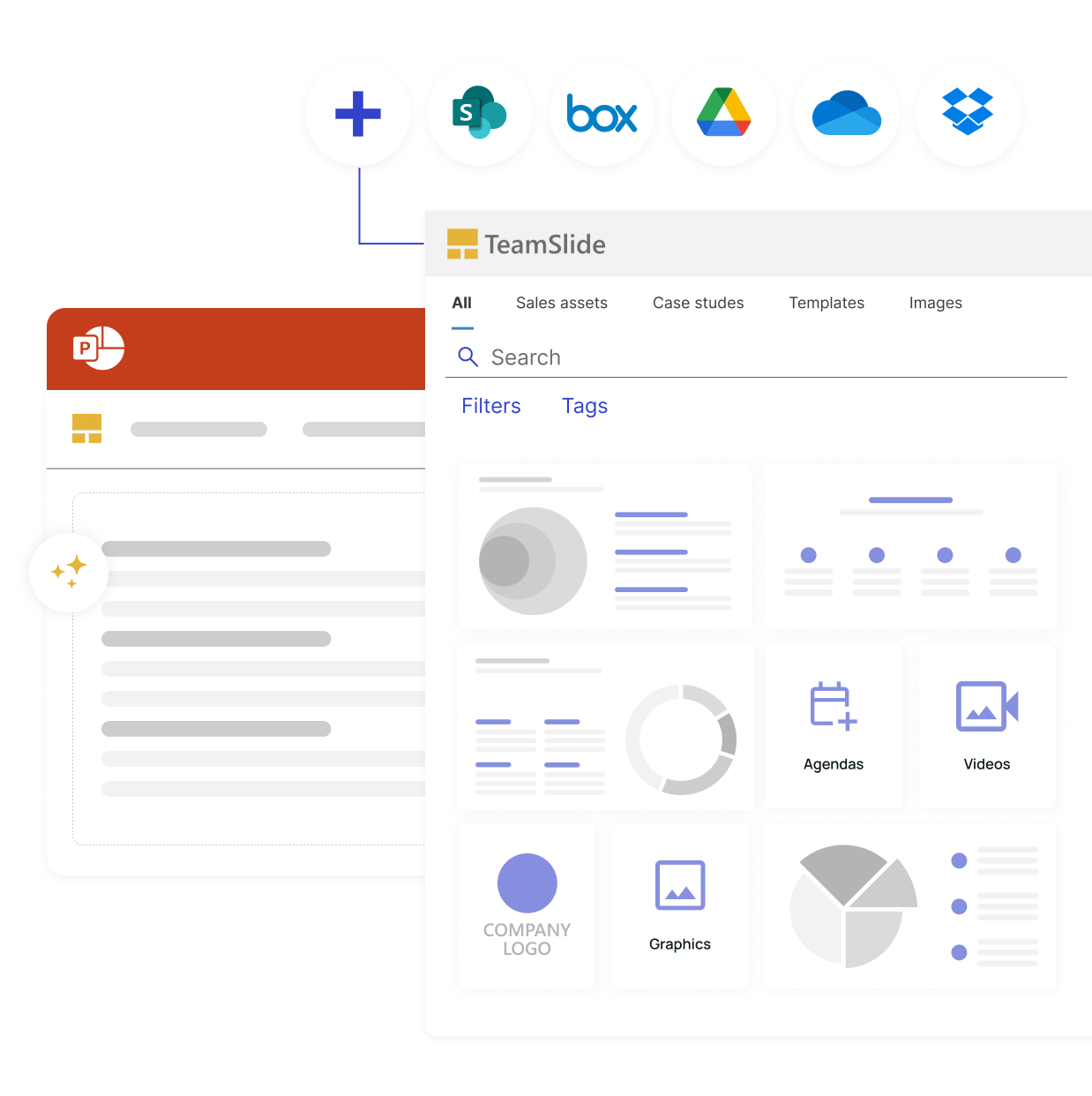
TeamSlide connects your content management system to PowerPoint, so your team can search, preview, and insert approved slides without leaving their presentation.
No more hunting through folders or outdated files.

Connect to your existing CMS
TeamSlide integrates with the tools you already use, giving users direct access to approved content.

Keep every slide on-brand
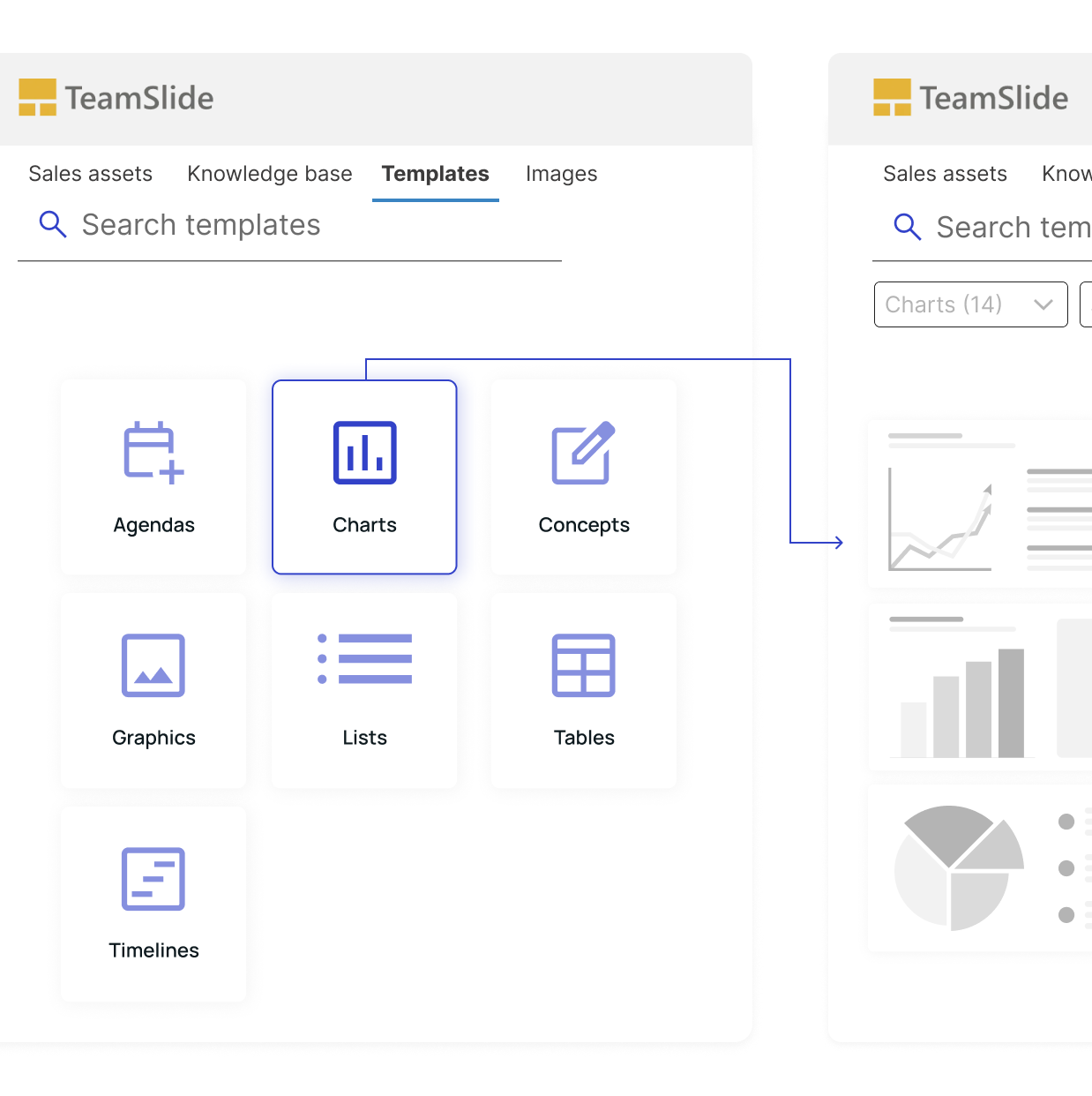
Brand aligned templates, visuals, and messaging flow are accessible right in PowerPoint so you gain consistency.

Always work with the latest version
Your team gets instant access to updated, approved slides pulled directly from your content system.

Help your team work faster
Find, preview, and insert the right slide in seconds, cutting prep time so people can focus on more important things.
Comprehensive checks to keep your presentations sharp

Brand & style compliance
Allowed fonts
Number of fonts per slide
Avoided or forbidden terms

Layout & design quality
Images overlapping text
Text frame placement
Shapes outside of slide area

Text & content accuracy
Double spaces
Missing brackets or quotations
Repeated words
Start every presentation the smart way
Confidently present polished slides every time. TeamSlide checks your work for mistakes and brand compliance before it reaches your audience.


Trusted by teams worldwide
Real results from teams that transformed their presentations
.png)





Brand compliance made easy
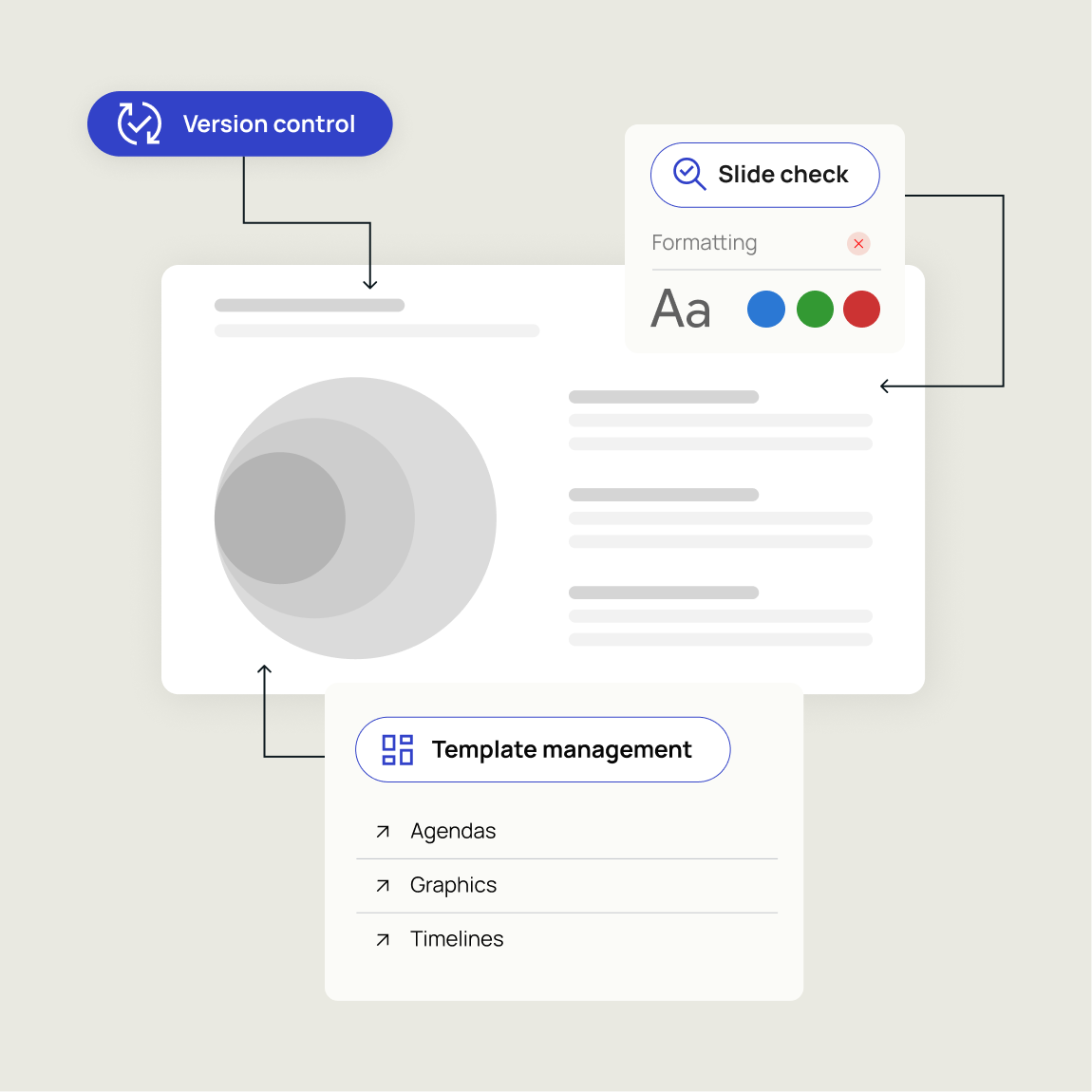
Keep every presentation up-to-date and aligned with your brand. TeamSlide enforces consistency automatically so your team can focus on what matters.
Version control
Always work from the latest, approved content. No outdated decks, no confusion.
Slide check
Catch errors, formatting issues, and off-brand elements before they reach your audience.
Template management
Ensure every presentation starts from approved, on-brand designs
Version control built for teams who work in PowerPoint
Streamline brand compliance across your entire organization
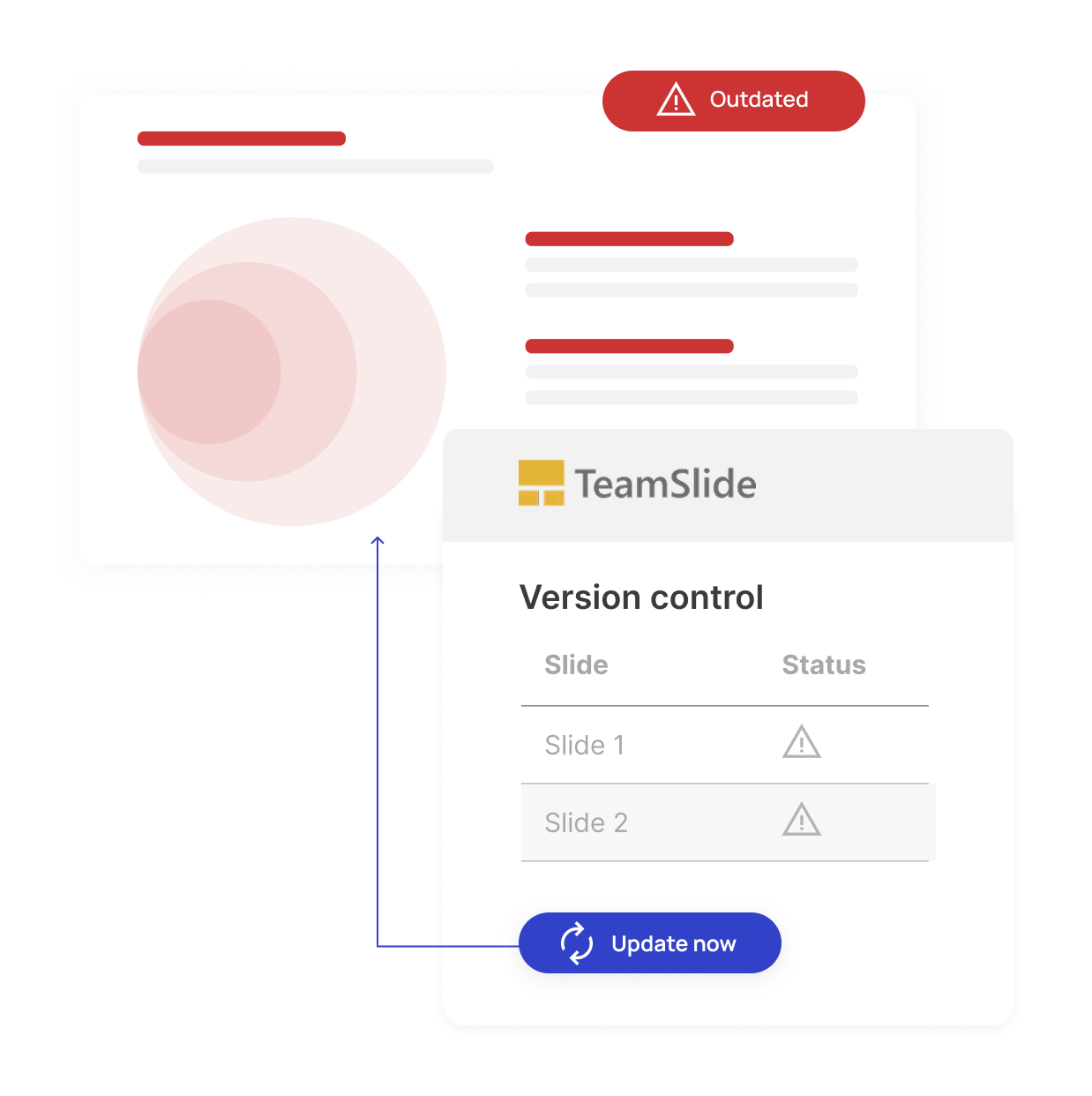
Up-to-date slides, every time
TeamSlide takes the guesswork out of managing slide versions. Every update you make to your content library is instantly reflected for users.
Measurable impact on presentation performance
Faster content discovery
Say it's intuitive & easy
Saved per week
"TeamSlide is an intuitive, user-friendly platform that will change how your business uses PowerPoint. It is supported by an excellent team who will help solve any issues. They are problem-solvers, they are on your side, and they care that you build the right system for your business."


Security designed for peace of mind
TeamSlide takes a security-first approach, applying strict privacy standards and robust protocols throughout every part of our platform. Link to your content management systems seamlessly and securely.

Integrations
Securely integrates with systems that store your content: SharePoint, OneDrive, Box, Google Drive, and others. This gives users direct access to approved content.

Microsoft Entra ID
TeamSlide is a cloud-based SaaS solution hosted on Microsoft Entra ID and is trusted by global enterprises for its unmatched reliability, compliance, and security.
FAQ
Everything you may be wondering about TeamSlide
Brand compliance ensures that every presentation uses the correct templates, layouts, fonts, formatting, and messaging. TeamSlide helps teams stay on-brand by making approved presentation assets easy to find and use directly inside PowerPoint. In addition, our slide checker verifies that users are staying on-brand.
TeamSlide combines template management, version control, and slide check tools to guide users toward brand aligned content. Instead of relying on manual reviews, brand compliance is built into how teams create slides.
Slide check helps identify slides that don’t follow approved brand standards. It flags issues like outdated slide versions or off-brand fonts and formatting so teams can correct them before presentations are shared.
Version control ensures teams are always using the latest approved slides and templates. When updates are made, the latest version is made available, reducing the risk of outdated or off-brand content being reused.
TeamSlide is ideal for teams that create presentations frequently, such as consulting, sales, marketing, finance, and leadership teams. If your organization spends time searching for slides, fixing formatting, or policing brand usage, presentation management software like TeamSlide helps reduce that friction.
Build on-brand presentations, faster.
Experience streamlined brand compliance with our risk-free trial