
Manage templates with confidence
TeamSlide centralizes your PowerPoint templates, ensuring every presentation your team creates stays on-brand from the start.
Trusted by teams who need consistency and speed



.png)
When templates go unmanaged, brand control slips
Even the best-designed templates can lose their impact when they’re scattered across shared drives or email threads. Teams end up with:

Outdated slides
Colleagues find the wrong, outdated template version.

Wasted time
Time is wasted recreating content from scratch or hunting it down
A smarter way to manage PowerPoint templates
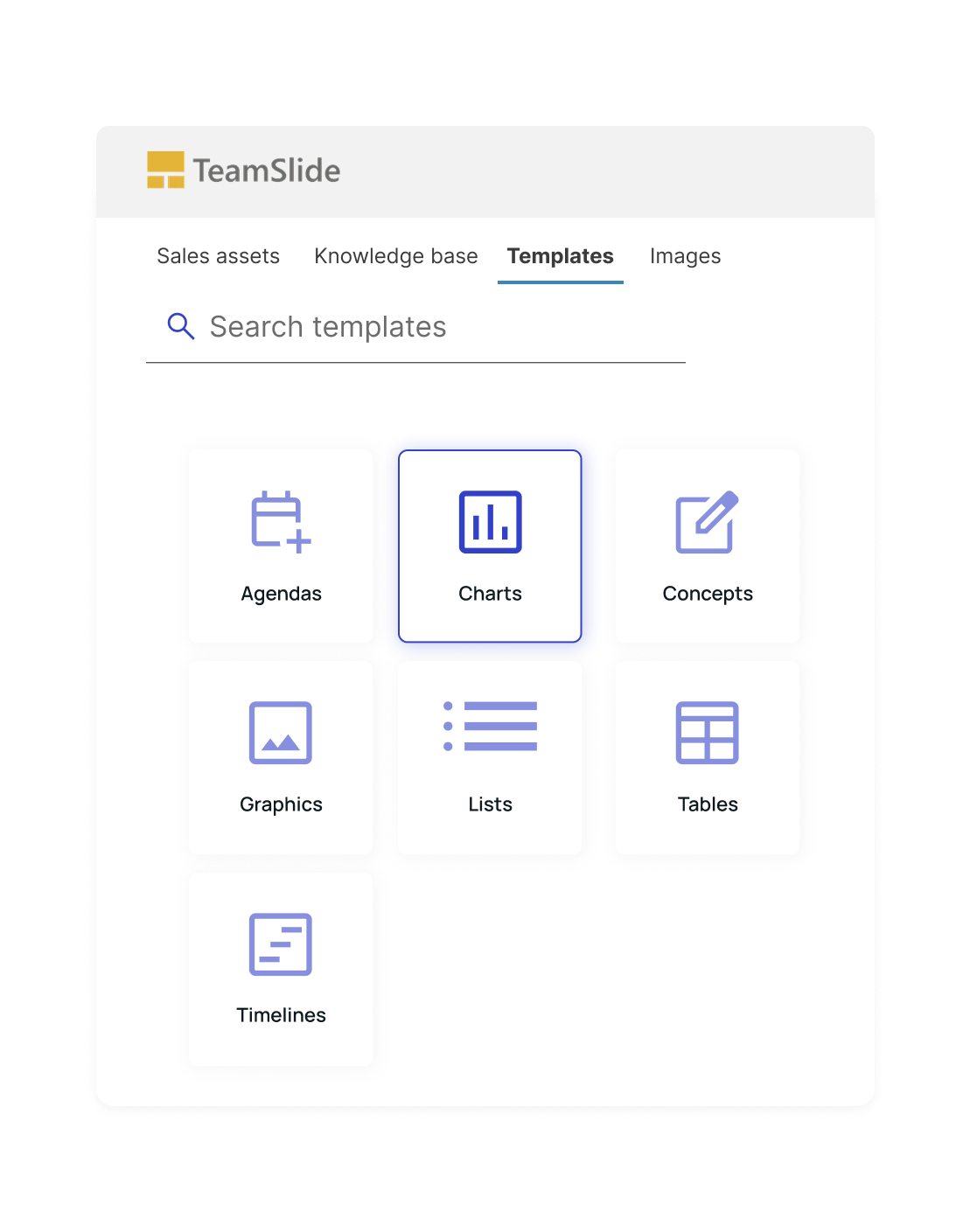
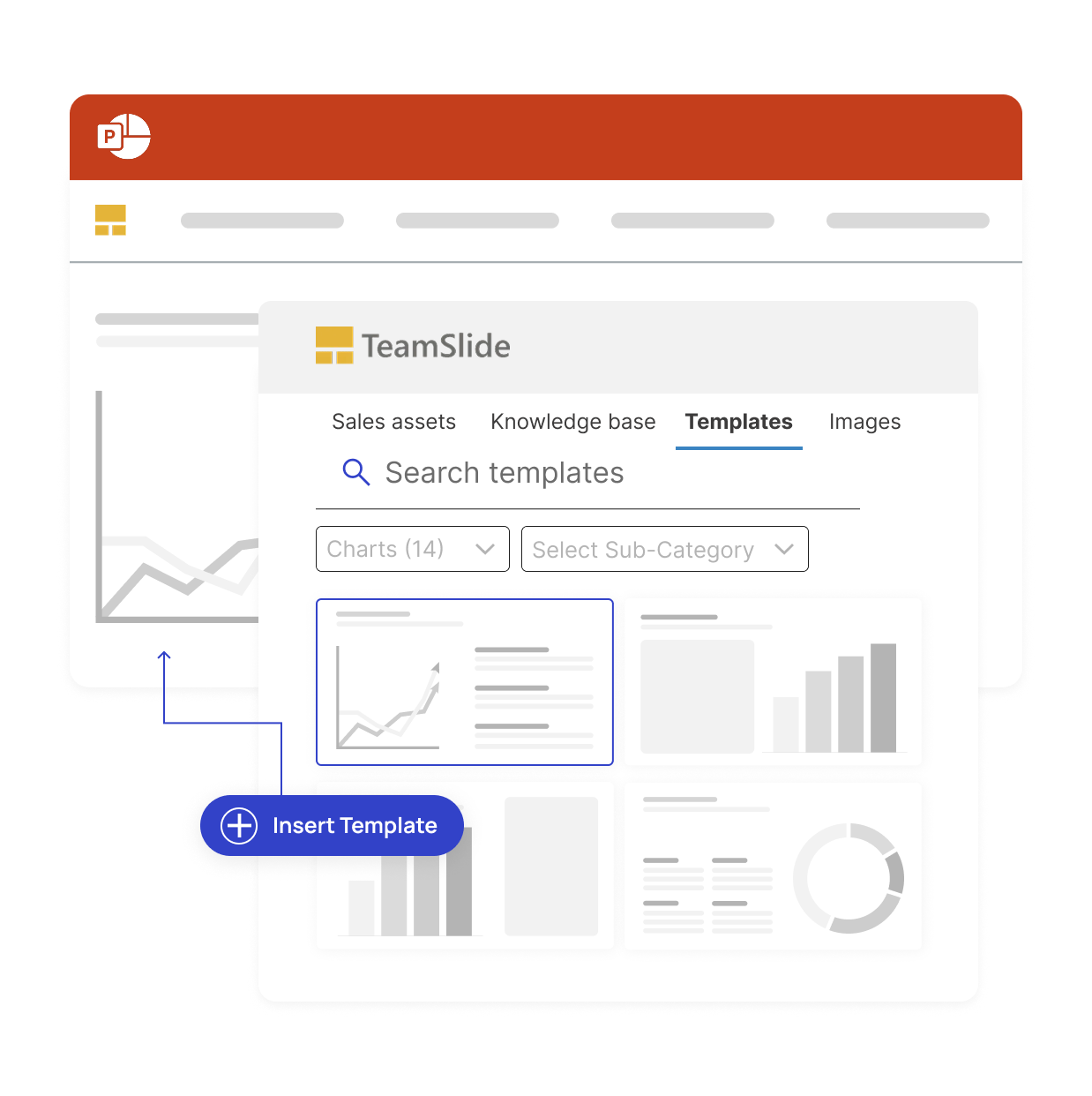
TeamSlide keeps your templates organized and instantly accessible directly inside PowerPoint. It’s the simplest way to make sure every presentation starts with the right foundation.
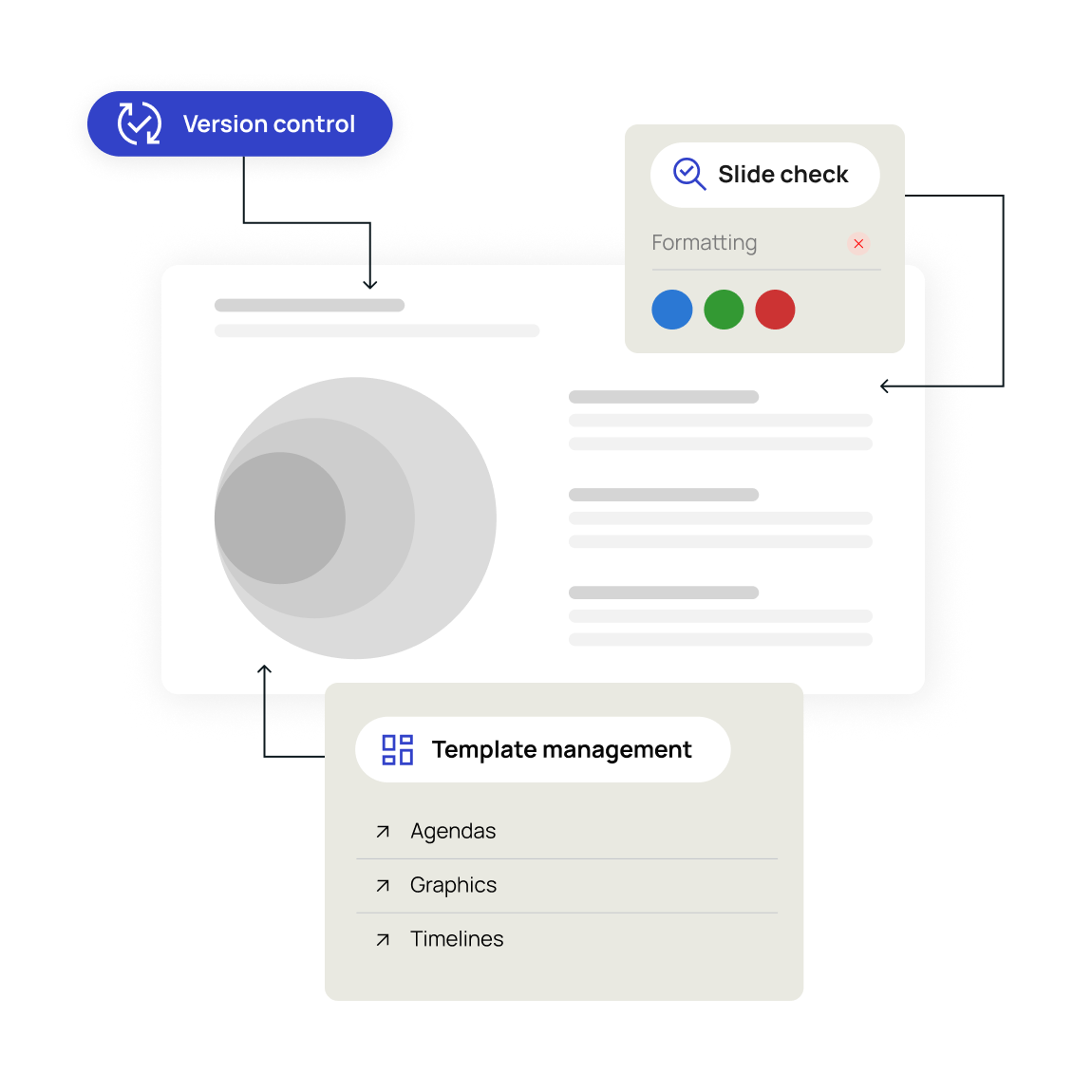
Your template workflow, without the friction.

Connect your template sources
Seamlessly connect with your content management platform for quick access to your templates.

Customize template categories
Create categories that work best for your team's PowerPoint templates.

Access your best templates in PowerPoint
Ensure every presentation starts from approved, on-brand designs that are accessed in PowerPoint.
Built for teams who need consistency
Scattered templates create chaos in your presentation workflow. Without centralized management, teams struggle to maintain brand consistency and efficiency.

Marketing:
Keep your brand templates current across all markets

Consulting:
Maintain control and simplify updates
The impact of better slide management
Intelligent template control drives measurable business improvements. Reduce wasted time, eliminate inconsistent branding, and boost team productivity.
Faster content discovery

Saved per week on avg
Say it's easy & intuitive


Security designed for peace of mind
TeamSlide takes a security-first approach, applying strict privacy standards and robust protocols throughout every part of our platform. Link to your content management systems seamlessly and securely.

Integrations
Securely integrates with systems that store your content: SharePoint, OneDrive, Box, Google Drive, and others

Microsoft Entra ID
TeamSlide is a cloud-based SaaS solution hosted on Microsoft Entra ID and is trusted by global enterprises for its unmatched reliability, compliance, and security.
FAQs
Get answers to common questions about template management and TeamSlide
It gives your team one place to access approved PowerPoint templates and layouts, helping everyone build consistent, on-brand presentations without hunting for files.
Yes! TeamSlide seamlessly integrates right in PowerPoint so your team can browse, preview, and insert templates without switching tools.
Book a demo and we'll set you up with a 30-day free trial. We'll walk you through setup, connect your libraries, and show you how to optimize slide management.