
Easy access to your best content
Instantly access your latest, approved assets from your content management system directly inside PowerPoint
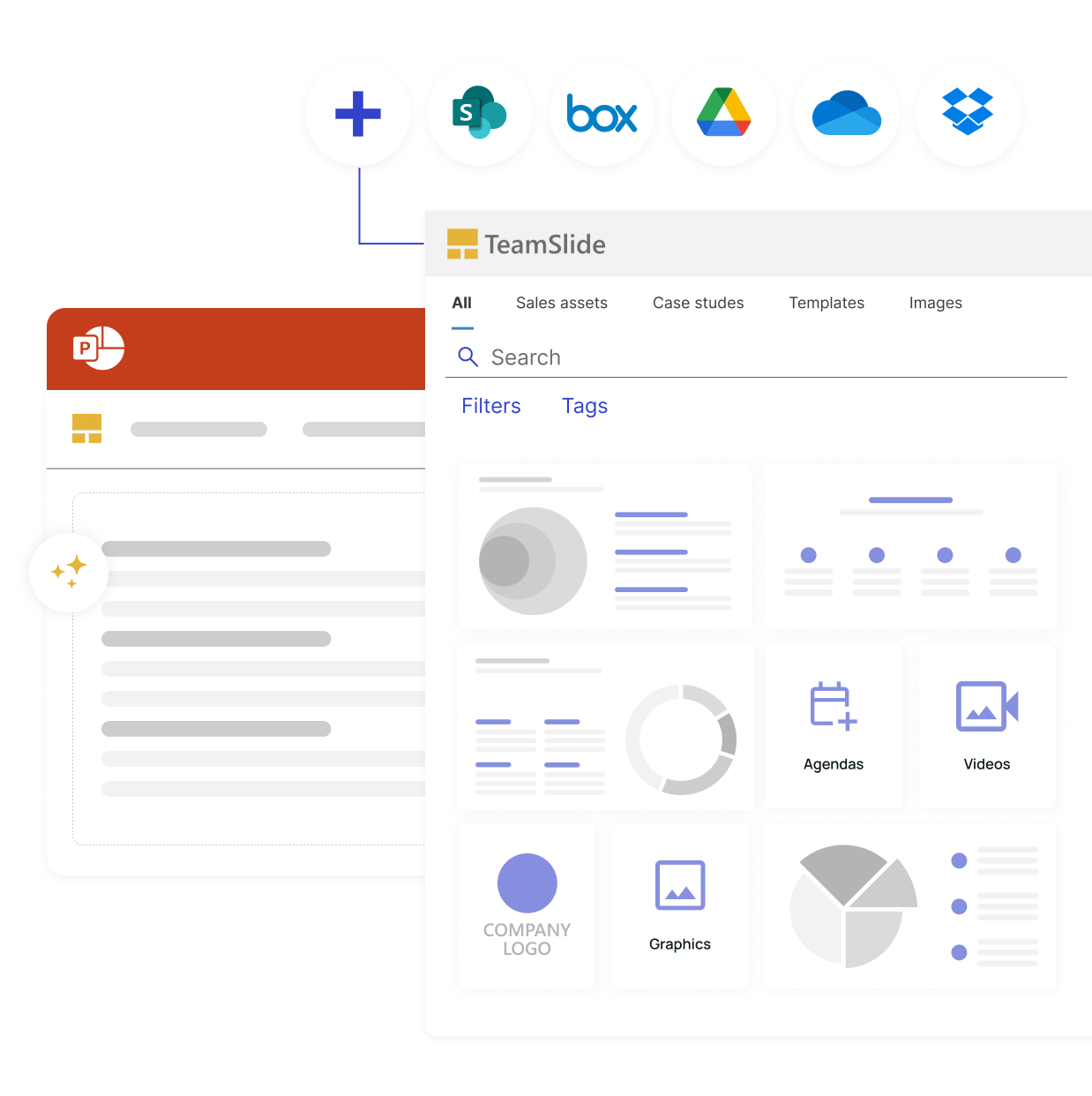
Your content, now in PowerPoint
TeamSlide connects your content management system to PowerPoint, so your team can search, preview, and insert approved slides without leaving their presentation.
No more hunting through folders or outdated files.

Connect to your existing CMS
TeamSlide integrates with the tools you already use, giving users direct access to approved content.

Keep every slide on-brand
Brand aligned templates, visuals, and messaging flow are accessible right in PowerPoint so you gain consistency.

Always work with the latest version
Your team gets instant access to updated, approved slides pulled directly from your content system.

Help your team work faster
Find, preview, and insert the right slide in seconds, cutting prep time so people can focus on more important things.
Connect your systems without changing your workflow
Seamlessly connect with leading content management platforms like SharePoint, Box, and OneDrive, for quick content access and simple setup.
Trusted by teams who need accuracy and speed
Real stories from customers who simplified their workflow and created smarter, faster ways to manage PowerPoint content.




.png)



Built for both marketing and sales
Streamline content management across your entire organization

Marketing teams
Maintain brand consistency and manage which assets get shared across the organization.

Sales teams
Quickly find and reuse the latest slides. Build presentations in minutes, not hours.
Enterprise-ready and secure
Advanced security for modern teams
Comprehensive security standards
TeamSlide follows best-in-class security standards, supports SSO, and integrates seamlessly within your IT environment.

Transform how your team creates PowerPoint presentations
Simplify your presentation workflow with one powerful connection
FAQ
Everything you may be wondering about TeamSlide
TeamSlide supports seamless integration with PowerPoint slides, templates, images, and videos. With your best presentation assets easily accessible, you can have confidence that your team always has access to the latest content.
TeamSlide connects with many content management systems and digital asset managers, including SharePoint, OneDrive, Box, Google Drive, Dropbox, and Widen. Pick specific sites and folders and even pull in any metadata to include in TeamSlide. No migration needed.
TeamSlide ensures your content management system (CMS) remains your single- source-of-truth. Rather than replacing your CMS, TeamSlide augments its capabilities, giving users incredibly easy access to all your assets.
As the content in your content repository is updated, TeamSlide syncs hourly to pick up the changes. It automatically determines which slides are new, deleted, and updated.
Then, while working on your presentation, if TeamSlide finds you are using an older version of a slide, you’ll be notified and given the option to update to the latest version.
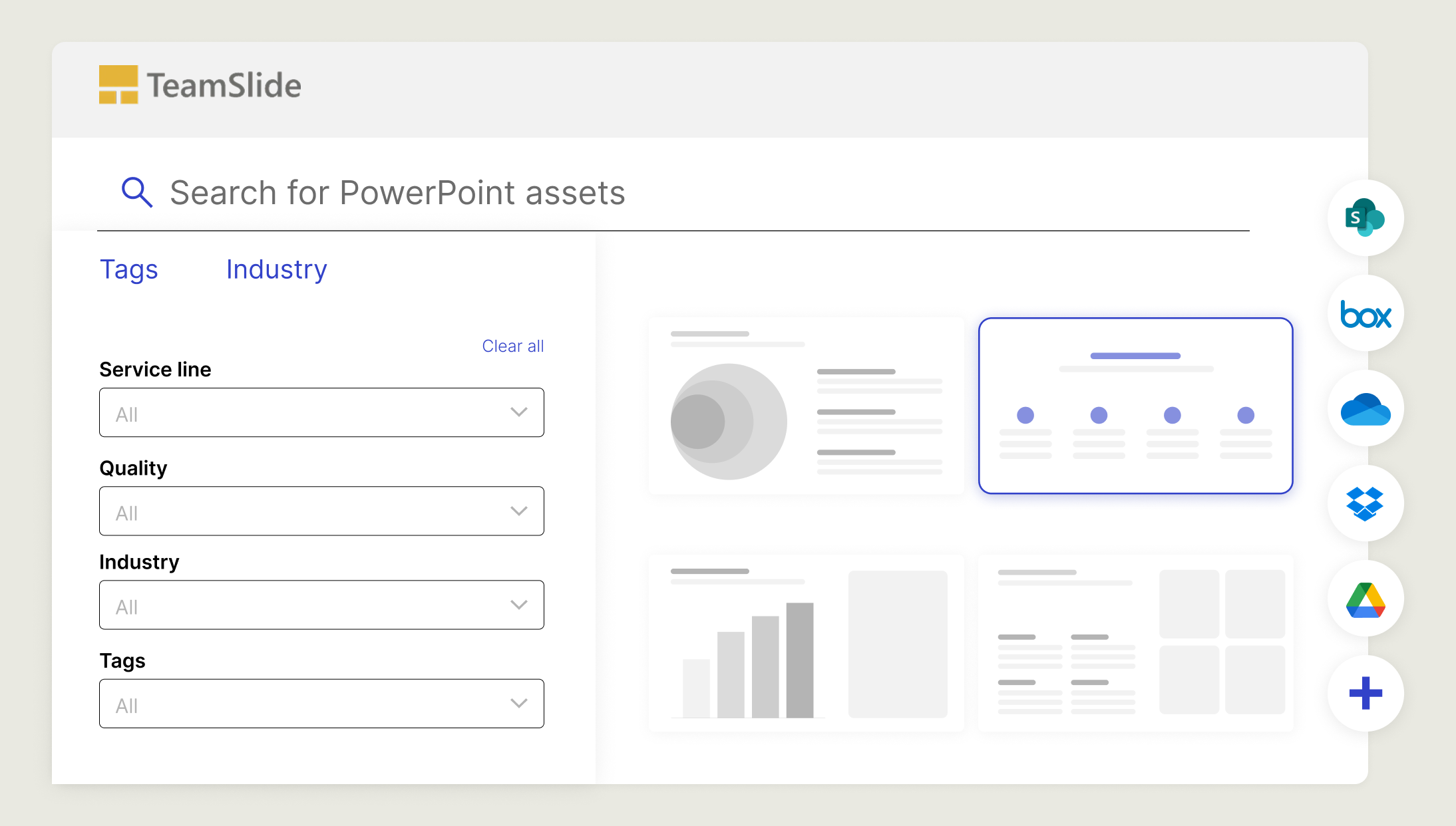
Absolutely. TeamSlide’s intuitive search and tagging system allows users to find the right slide or asset in seconds. You can filter and browse by custom properties, content type, and more, reducing time spent hunting for files.
Integration setup is quick and simple. Our support team guides you through connecting your content libraries, setting permissions, and training your team.