
Version control that works behind the scenes
TeamSlide automatically ensures every team member works with the latest, approved slide version, right inside PowerPoint.
Outdated PowerPoint slides hurt your brand
When slides live in folders or inboxes, version confusion spreads fast. These inconsistencies create risk. Teams unknowingly use:
• Old or off-brand slides
• Expired data or messaging
• Presentations with missing updates

Automated version control built for teams who work in PowerPoint
Streamline content management across your entire organization
Up-to-date slides, every time
TeamSlide takes the guesswork out of managing slide versions. Every update you make to your content library is instantly reflected for users.
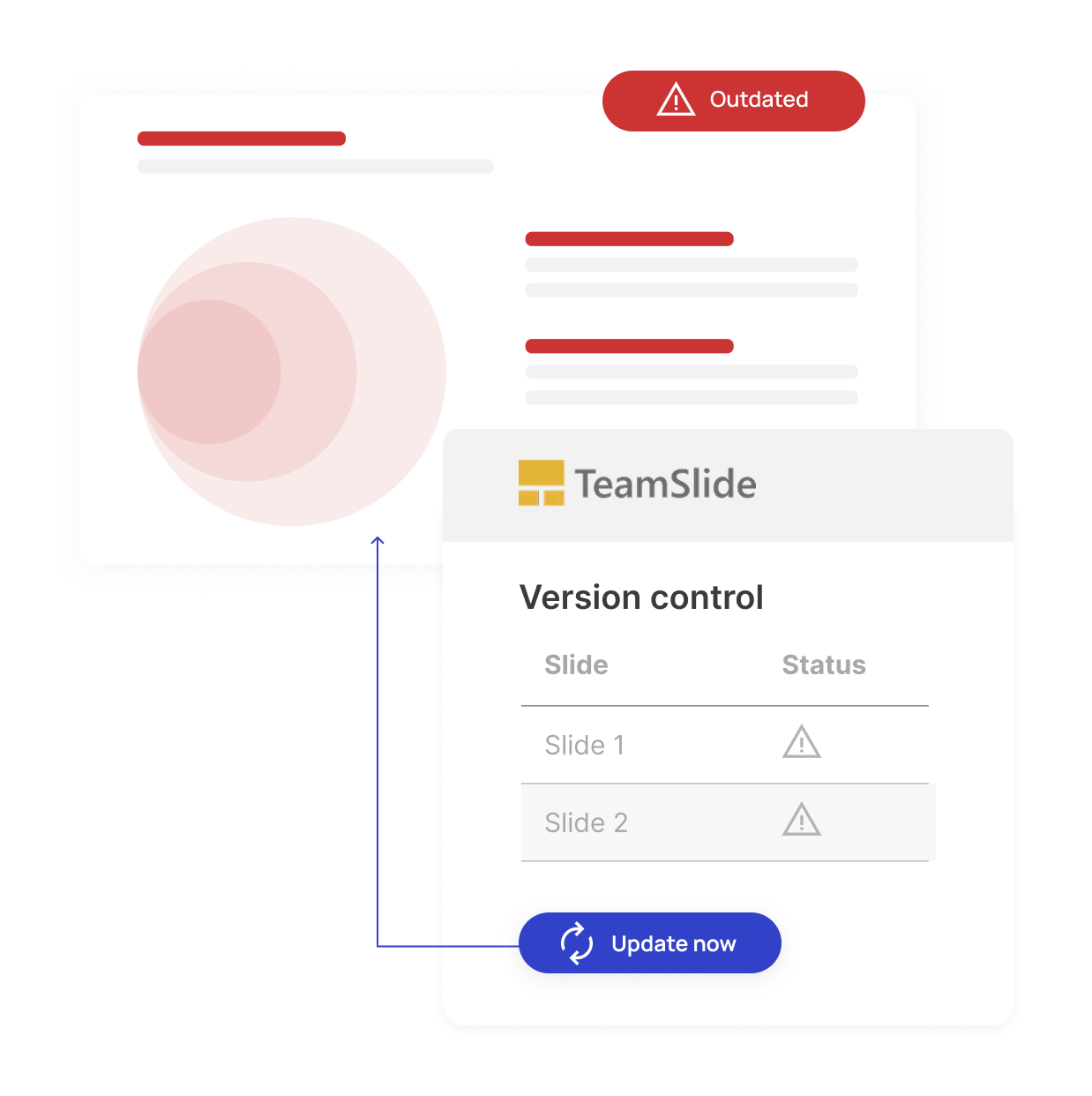
How it works
TeamSlide checks your slides to ensure you have the latest approved version.
Review and accept changes with a click.
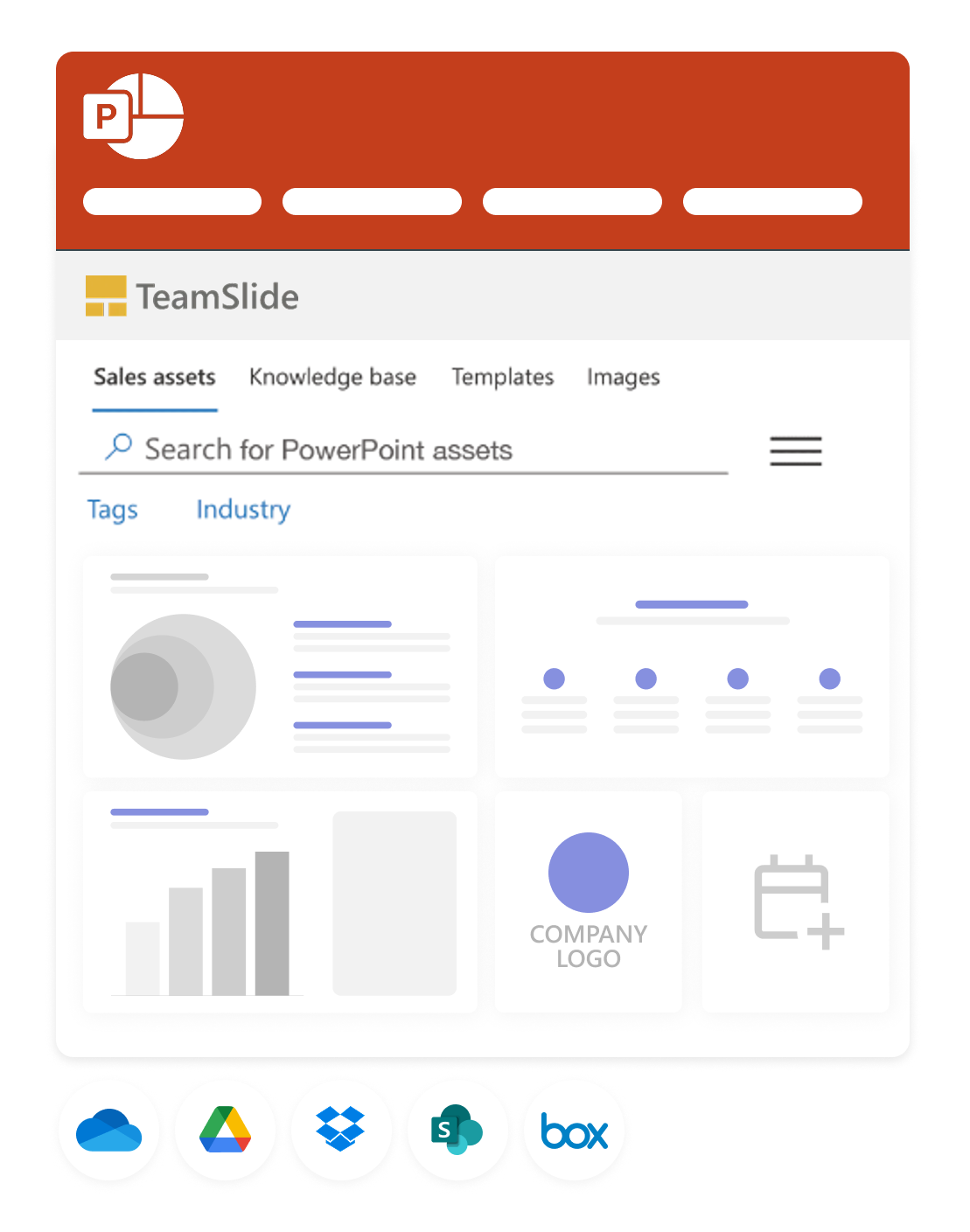
Assemble your presentations
Create presentations using TeamSlide, pulling in slides stored in SharePoint, OneDrive, Box, and more.
TeamSlide scans for updates
TeamSlide checks your slides regularly to ensure you have the latest approved version.
Review & update in a click
With a click, TeamSlide updates out-of-date slides by pulling in the latest version synced from your CMS.
"We needed a solution that was incredibly simple to use, scalable across all of our properties, and integrated seamlessly with Box and PowerPoint. TeamSlide checked all those boxes. It didn’t require a big process change or steep learning curve. The ability to group users and control access through SSO was also a major factor in our decision"

.png)
FAQs
Get clarity on how TeamSlide's version control transforms your presentation workflow
TeamSlide automatically synchronizes with your content management system to alert you when a new version is detected. With one click, you can update to the latest slide version.
Your content management system always remains your single-source-of-truth. TeamSlide only reads, never writes to your content repository. Updates can be made directly in your content repository.
TeamSlide allows you to set permissions within libraries on a user or group level. We recommend managing access rights directly in your content system.
When opening presentations, TeamSlide checks all the slides and provides an alert in PowerPoint when a newer version exists. Then gives them the option to update, insert a copy, or ignore the alert.
Take control of your slides
See how TeamSlide eliminates version chaos and keeps your team aligned.