
Manage your slides and presentations with confidence
Give your team one place to find, update, and reuse the right content, all inside PowerPoint.
Trusted by global leaders who demand precision



.png)
The slides you need, where you need them
Version control that protects your slide library
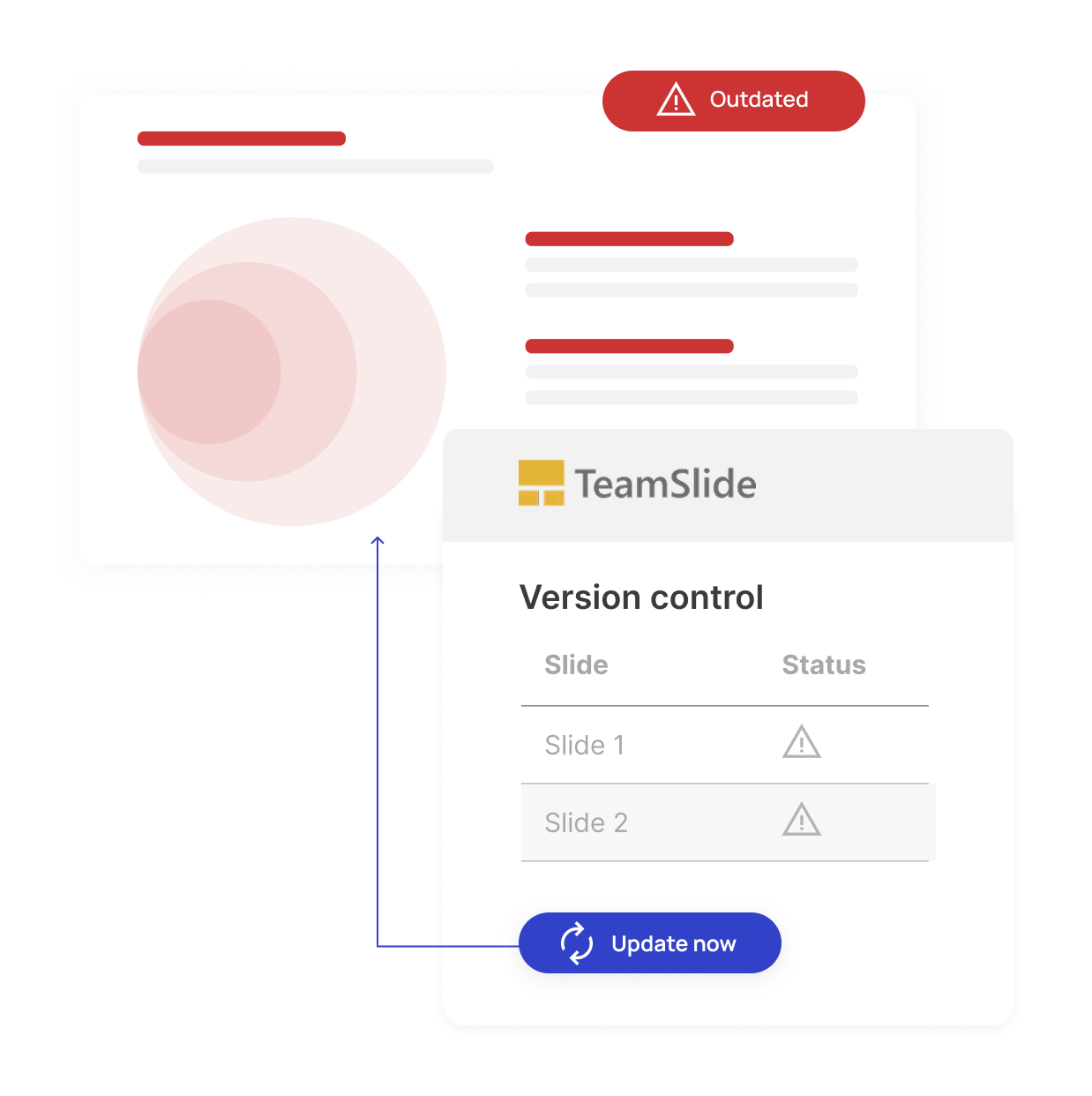
Outdated slides can lead to off-brand messaging and missed deals. Our version control feature ensures your team always uses brand-aligned content. When content is updated in your slide library, TeamSlide automatically flags older versions and makes it easy to update.

Automatic version control alerts

Reduce risk from outdated content

One source of truth for approved slides

Search that lives where you work
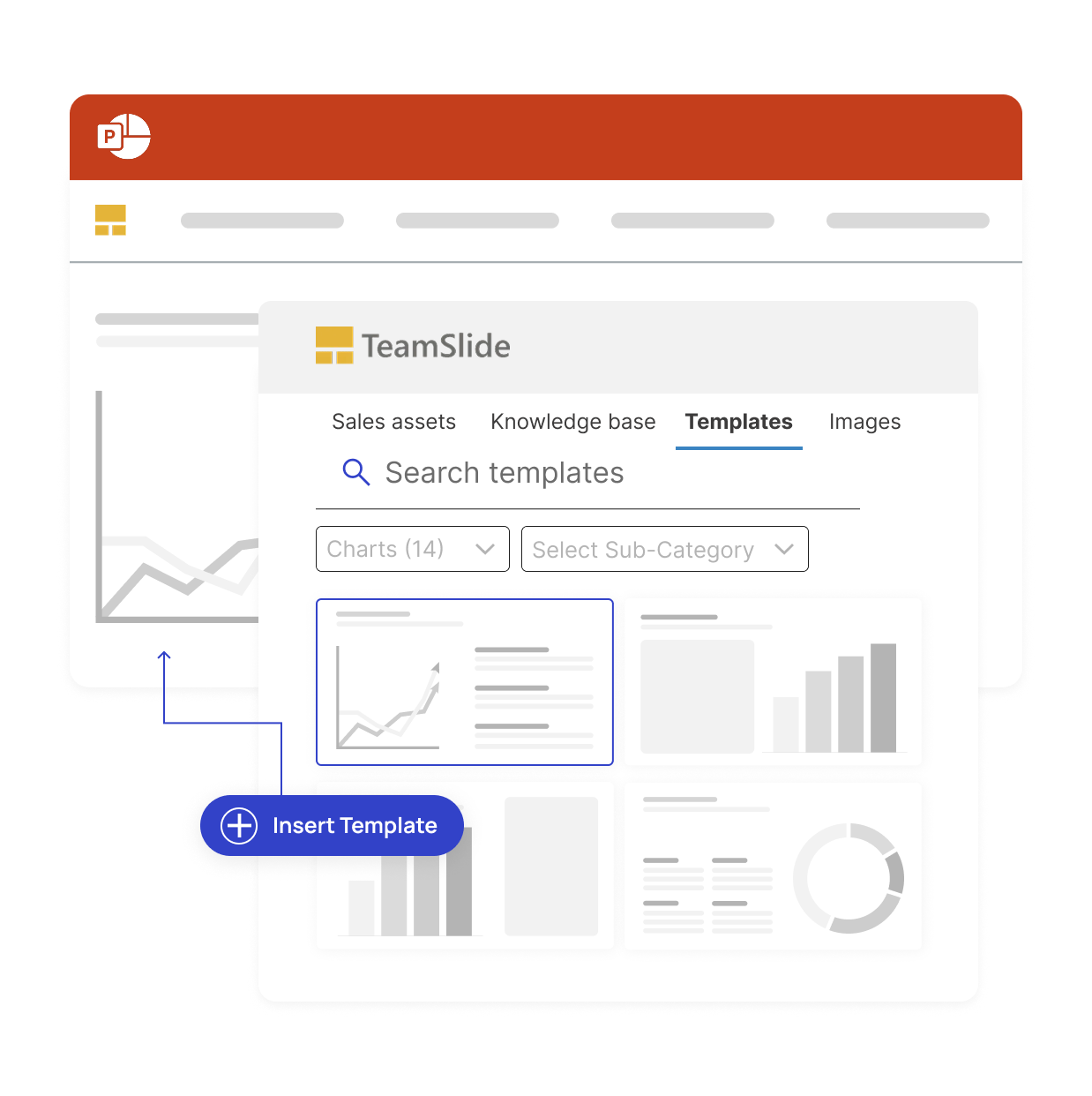
With TeamSlide, your company’s entire slide library is searchable directly inside PowerPoint.
The result: no switching between tools, no hunting through folders, and no more outdated decks.

Search by keywords
Quickly find the slides you need by typing keywords or phrases, without leaving PowerPoint.

Preview & insert slides instantly
See adjustable thumbnails and insert the right slide into your deck in just one click.

Filter by tags & metadata
Narrow results using tags, categories, or metadata to locate the most relevant content fast.

Connect to your content
Access slides stored in SharePoint, OneDrive, Box, or other repositories directly from the search panel.
Measurable impact on presentation performance
Faster content discovery
Say it's intuitive & easy
Saved per week
Connect to the tools your team already uses
Seamlessly integrate with SharePoint, OneDrive, Box, and other platforms so your slide libraries stay in sync and easy to access across your presentation management workflow.
.svg)
.svg)


.svg.png)
Enterprise-ready and secure
Advanced security for modern teams
Comprehensive security standards
TeamSlide follows best-in-class security standards, supports SSO, and integrates seamlessly within your IT environment.

Features that accelerate your presentation workflow

Centralized slide library
Sync directly with SharePoint, Box and other content systems so your team always works from the latest, approved slides and templates.
Version control
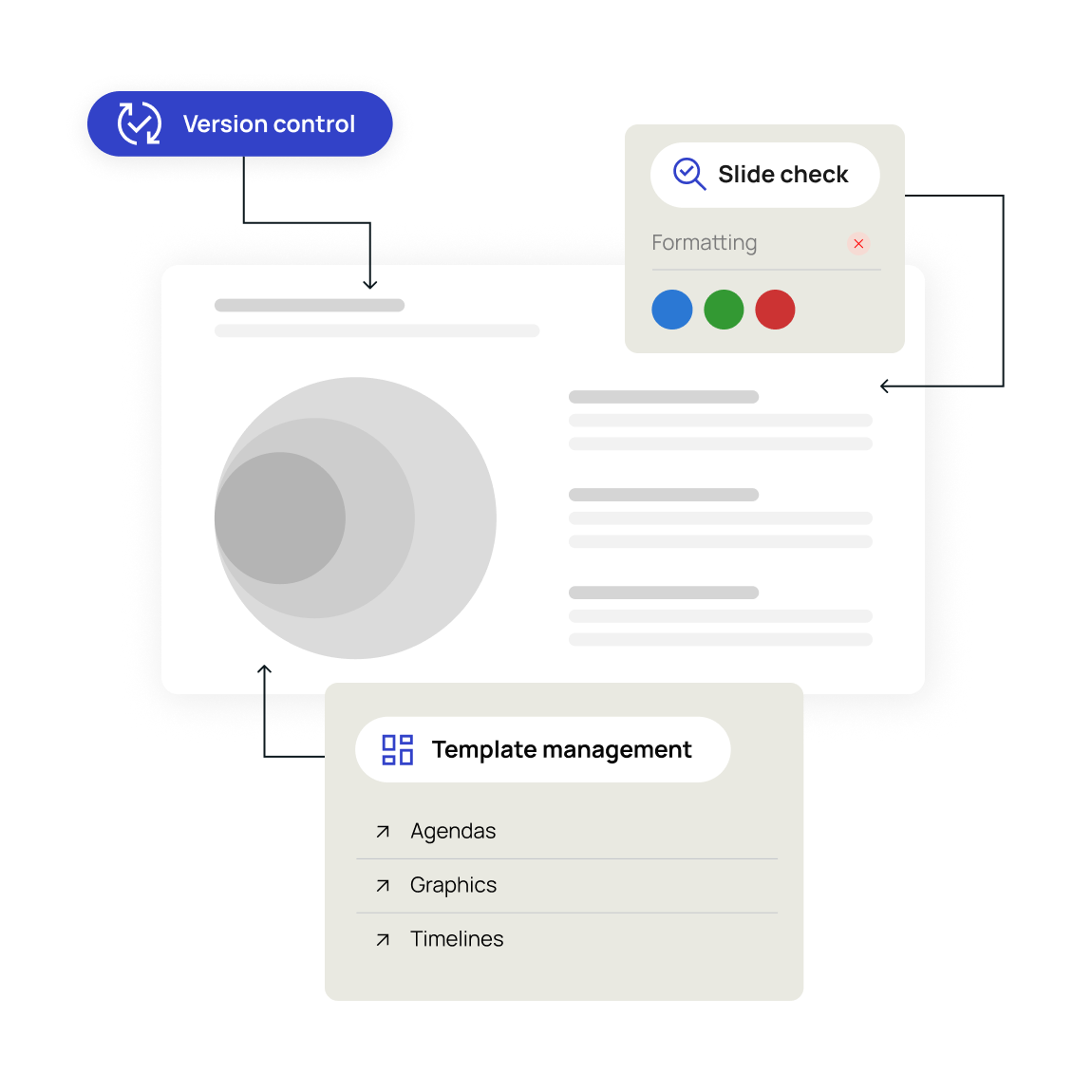
Version control ensures your team is always working from the latest, approved content. No outdated presentations, no confusion.

Template management
Centralize your PowerPoint templates, ensuring every presentation your team creates stays on-brand from the start.
"TeamSlide has been a game changer for us. With over 160 properties, we needed a simple, scalable way to keep our teams aligned and on-brand. Now, our sales teams can build presentations faster and more confidently, knowing they’re using the latest content."

Trusted by teams worldwide
Real results from teams that transformed their presentations



FAQ
Everything you may be wondering about TeamSlide
Slide library and presentation management refers to how teams store, organize, find, and reuse presentation assets like slides, templates, images, and videos. TeamSlide provides a centralized slide library that lives inside PowerPoint, so teams can quickly find approved content and keep presentations consistent and up to date.
TeamSlide makes it easy to search for and reuse existing PowerPoint slides instead of recreating them. It bridges the gap between your content system and PowerPoint enabling users to find approved assets. By reusing proven content, teams save time, reduce duplication, and maintain consistency across presentations.
Yes. TeamSlide helps eliminate outdated content by giving teams access to a single source of truth for approved slides. If a slide is updated in your repository, TeamSlide flags older versions and lets your team replace them with a click. Everyone stays aligned without hunting for the “latest” slide.
TeamSlide supports managing PowerPoint slides, images, and videos. This allows teams to keep all presentation content organized in one place and easily accessible when building decks.
TeamSlide is ideal for teams that create presentations frequently, such as consulting, sales, marketing, finance, and leadership teams. If your organization spends time searching for slides, fixing formatting, or policing brand usage, presentation management software like TeamSlide helps reduce that friction.
A better way to build presentations
See how a centralized slide library can improve brand consistency and save time.