Easy access to your best slides and assets
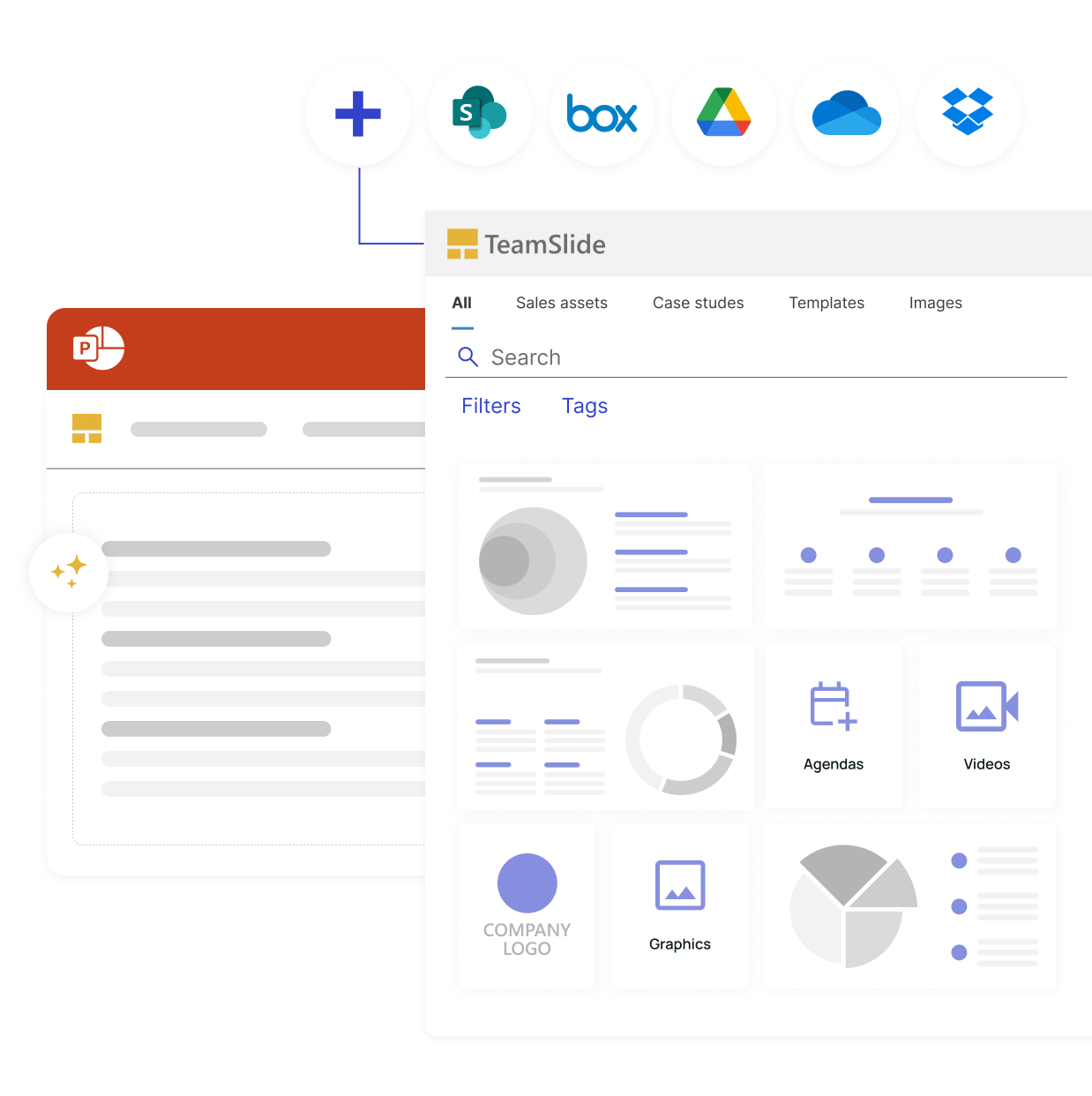
TeamSlide centralizes your PowerPoint assets, ensuring every presentation your team creates stays on-brand from the start.
Trusted by teams who need consistency and speed



.png)
The easiest way to manage slides, templates, and brand consistency

Easy access to content
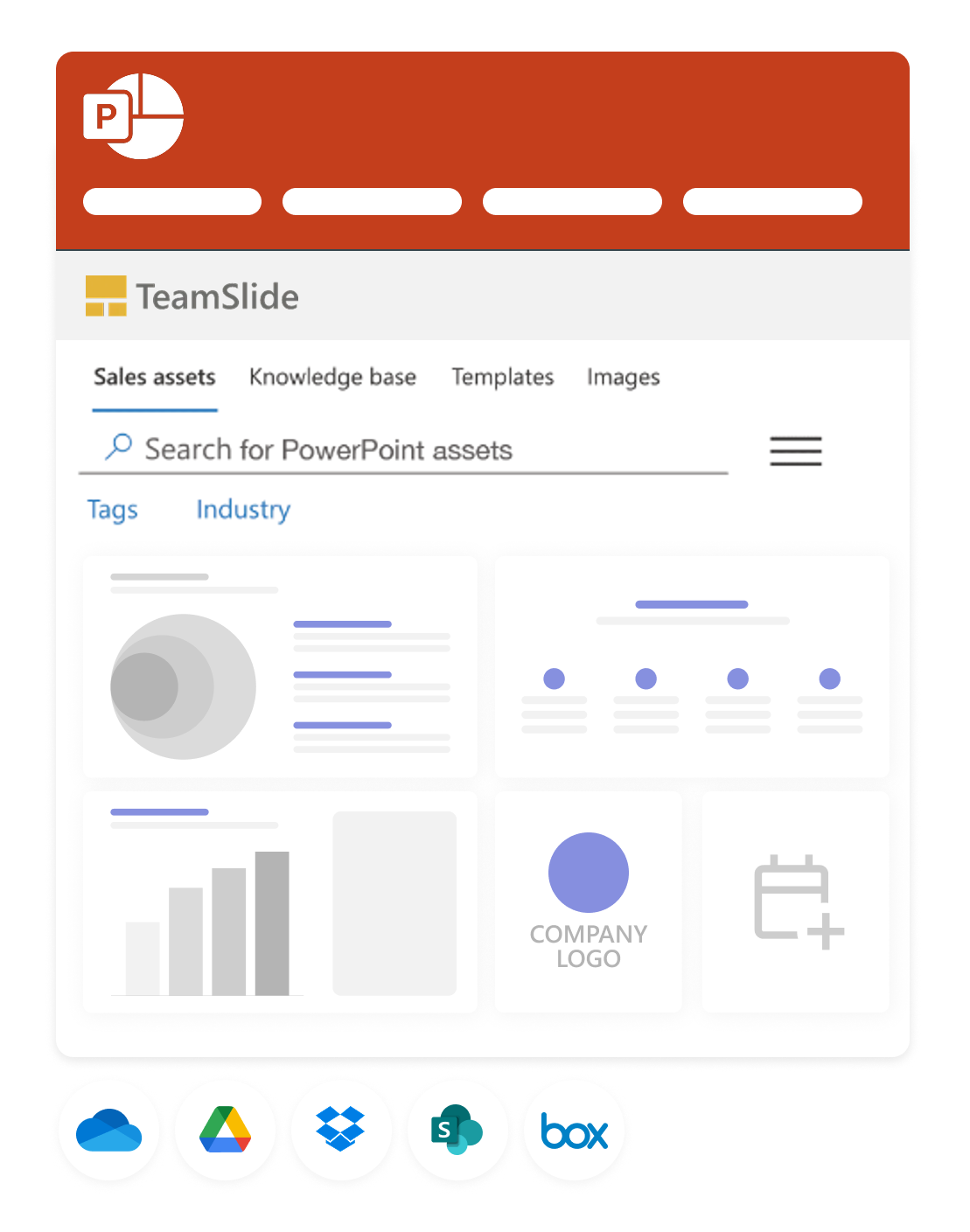
Sync directly with SharePoint, Box and other content systems so your team always works from the latest, approved slides and templates.

Stay on-brand, every time
Template management and automated slide checks ensure every presentation meets your brand guidelines.

Always up-to-date slides
Version control ensures your team is always working from the latest, approved content. No outdated presentations, no confusion.
Find the right slide, instantly
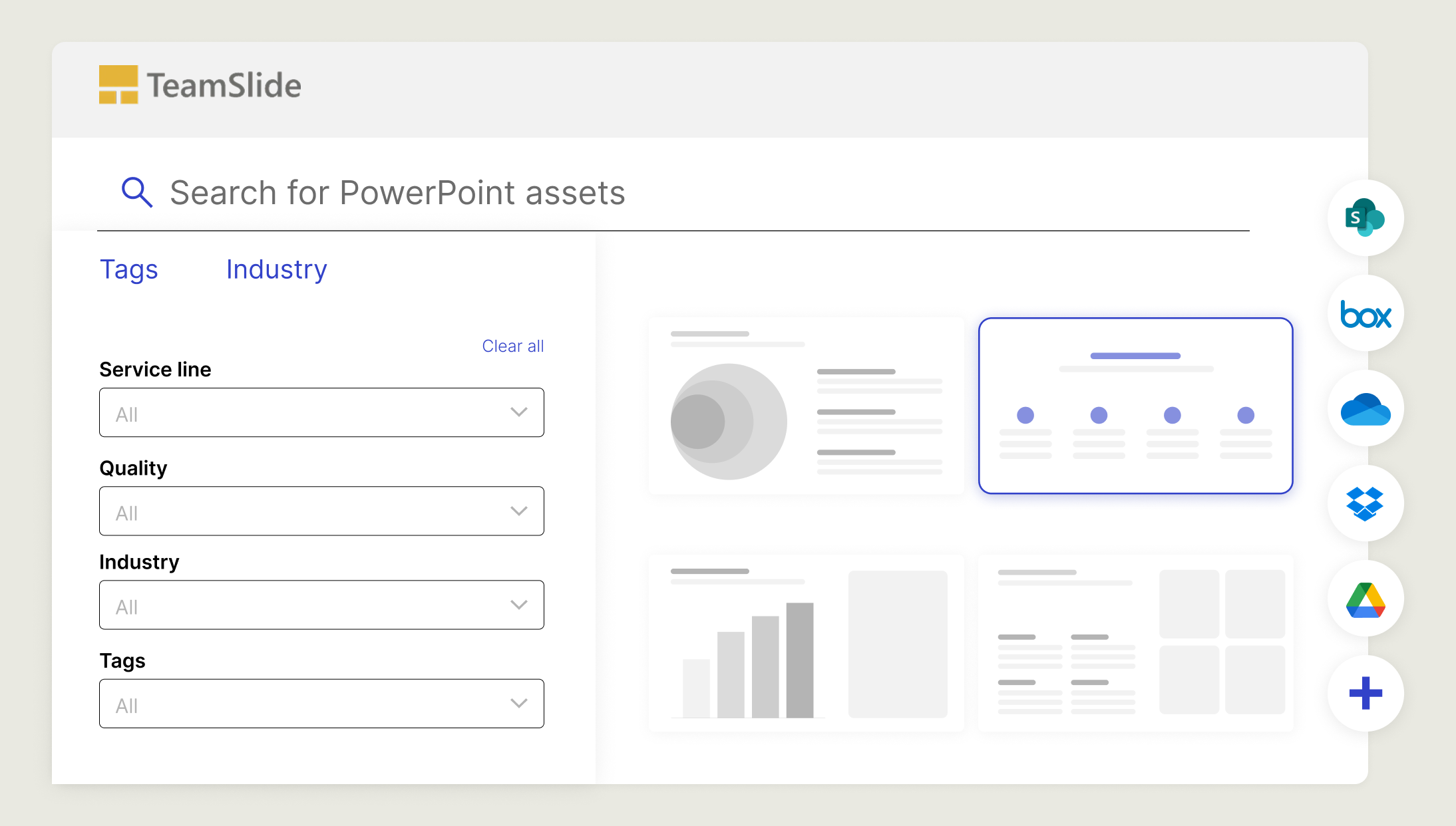
Stop wasting time digging through decks. TeamSlide makes every slide searchable so you can focus on building the story, not hunting for content.
Search all text - Locate content inside tables, diagrams, and notes on a slide-by-slide basis
Pin & tag key slides – Surface common or frequently used slides instantly with tags and imported metadata.
Filter to narrow in – Apply filters to quickly zero in on exactly the right slide.
Brand compliance made easy
Keep every presentation up-to-date and aligned with your brand. TeamSlide enforces consistency automatically so your team can focus on what matters.
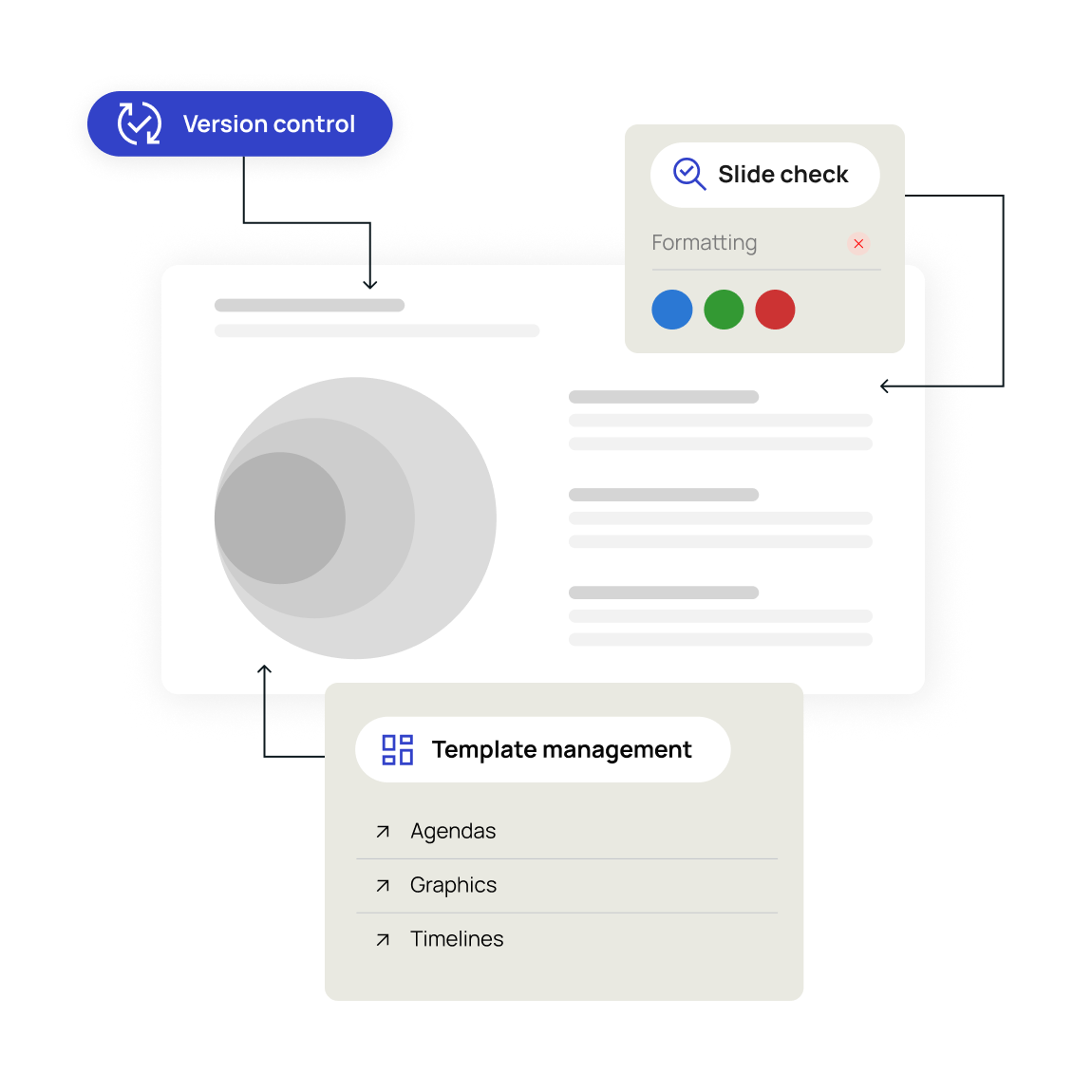
Version control
Always work from the latest, approved content. No outdated decks, no confusion.
Slide check
Catch errors, formatting issues, and off-brand elements before they reach your audience.
Template management
Ensure every presentation starts from approved, on-brand designs
Simplicity at the core
Stay productive without switching tools. TeamSlide integrates directly with PowerPoint and your content systems, so the right assets are always at your fingertips.

PowerPoint integration
Search, insert, and update slides without leaving PowerPoint.

Intuitive by design
Built to feel simple from the start so users can find slides without complex training.
Trusted by teams worldwide
Real results from teams that transformed their presentations




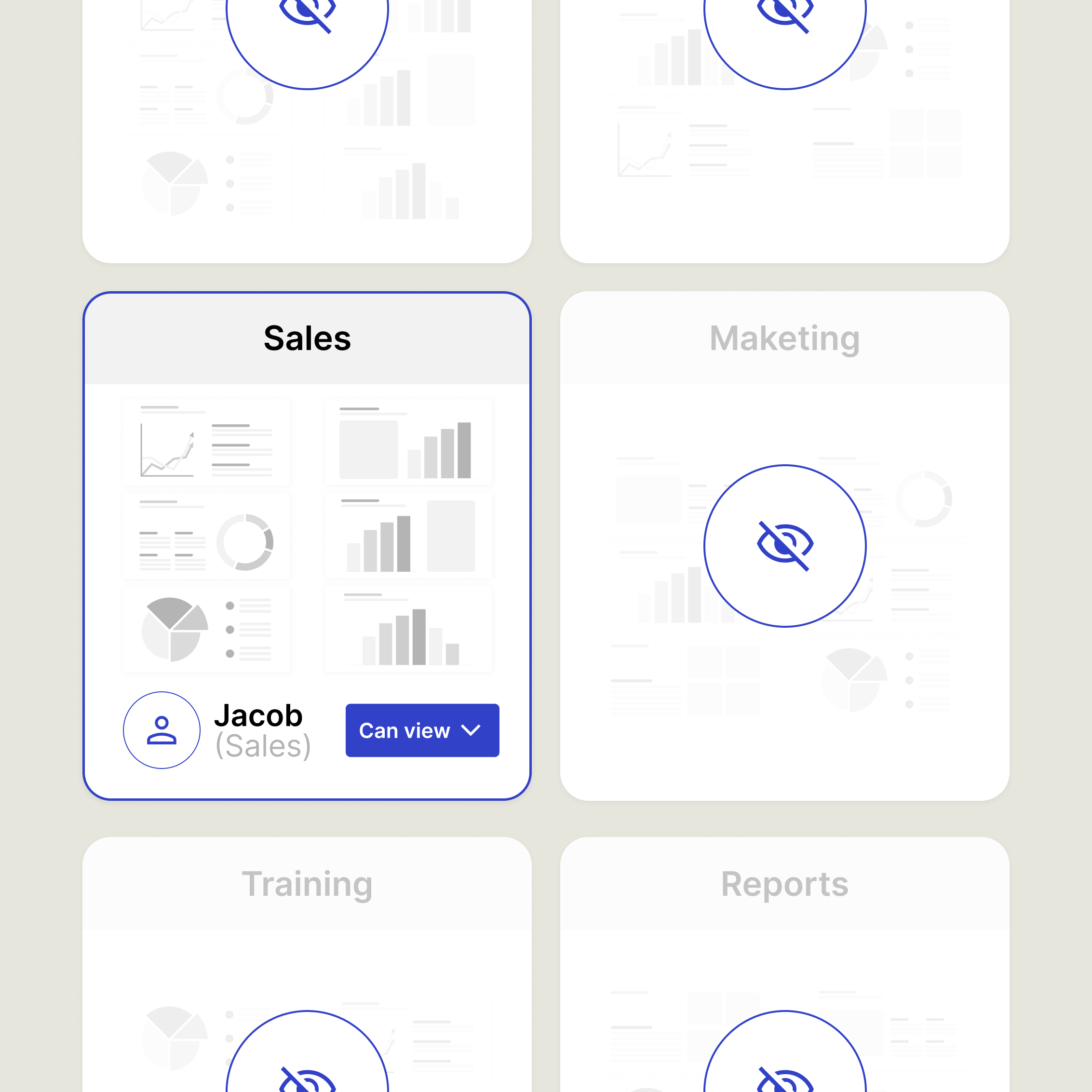
Assign access rights with confidence
Create groups, apply permissions, and manage access in a way that's easy to understand and maintain.
Define access by user or group per library
Make permission changes in seconds
Stay current with version control
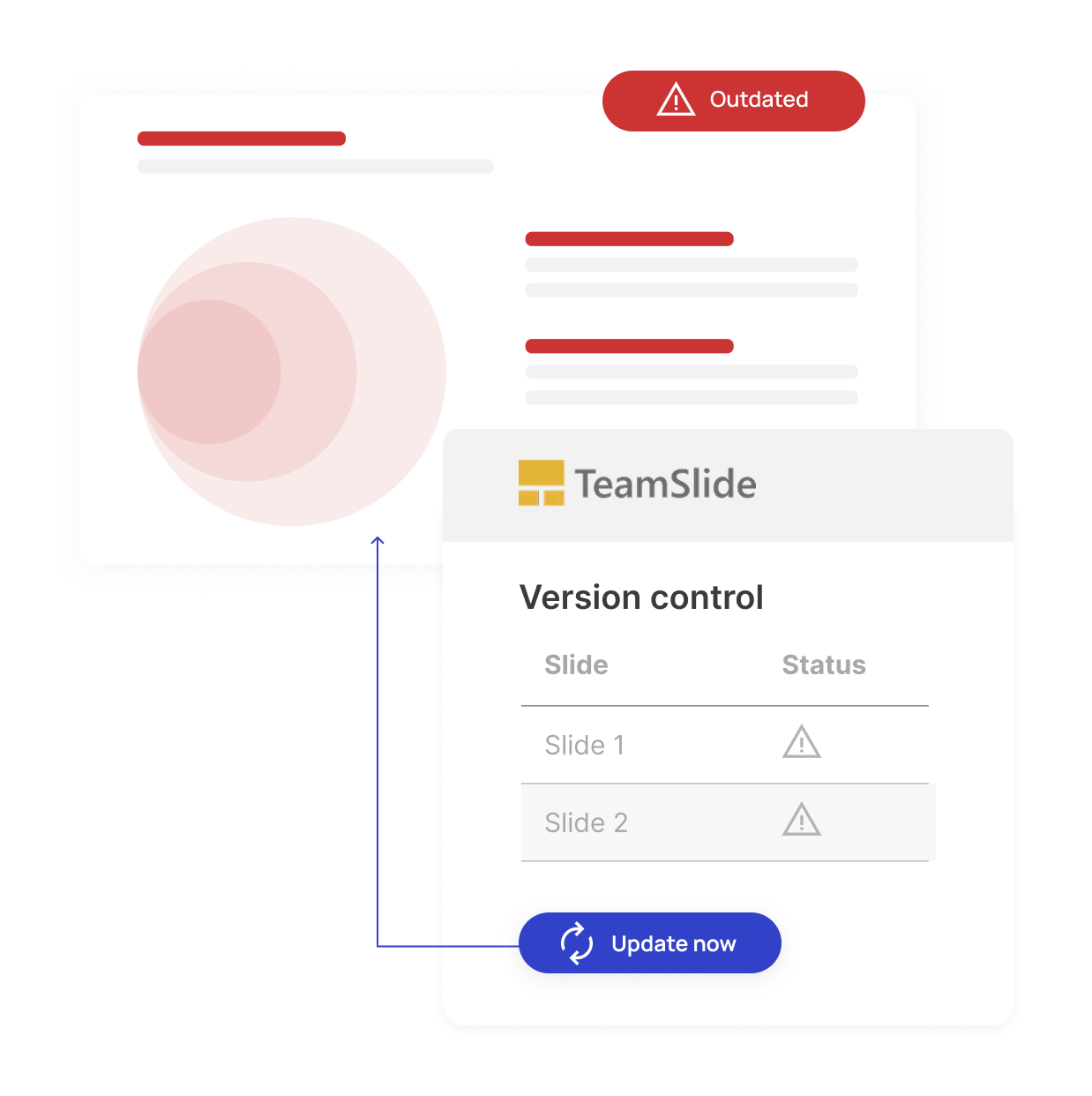
Outdated slides can lead to off-brand messaging and missed deals. Our version control feature ensures your team always uses brand-aligned content. When a slide is updated in your repository, TeamSlide automatically flags older versions and makes it easy to update.

Automatic version control alerts

Reduce risk from outdated content
One source of truth for approved slides

Security designed for peace of mind
TeamSlide takes a security-first approach, applying strict privacy standards and robust protocols throughout every part of our platform. Link to your content management systems seamlessly and securely.

Integrations
Securely integrates with systems that store your content: SharePoint, OneDrive, Box, Google Drive, and others. This gives users direct access to approved content.

Microsoft Entra ID
TeamSlide is a cloud-based SaaS solution hosted on Microsoft Entra ID and is trusted by global enterprises for its unmatched reliability, compliance, and security.
The impact of better slide management
Intelligent presentation managment drives measurable business improvements. Reduce wasted time, eliminate inconsistent branding, and boost team productivity.
Faster content discovery

Saved per week on avg
Say it's easy & intuitive

FAQ
Everything you may be wondering about TeamSlide for marketing & communications
TeamSlide gives marketing and communications teams a single place to find approved slides, templates, and other presentation assets. Version control helps ensure the entire team is always using the latest assets. This makes it easier to create presentations that are on-brand, up to date, and consistent across teams without constant back-and-forth.
TeamSlide is a PowerPoint solution that helps teams create presentations faster and stay on-brand. With instant access to approved slides and optional AI-powered slide generation, teams achieve consistent messaging, quicker turnarounds, and stronger business impact.
Yes. TeamSlide connects with many content management systems, including SharePoint, OneDrive, Box, Google Drive, and Dropbox. Pick specific sites and folders and even pull in any metadata to include in TeamSlide. No migration needed.
TeamSlide ensures your content management system (CMS) remains your single source of truth. Rather than replacing your CMS, TeamSlide augments its capabilities, giving users incredibly easy access to all your assets.
Yes. You can manage permissions by library on a user or group level. You decide who sees what, and you can update access as your library evolves.
If a slide is updated in your repository, TeamSlide flags older versions and lets your team replace them with a click. Everyone stays aligned without hunting for the “latest” slide.
Both. You can run TeamSlide in the cloud for quick setup or deploy it on-premise (for an added cost) if you need full control over your environment.
Marketing-approved slides,
always within reach
Experience smarter presentation management without the bottlenecks