
An alternative to SlideHub
TeamSlide is recognized for ease of use, search functionality, and best-in-class customer support by verified users.
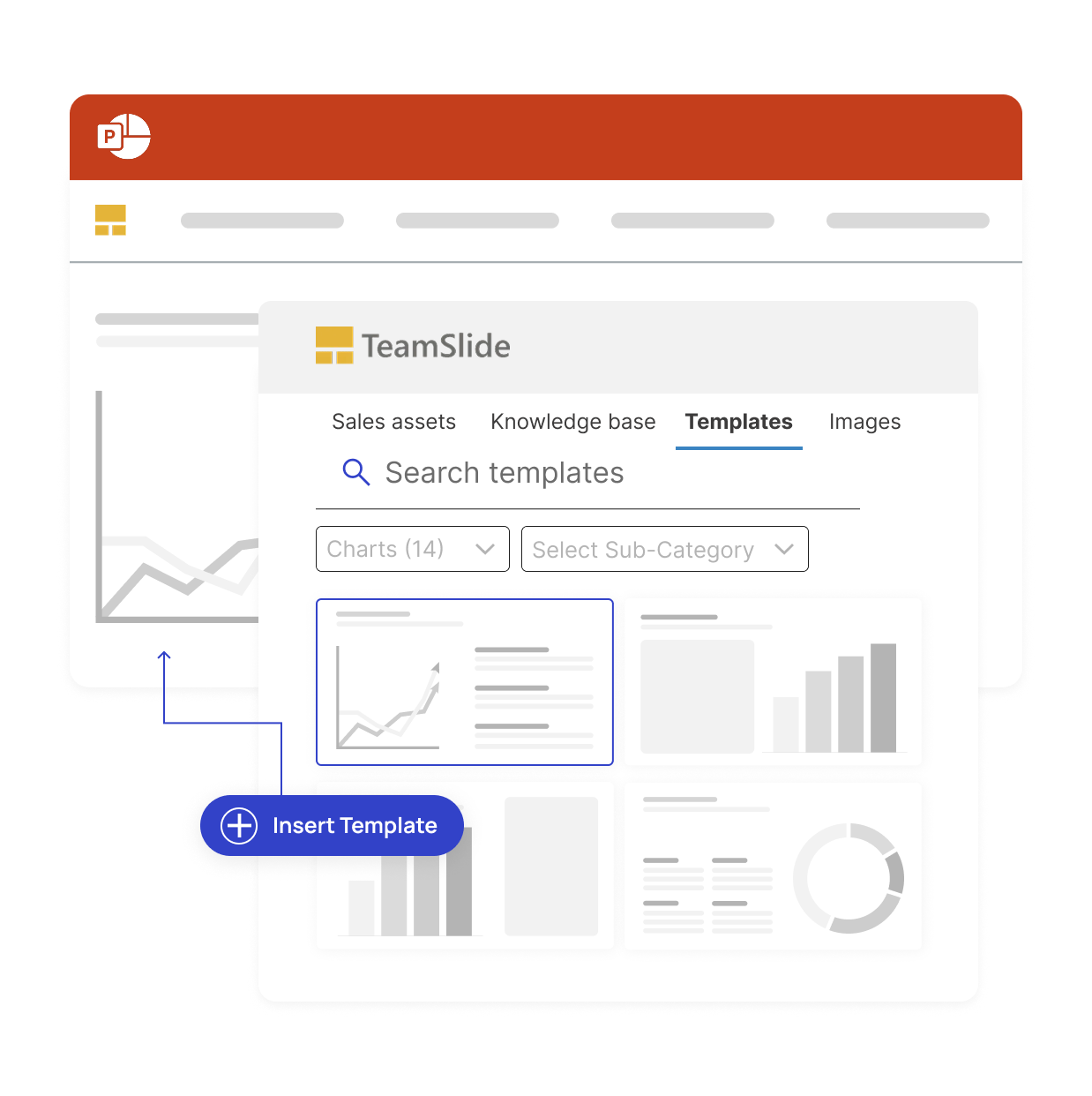
The slides you need, where you need them

Trusted by global leaders who demand precision



.png)
Presentation management for brand consistency

Easy access to content
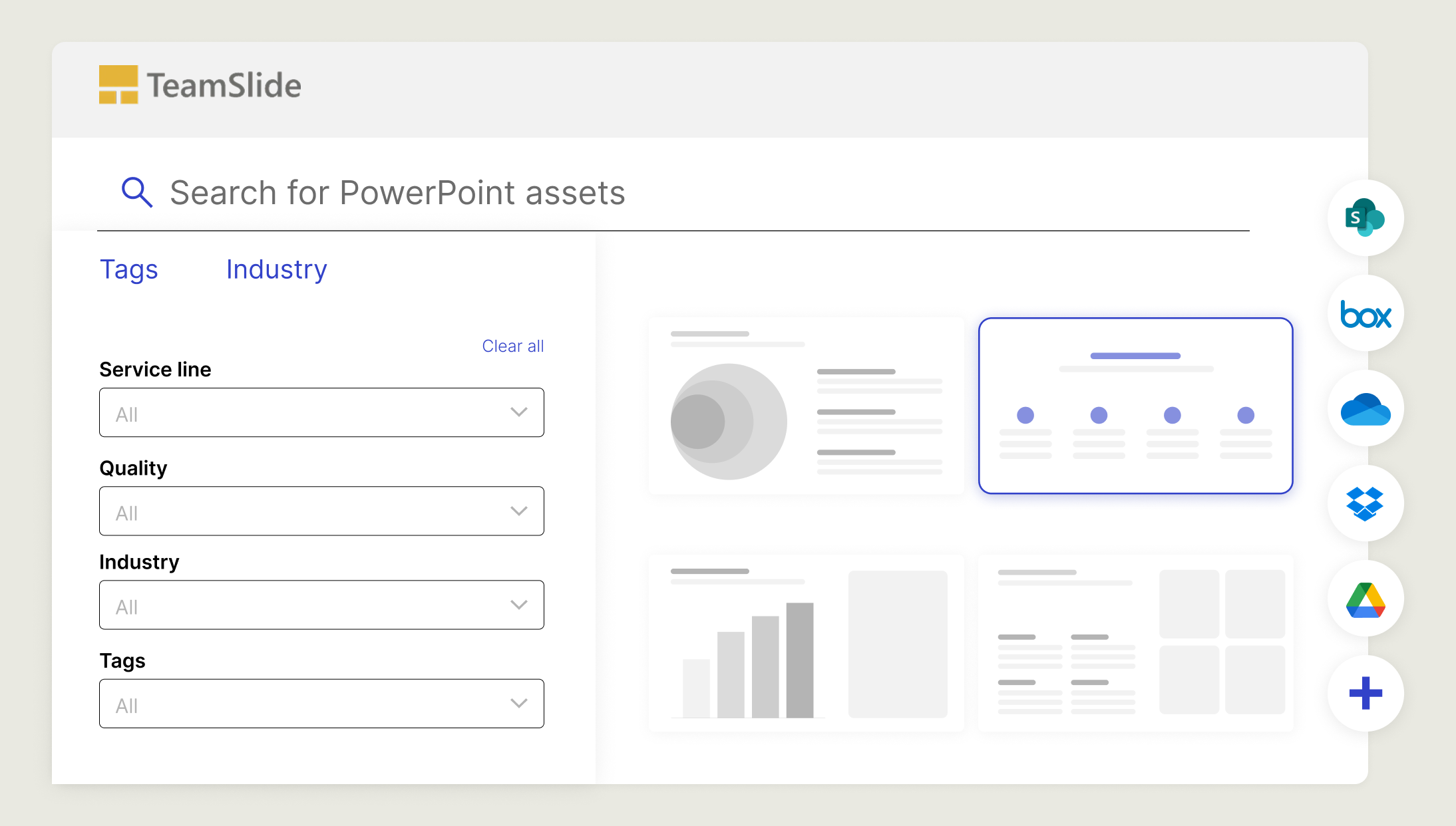
Sync directly with SharePoint, Box and other content systems so your team always works from the latest, approved slides and templates.

Stay on-brand, every time
Template management and automated slide checks ensure every presentation meets your brand guidelines.

Always up-to-date slides
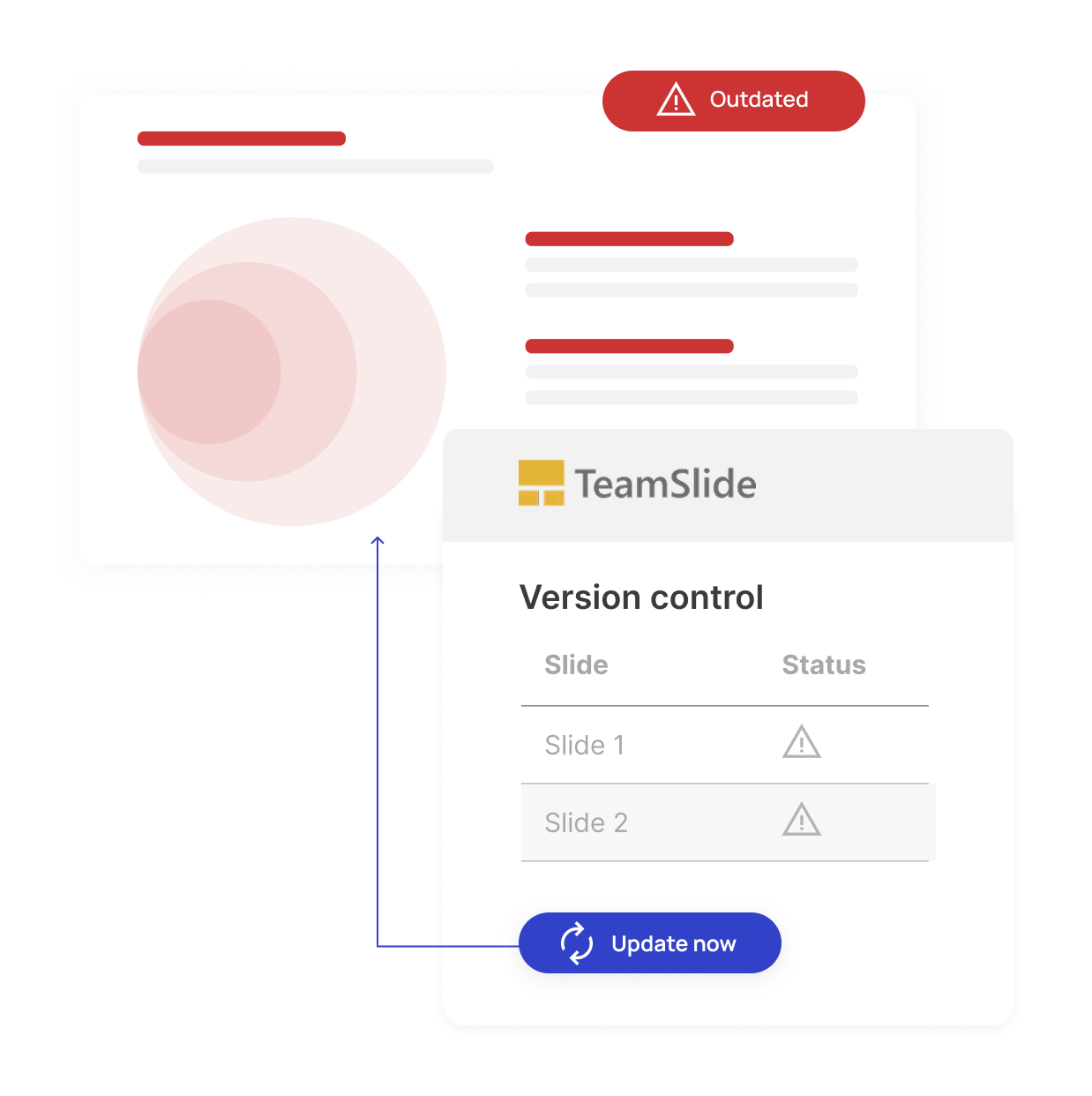
Version control ensures your team is always working from the latest, approved content. No outdated presentations, no confusion.

AI slides in your brand
Generate slides using your PowerPoint design system so they always reflect your brand and voice. No more generic AI slides.
Connect your systems without changing your workflow
Seamlessly connect with leading content management platforms like SharePoint, Box, and OneDrive, for quick content access and simple setup.
Why choose TeamSlide
We stand out from the competition by offering a reliable, user-friendly solution at an affordable price point. Here’s what makes us different:
Unmatched support for every customer
No matter your plan size, you’ll receive premium support. This includes best practices and expert guidance to help you solve real business challenges. We’re here to ensure your success!
Bonus: You’ll always reach a real person. No phone bots, no chat bots.
Built for simplicity and user adoption
TeamSlide is designed to be intuitive and simple, making company-wide adoption easy. Our PowerPoint add-in works seamlessly within your existing workflow, so your team can access and update slides without disruption.
Our intense customer focus defines our approach from new features to support. We partner with you to ensure your business success and continuously listen to rollout features that benefit you the most.
Works with your existing systems
Unlike other solutions that require you to import your content, TeamSlide integrates directly with your existing content management systems (SharePoint, Box, OneDrive, and more). Your content remains your single source of truth, while TeamSlide enhances searchability and access.

Measurable impact on presentation performance
Faster content discovery
Say it's intuitive & easy
Saved per week
Enterprise-ready and secure
Advanced security for modern teams
Comprehensive security standards
TeamSlide follows best-in-class security standards, supports SSO, and integrates seamlessly within your IT environment.

Recognized by the teams who use TeamSlide every day








"TeamSlide has been a game changer for us. With over 160 properties, we needed a simple, scalable way to keep our teams aligned and on-brand. Now, our sales teams can build presentations faster and more confidently, knowing they’re using the latest content."

Trusted by teams worldwide
Real results from teams that transformed their presentations



FAQ
Everything you may be wondering about TeamSlide vs. SlideHub
Organizations choose TeamSlide for its simplicity, platform customizations, built-in support, and integrations. Schedule a demo to see if TeamSlide is a good fit for your team.
TeamSlide makes it easy to search for and reuse existing PowerPoint slides instead of recreating them. It bridges the gap between your content system (e.g., SharePoint, Box, Google Drive, Widen) and PowerPoint enabling users to find approved assets. By reusing proven content, teams save time, reduce duplication, and maintain consistency across presentations.
Yes. TeamSlide helps eliminate outdated content by giving teams access to a single source of truth for approved slides. If a slide is updated in your repository, TeamSlide flags older versions and lets your team replace them with a click. Everyone stays aligned without hunting for the “latest” slide.
TeamSlide supports managing PowerPoint slides, images, and videos. This allows teams to keep all presentation content organized in one place and easily accessible when building decks.
TeamSlide is ideal for teams that create presentations frequently, such as consulting, sales, marketing, training, finance, and leadership teams. If your organization spends time searching for slides, fixing formatting, or policing brand usage, presentation management software like TeamSlide helps reduce that friction.
A better way to build presentations
Learn how TeamSlide will transform how you manage slides in comparison to SlideHub