
Slide library software for PowerPoint
Give your team one place to find, update, and reuse the right slides, all inside PowerPoint.
Trusted by global leaders who demand precision



.png)
What is a slide library?
A slide library is a centralized, searchable collection of approved PowerPoint slides your team can find and reuse directly inside PowerPoint.
Faster content discovery

Saved per week on avg
Say it's easy & intuitive

Your slide library,
inside PowerPoint
Version control that protects your slide library
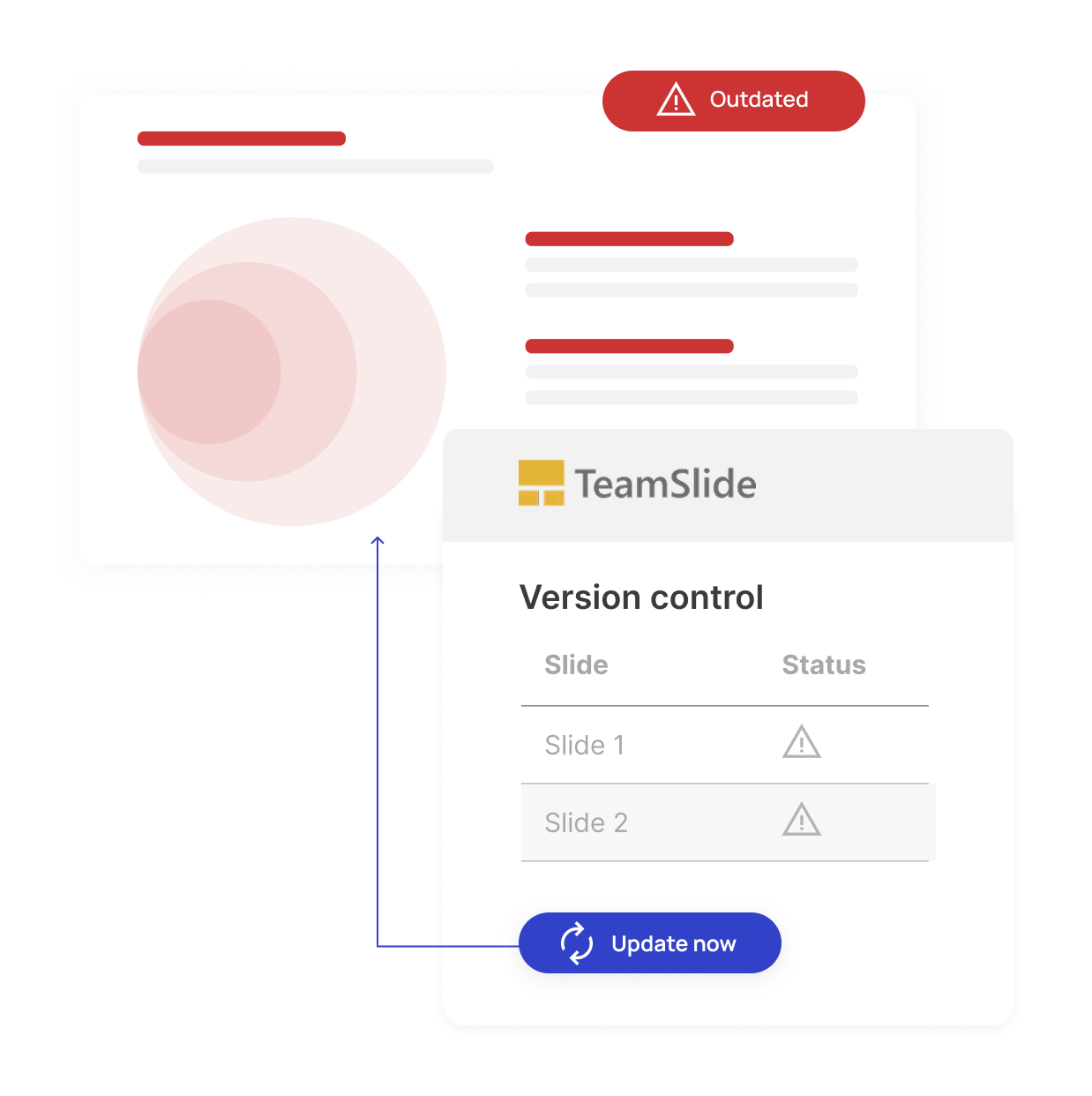
Outdated slides can lead to off-brand messaging and missed deals. Our version control feature ensures your team always uses brand-aligned content. When a slide is updated in your slide library, TeamSlide automatically flags older versions and makes it easy to update.

Automatic version control alerts

Reduce risk from outdated content

One source of truth for approved slides

Search that lives where you work
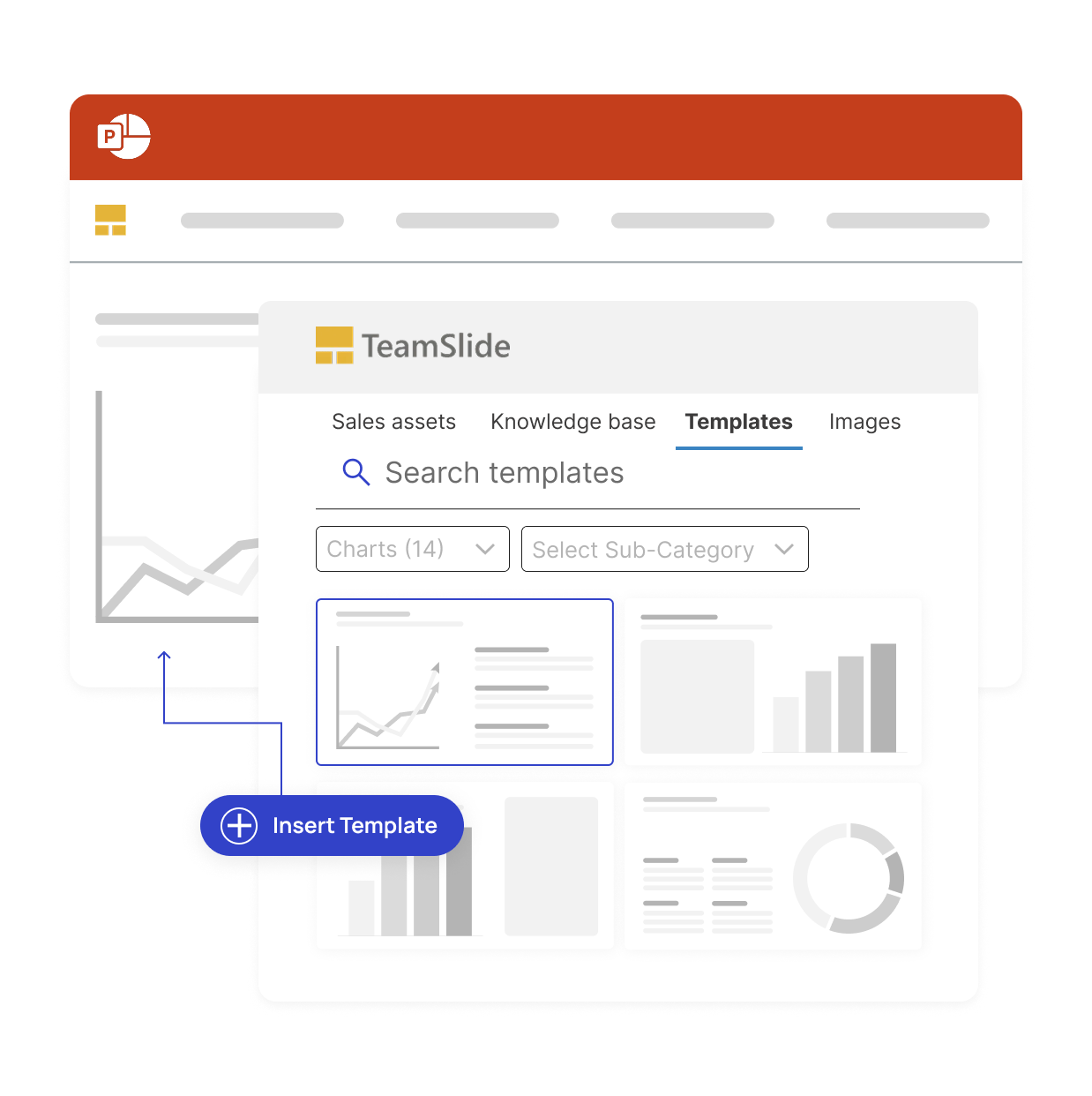
With TeamSlide, your company’s entire slide library is searchable directly inside PowerPoint.
The result: no switching between tools, no hunting through folders, and no more outdated decks.

Search by keywords
Quickly find the slides you need by typing keywords or phrases, without leaving PowerPoint.

Preview slides instantly
See adjustable thumbnails and insert the right slide into your deck in just one click.

Filter by tags & metadata
Narrow results using tags, categories, or metadata to locate the most relevant content fast.

Connect to your content
Access slides stored in SharePoint, OneDrive, Box, or other repositories directly from the search panel.
Measurable impact on presentation performance
Faster content discovery
Say it's intuitive & easy
Saved per week
Connect to the tools your team already uses
Seamlessly integrate your slide library with SharePoint, OneDrive, Box, and other platforms so your slide libraries stay in sync and is always accessible inside PowerPoint.
.svg)
.svg)


.svg.png)
Enterprise-ready and secure
Advanced security for modern teams
Comprehensive security standards
TeamSlide follows best-in-class security standards, supports SSO, and integrates seamlessly within your IT environment.

Features that accelerate your slide library workflow

Centralized slide library
Sync directly with SharePoint, Box and other content systems so your team always works from the latest, approved slides and templates.
Version control
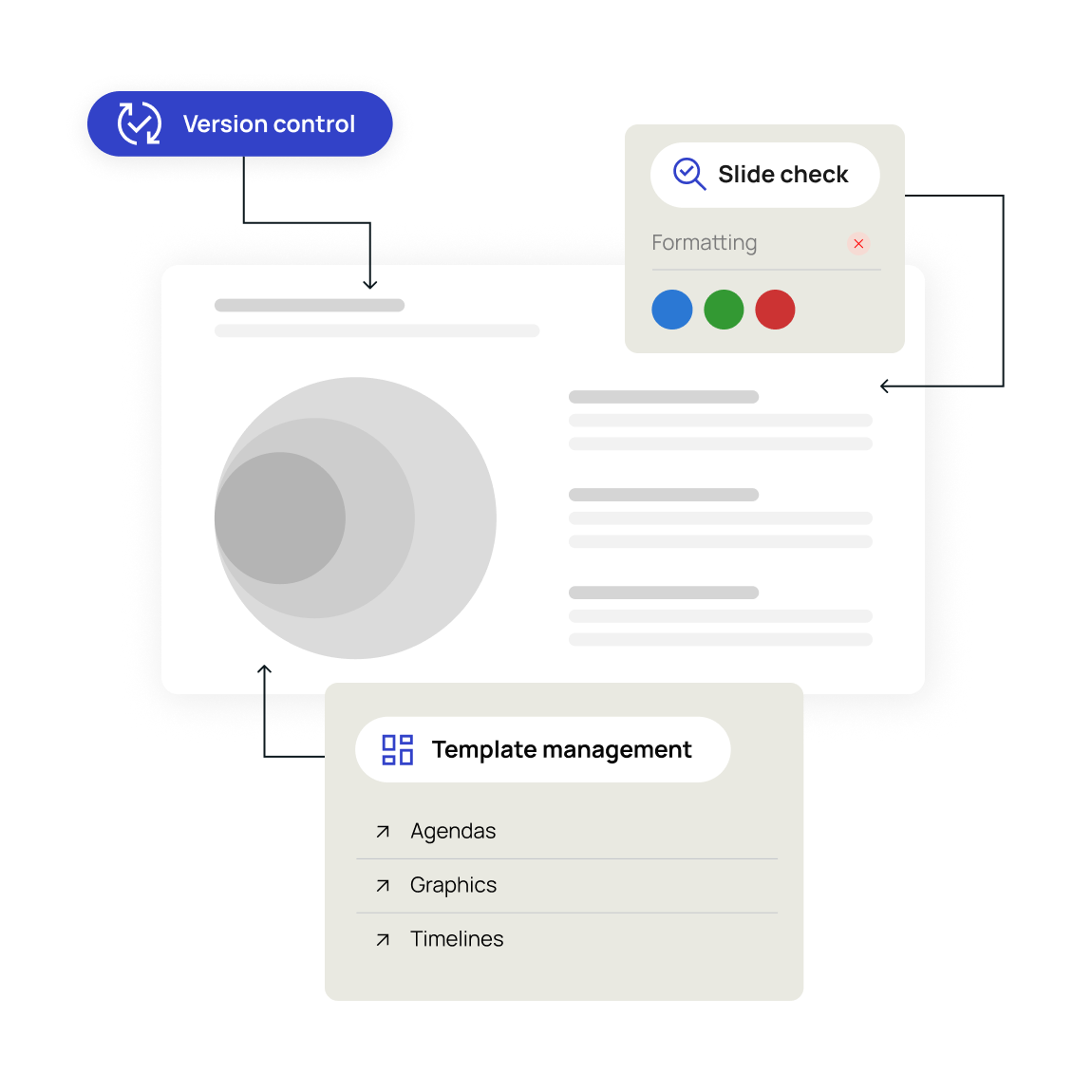
Version control ensures your team is always working from the latest, approved slide library content. No more outdated presentations.

Template management
Centralize your PowerPoint templates in the slide library, ensuring every presentation stays on-brand from the start.
"TeamSlide has been a game changer for us. With over 160 properties, we needed a simple, scalable way to keep our teams aligned and on-brand. Now, our sales teams can build presentations faster and more confidently, knowing they’re using the latest content."

Trusted by teams worldwide
Real results from teams that transformed their slide library



FAQ
Everything you may be wondering about TeamSlide's slide library
A slide library is a centralized, searchable repository of your organization's approved PowerPoint slides, templates, and visual assets. Instead of hunting through shared drives and email threads, your team searches for what they need and inserts it directly into their presentation. TeamSlide connects your slide library to PowerPoint as a native add-in, so finding and reusing approved content takes seconds, not minutes.
TeamSlide adds a search pane directly inside PowerPoint that connects to your existing content systems like SharePoint, OneDrive, Box, and more. Type a keyword, tag, or category and see individual slide thumbnails from across your entire library instantly. Click the slide you need and insert it in one click. No switching applications, no downloading files, no asking a colleague where something is stored.
A shared drive stores files. A slide library makes individual slides searchable, accessible, and always up to date. With a shared drive, your team browses folders and opens full presentations to find one slide. With TeamSlide's slide library, they search by keyword, tag, or category and see individual slide thumbnails instantly, directly inside PowerPoint. A slide library also adds version control, permissions, and brand compliance features that a shared drive simply cannot provide.
Yes. When a slide in your library is updated, TeamSlide automatically alerts every team member who has that slide in their presentation. They can see exactly what changed, preview the new version, and update with a single click. Your team always presents the latest, approved content.
No. TeamSlide connects to SharePoint and makes it more useful. Your content stays in SharePoint exactly where it already lives. TeamSlide adds a searchable, PowerPoint-native interface on top of it so your team can find individual slides in seconds without navigating folder structures or leaving PowerPoint. If you already use SharePoint, TeamSlide makes your existing investment work harder.
TeamSlide supports individual slides, full presentations, PowerPoint templates, images, and visual assets. Content is organized into boards - a slide search board for approved slides, a templates board for blank layouts and starting points, a files board for full presentations, and an images board for approved visuals. Each board has its own permissions so the right content reaches the right people.
Any team that builds presentations regularly and needs to stay consistent and on-brand. Marketing teams use TeamSlide to ensure every client-facing presentation reflects current brand standards. Sales teams use it to find and reuse approved slides without starting from scratch. Consulting firms use it to manage large libraries of proprietary frameworks and case studies. Knowledge managers use it to organize and govern content at scale across the organization.
A better way to build presentations
See how a centralized slide library can improve brand consistency and save time.