
Blog
Ideas and Insights for better presentations
Practical tips on managing slides, templates, and content at scale.
Thank you! Your submission has been received!
Oops! Something went wrong while submitting the form.


No items found.
As a marketer, you want your sales team armed with your best, up-to-date, and on-brand slide templat



No items found.
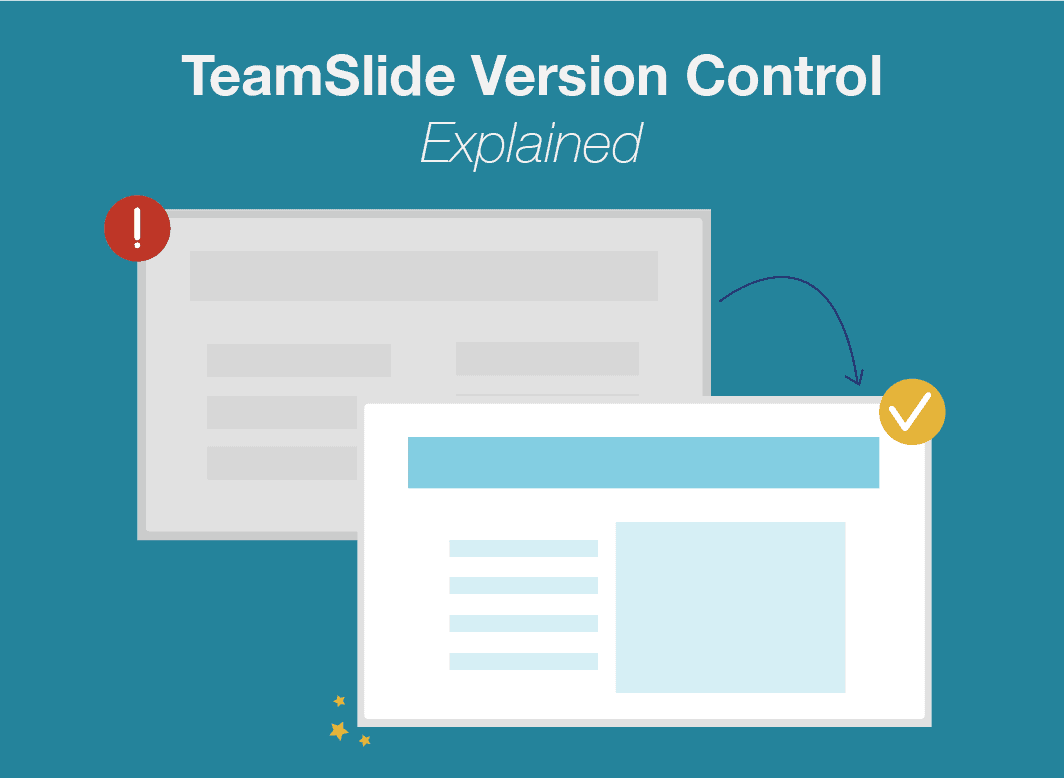
Have you ever tried to update your Microsoft PowerPoint master slide? We update our PPT masters to m
No items found.
Version control doesn’t have to be complicated. TeamSlide syncs with your content management syste

No items found.
Optimizing your Request for Proposal (RFP) response process increases the number of requests you can

No items found.
Are your corporate PowerPoint templates out-dated or just messy? Do your teams waste time formatting

No items found.
Although they are the largest words on a PowerPoint slide, slide titles are often overlooked. Lear
No items found.
2022 Update: Pros and Cons of PowerPoint Reuse Slides and Why We Built Slide Finder If you create�
Take control of your slide library

See TeamSlide in action
Watch quick videos to see how teams find, reuse, and create slides in PowerPoint without changing how they work.
Learn

Explore key features
Browse the tools that help teams manage slide libraries, keep content up to date, and even generate new slides with AI.
Learn

Connect your content
See how TeamSlide fits into your existing tools and processes so adoption is easy and value shows up fast.
Learn
"TeamSlide has been a game changer for us. With over 160 properties, we needed a simple, scalable way to keep our teams aligned and on-brand. Now, our sales teams can build presentations faster and more confidently, knowing they’re using the latest content."

Matt Plaxe
Senior Manager
.png)
Put your PowerPoint content to work
Stop digging for slides and start reusing what already works, right inside PowerPoint.
Presentation tips, minus the fluff
Monthly tips on organizing content, improving presentations, and getting more value from your PowerPoint slide library.