
Blog
Ideas and Insights for better presentations
Practical tips on managing slides, templates, and content at scale.
Thank you! Your submission has been received!
Oops! Something went wrong while submitting the form.

No items found.
In the fast-paced realm of modern business, where success hinges on precisely deploying the right co

No items found.
Since the release of Open AI’s chatbot, ChatGPT, in late 2022, professionals have been attempting
No items found.
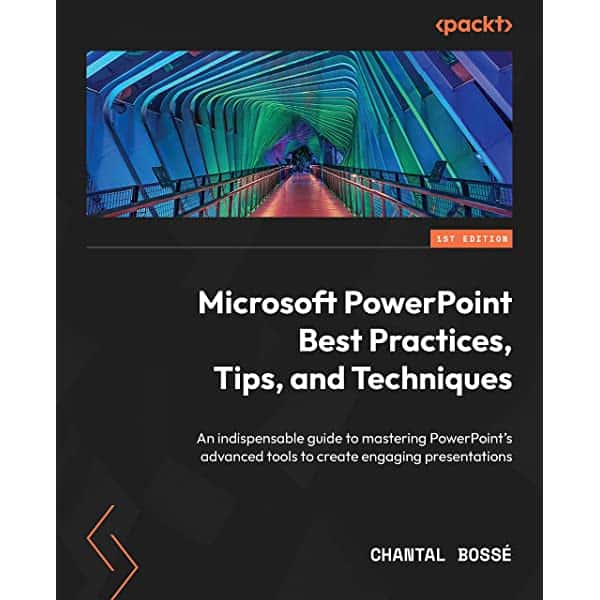
“Microsoft PowerPoint Best Practices, Tips, and Techniques: An indispensable guide to masterin

No items found.
It is finally happening: investment advisors now can use digital channels as a resource to promote t
No items found.
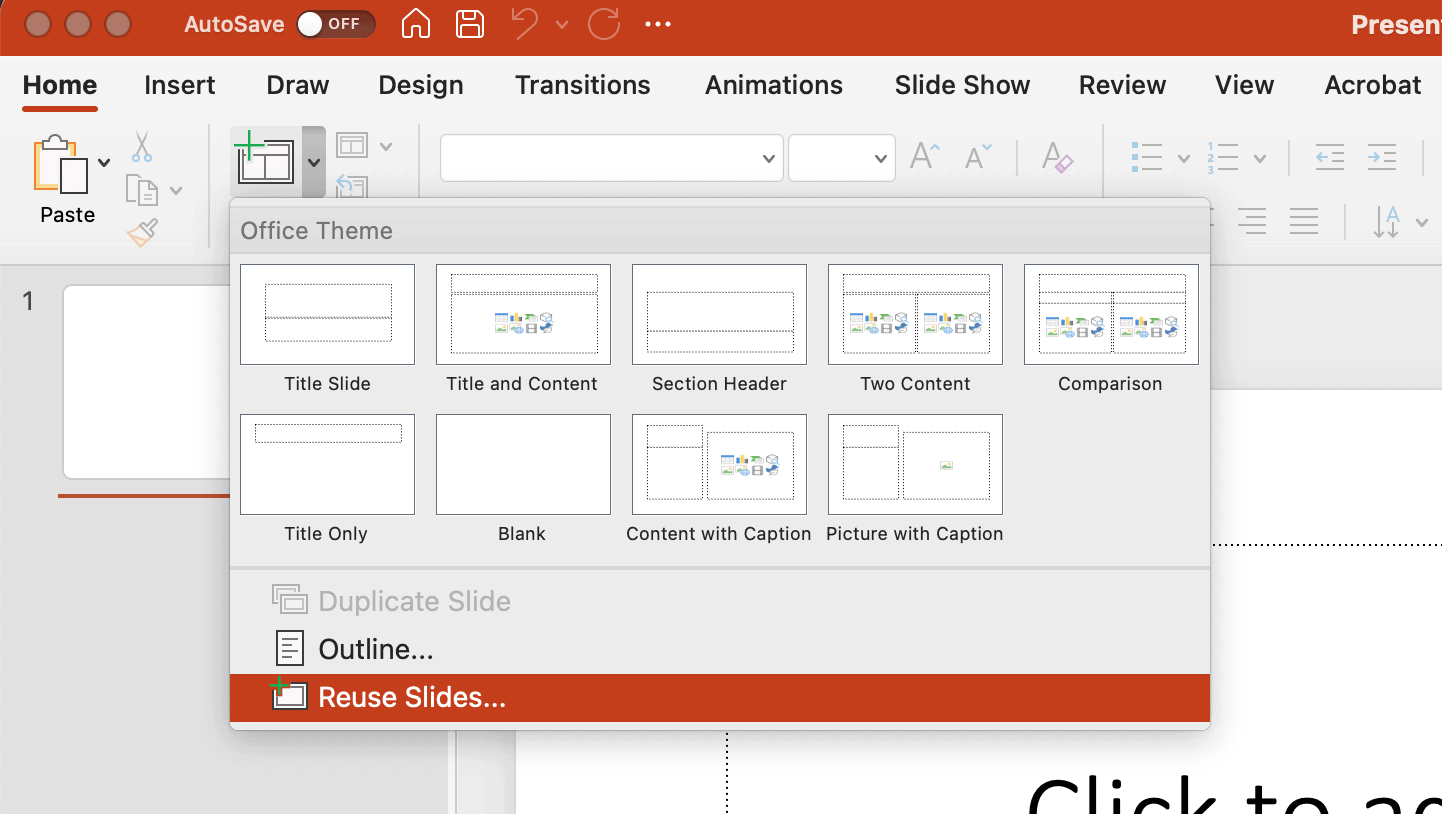
If you create presentation slides or even manage presentations for your company, you’ve likely wan


No items found.
In 2015, Seth Godin made a bold statement: “Content Marketing is the only marketing left.̶
No items found.
High-quality content is one of the most effective ways to drive traffic to your website. Consumers a
Take control of your slide library

See TeamSlide in action
Watch quick videos to see how teams find, reuse, and create slides in PowerPoint without changing how they work.
Learn

Explore key features
Browse the tools that help teams manage slide libraries, keep content up to date, and even generate new slides with AI.
Learn

Connect your content
See how TeamSlide fits into your existing tools and processes so adoption is easy and value shows up fast.
Learn
"TeamSlide has been a game changer for us. With over 160 properties, we needed a simple, scalable way to keep our teams aligned and on-brand. Now, our sales teams can build presentations faster and more confidently, knowing they’re using the latest content."

Matt Plaxe
Senior Manager
.png)
Put your PowerPoint content to work
Stop digging for slides and start reusing what already works, right inside PowerPoint.
Presentation tips, minus the fluff
Monthly tips on organizing content, improving presentations, and getting more value from your PowerPoint slide library.