
Media Sales Presentation Management: Find the Right Slide Faster
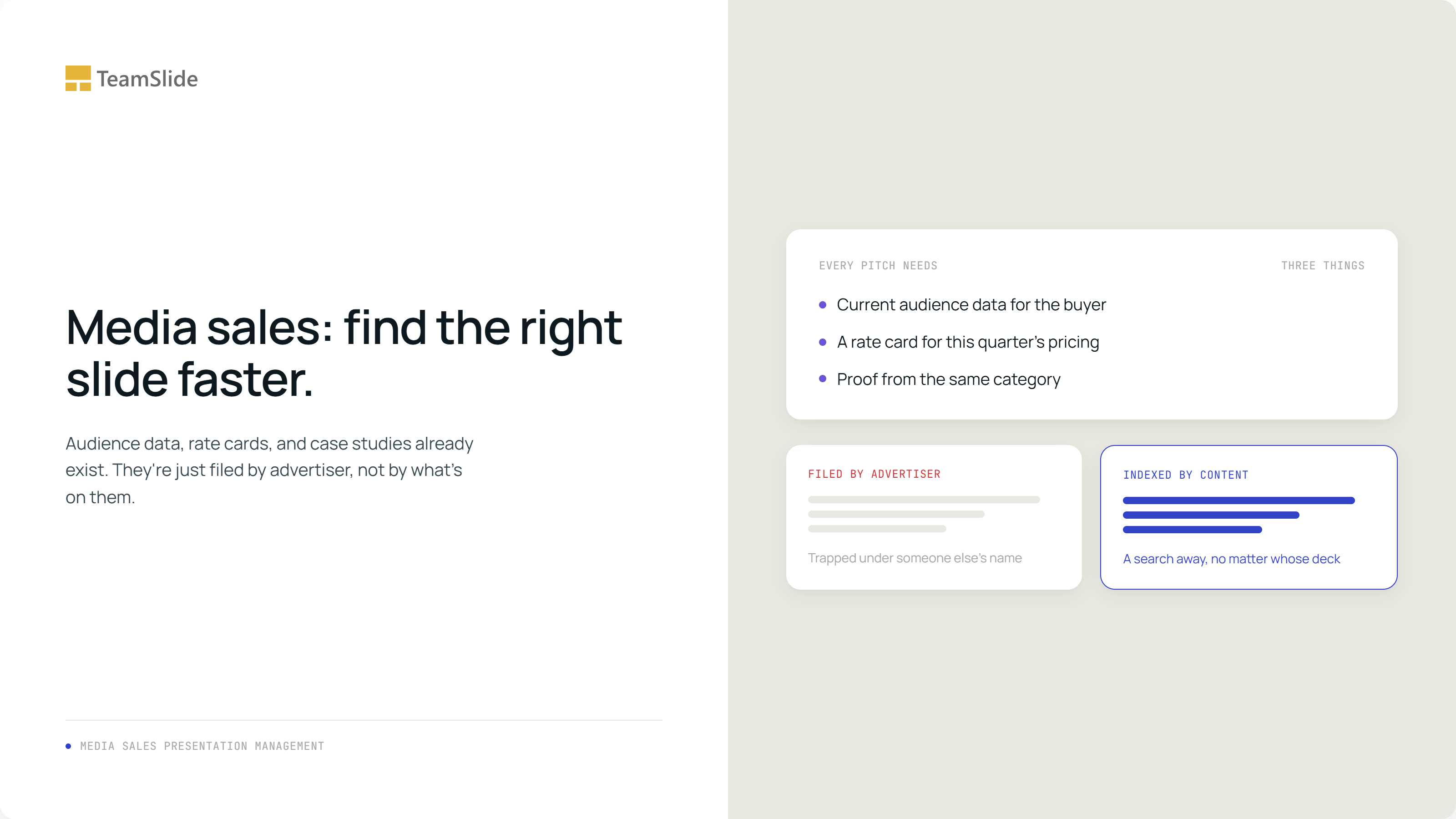
It's Tuesday afternoon and an account executive just got off a call with a beauty brand's media buyer. To send a proposal by Thursday, she needs three things: the current audience breakdown for women 18 to 34, the CTV rate card at this quarter's pricing, and a case study from a campaign that actually looks like this one, ideally something in beauty or CPG, not the auto or retail examples sitting in her last two decks.
All three are already sitting somewhere in the company. The audience slide was built two months ago for an auto advertiser. The rate card was last touched in May for a retail client. The strongest beauty case study is buried on page fourteen of a deck built for a completely different skincare brand last year. None of it is filed anywhere she'd think to search, because none of it was filed by what it is. It was filed by who it was for.
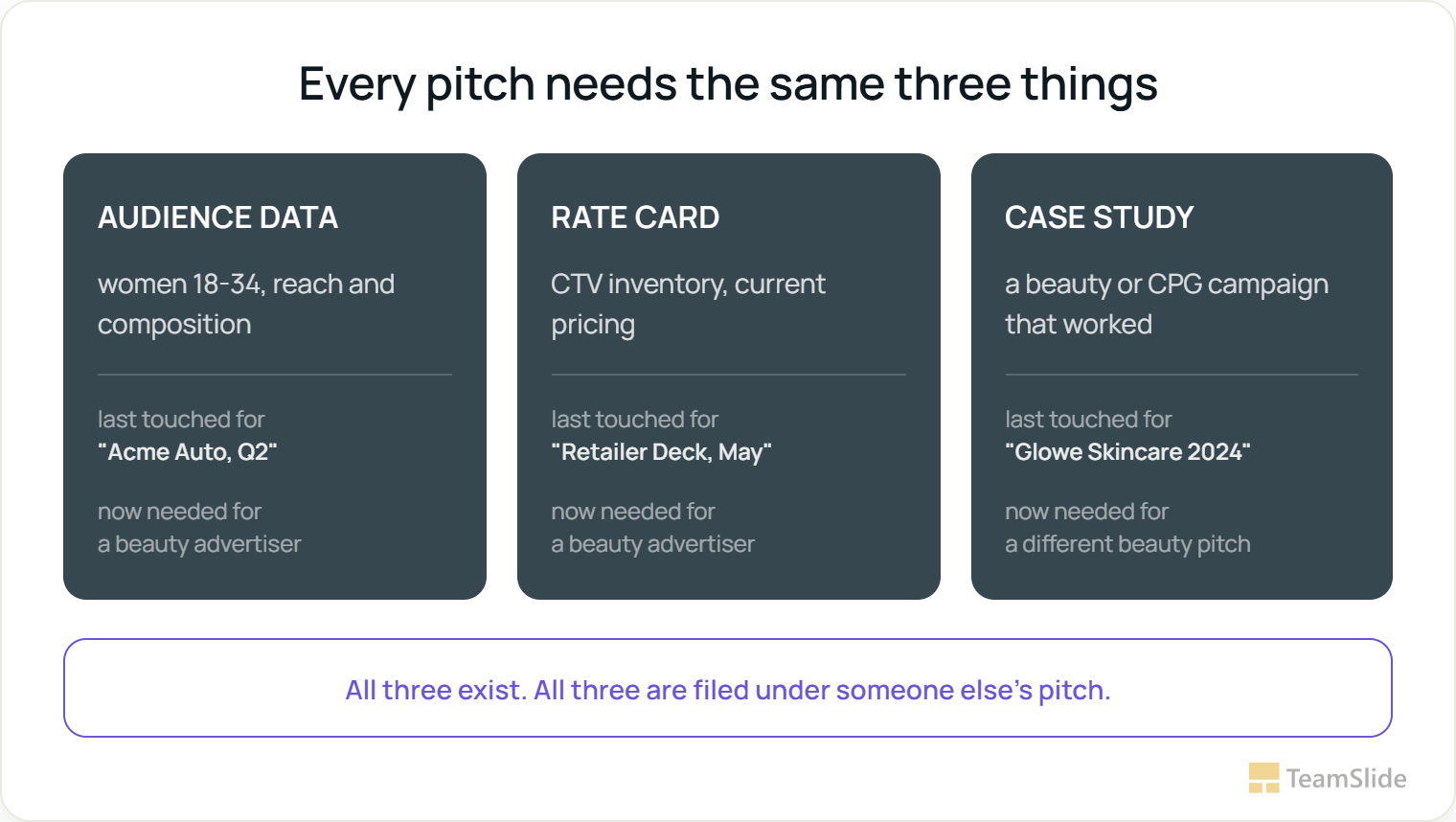
Every pitch needs the same three things
This isn't specific to beauty advertisers, or to this account executive. Swap the vertical and the same three requests come back nearly every time: audience data for whoever the buyer is trying to reach, a rate card for whatever format they're buying, and proof that something like this has worked before, for someone in their category. The requests repeat. What answers them doesn't get filed in a way that lets anyone find it a second time.
Numbers change faster than slides do
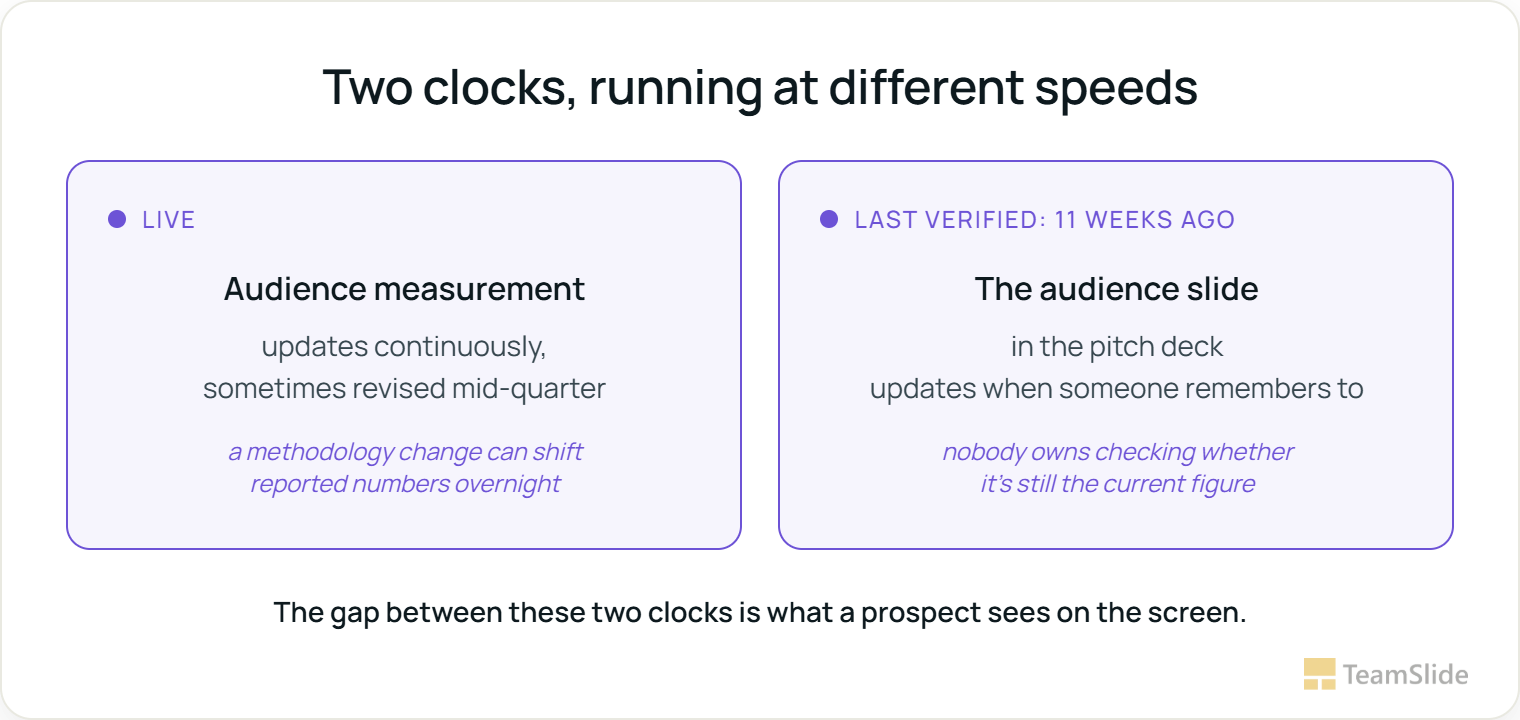
Audience data isn't like a rate card or a case study. It has to stay current, because it's the exact number an advertiser is actually paying against, and keeping it current is real work: usually one person on a research team, manually rebuilding a slide by hand every time new numbers land.
That work matters because these numbers move more than most people realize. In March 2026, the Media Rating Council raised concerns about a Nielsen measurement update, pointing to a reported 10 percent drop in a key demographic's numbers. Nielsen kept its accreditation throughout, but the MRC didn't confirm the fix until a follow-up review in May 2026, two months where the flagged numbers were still the ones showing up in decks.
A ten percent swing in a reported demographic isn't a rounding error. It's the exact number sitting on someone's audience slide right now.
This doesn't mean every media kit is wrong. It means there's a real gap between the moment a number changes and the moment someone updates the slide, and the account executive standing in front of the client inherits whatever is sitting on that slide when the meeting starts.
Whichever rate card matches what they're actually buying
Linear, connected TV, digital display, podcast, out-of-home, each has its own pricing and inventory, and an advertiser only wants the one that matches what they're planning to buy. A rep who last built a CTV rate card for a retail client in May has exactly the wrong asset for a beauty pitch in September if pricing shifted in between, and there's rarely a single, obviously-current source of truth for "today's CTV rate card," just whichever version happens to be in whichever deck someone can find fastest.
This is a smaller stakes problem than audience data, nobody files a regulatory complaint over an outdated rate card, but it's a credibility problem in the room. An advertiser who gets quoted a price that changed two weeks ago notices, and the conversation shifts from the pitch to the correction.
Proof from someone in the same business
A beauty advertiser wants to see a beauty campaign. An automotive buyer wants automotive results. This is the most human of the three requests, and the hardest one to satisfy from memory, because the strongest matching case study might have been built eighteen months ago for a brand nobody on the current pitch team ever worked with directly.
Case studies get built well once, for whoever the client was at the time, and then they sit inside that client's deck indefinitely. The next beauty advertiser who could have used that exact case study never sees it, because the search that would surface it doesn't exist, only the memory of whoever happened to build the original deck, and that person may not even be on the account anymore.
More brands means more places for the same slide to hide
This gets worse, not better, at media companies running several networks, publications, or platforms under one corporate umbrella. This is common at companies with dozens of distinct brands and sub-brands, where each one often runs as its own silo, with its own audience data, its own rate cards, and its own case studies, filed in that brand's own folder structure. A rep pitching across two of the company's properties in the same meeting has to reconcile two entirely separate filing habits just to build one deck.
Nobody's job is to notice when it's gone stale
The instinct is usually to build a shared template library, a folder everyone's supposed to pull from instead of their own old decks. It helps for a while. It doesn't solve the actual problem, which is that a folder can't tell anyone whether the slide inside it still reflects this quarter's numbers. A well-organized folder of stale slides is still a folder of stale slides, just easier to find the wrong version faster.
Same three requests, one search away
A slide library changes what "finding the right slide" means. Instead of searching by advertiser name or campaign quarter, a search that runs on what's on each slide lets a rep pull up every audience slide by demographic, every rate card by format, and every case study by vertical, regardless of which advertiser's deck any of it originally lived in.
This doesn't require moving anything first. TeamSlide connects directly to wherever the decks already live, SharePoint, a shared drive, a folder structure that's been growing since before anyone currently on the team joined, and indexes what's already there. Nobody has to re-tag last year's case studies or rebuild a filing system before search starts working.
The multi-brand problem gets solved the same way. A search for "CTV rate card" or "beauty case study" doesn't care which network or publication a slide originally belonged to, so a rep working across two of the company's properties in one pitch searches once instead of digging through two separate folder trees. The silo stops being a wall the moment retrieval stops depending on knowing which brand's folder to open first.
The staleness problem gets solved differently than the findability problem, and it has to. A version-controlled library flags a slide once its underlying data is out of date, so an audience slide built before a measurement revision doesn't keep circulating after the numbers changed. That's the direct answer to the gap between when Nielsen updates and when a slide gets touched, the update becomes visible instead of silent.
Run Tuesday afternoon through this instead. The account executive searches 'women 18 to 34' and gets the most recently verified audience slide, not the one built for the auto pitch two months back. She searches 'CTV rate card' and gets this quarter's version, flagged current. She searches 'beauty' and the case study buried on page fourteen of someone else's deck surfaces on its own. The proposal goes out Thursday built from a search, not a memory.
A good account executive still brings something no slide library can: reading what a specific buyer actually cares about, knowing which case study will land, adjusting the pitch as the conversation moves. What changes is that the three things every pitch needs are a search away instead of a memory away, and the deck that shows up on Thursday reflects this quarter, not the last time someone happened to touch that slide.
The beauty case study the account executive needed was sitting on page fourteen of a different brand's deck the whole time, filed under a name that had nothing to do with beauty, waiting on a search that had never been built to find it.
Find the slide instead of rebuilding it
TeamSlide indexes a media sales team's existing decks at the slide level, so the audience data, rate card, and case study a pitch needs are searchable by what they contain, no matter which advertiser's deck they were originally built for. Version control flags slides once the underlying data goes stale, so a rep always presents this quarter's numbers, never last quarter's slide.
Frequently Asked Questions
Isn't this really a data problem, not a slide problem?
It's both. The underlying audience and rate data usually lives in a research or ad-ops system already. The gap is between that system and the slide a rep hands to a client, which is often manually rebuilt and only as current as the last person who updated it. A searchable, version-controlled slide library closes that specific gap.
How does this help across multiple brands or networks under one company?
Search runs on slide content rather than on which brand's folder a deck sits in, so an audience slide, rate card, or case study built for one network or publication becomes findable by a rep working on a different one, without anyone reorganizing the underlying folder structure first.
Does this replace our audience measurement provider or ad-ops platform?
No. TeamSlide doesn't measure audiences or manage inventory. It indexes the slides built from that data, so the version a rep presents reflects the current numbers instead of whichever slide happened to be built last.
What happens when a rep leaves and takes institutional knowledge with them?
The case studies, audience breakdowns, and rate cards that rep built are still there, and still searchable by what's on them, whoever built them. The knowledge doesn't walk out the door with the person.
Do we need to reorganize our existing decks before this works?
No. TeamSlide indexes the text already on each slide, so existing decks become searchable without anyone renaming files or rebuilding a folder structure first.



More from our blog
Discover insights and strategies for better presentations