


How do I grant Support access to my account?
On occasion, to better help you solve potential issues, TeamSlide Support may require temporary access to your account and slide library. Here’s how you can grant access for a specific time period:
From the Web Portal
1. Log into your TeamSlide Web Portal and click on Support on the top right.
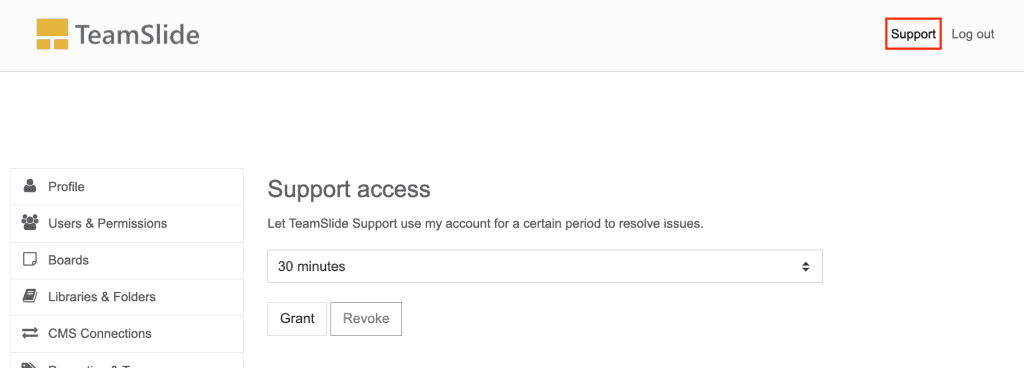
2. Choose how long you’d like to grant access for: 30 minutes, 4 hours, or 24 hours
3. Click on Grant.
Please email us once you grant access to your account. We can then work with you to resolve any issues.
From the TeamSlide pane in PowerPoint
1. Open the TeamSlide pane in PowerPoint and click on the settings wheel in the top right corner.
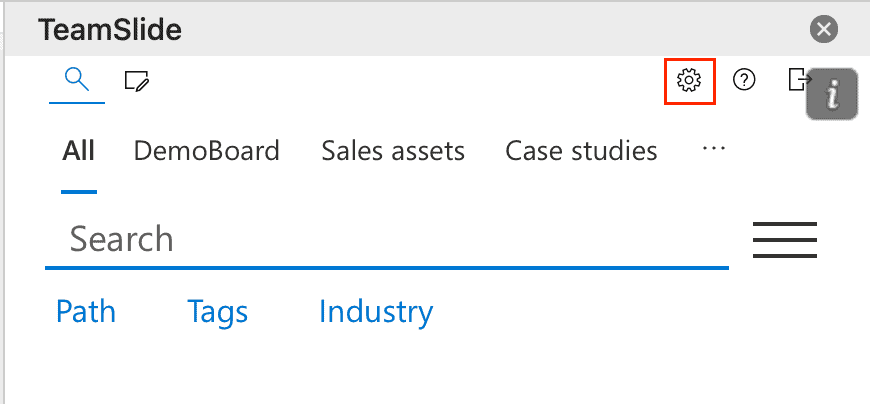
2. Scroll to the bottom of the settings options to find the Support section. Choose how long you’d like to grant access for: 30 minutes, 4 hours, or 24 hours
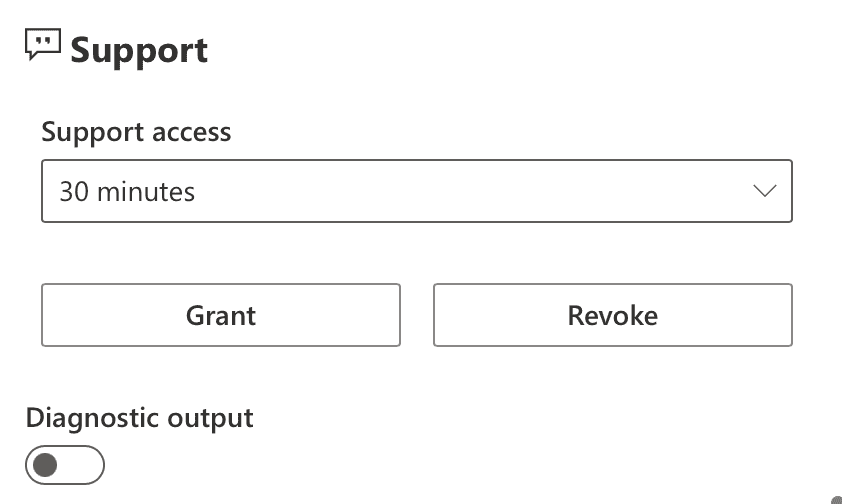
4. Click on Grant.
Please email us once you grant access. We can then use your account to resolve any issues.