Deploying the TeamSlide PowerPoint add-in
When rolling out TeamSlide to many users, typically in conjunction with SSO, use the Microsoft 365 admin center to deploy the add-in.
1. Log in to the Microsoft 365 Office admin center
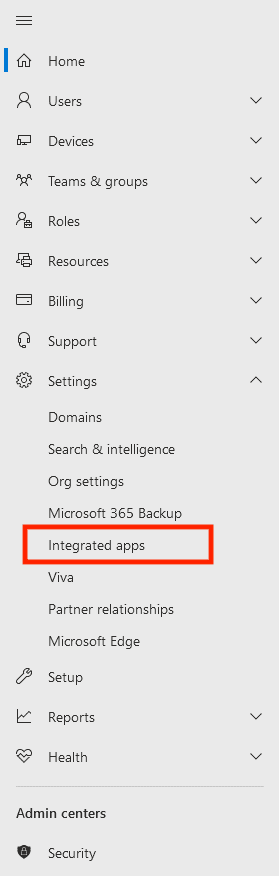
2. In the main menu, click Show all… Under the settings dropdown click Integrated apps
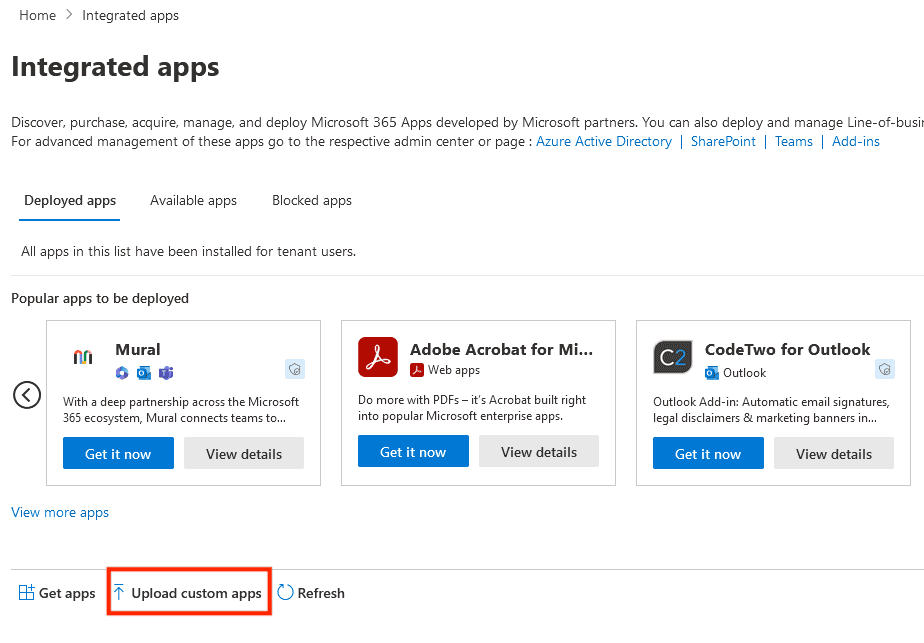
3. Click Upload custom apps. (If not using SSO, find TeamSlide in the “Get apps” section)
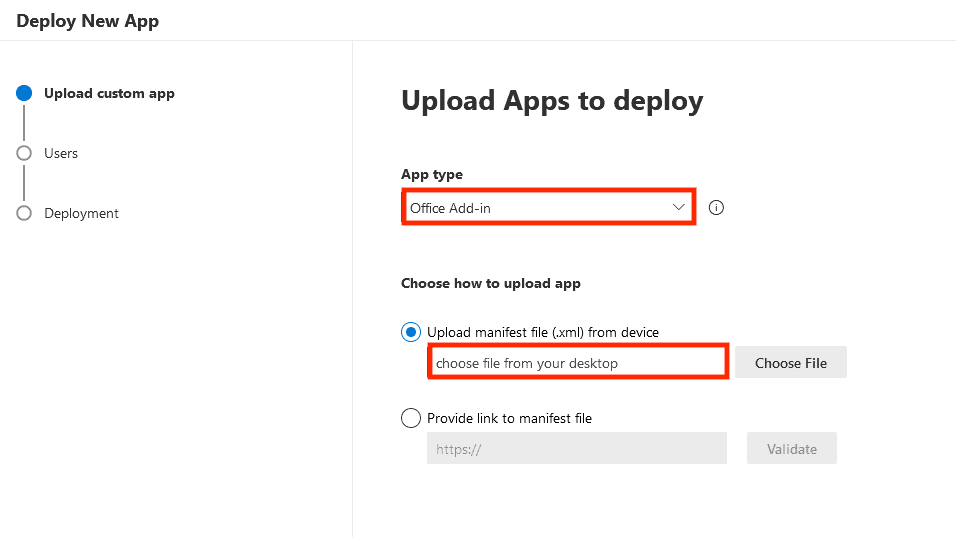
4. Select Office Add-in in the “App type” drop-down list (default to “Teams app”)
Select Upload manifest file, then select the file we have provided for you. Click Next.
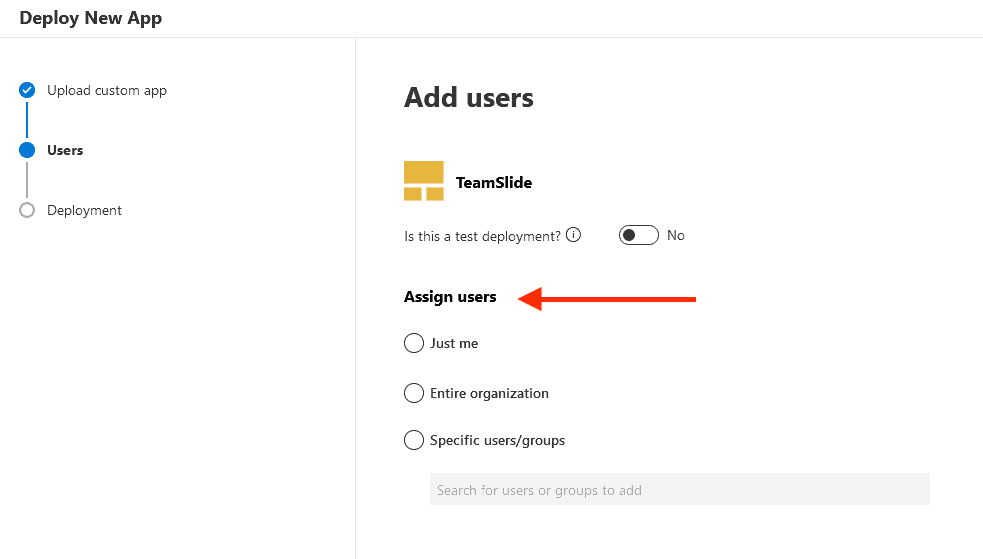
5. Now, add users that you’d like to have access to TeamSlide.
The deployment may take up to 12 hours to deploy to all users.
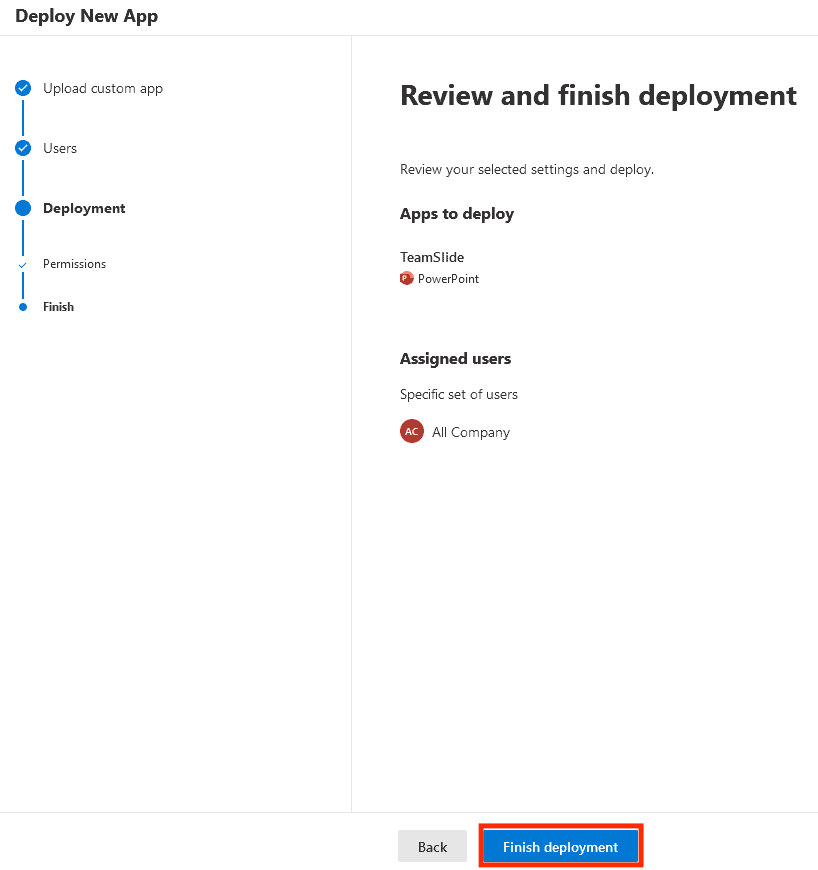
6. Accept permissions requests. Finally, review and click finish deployment.